RDS Agent
H000002007-RDS User Manual │Version 5.0.0 (2018-09-17) │24
C. RDS AGENT
RDS Agent is the user entry door to RDS. It provides
• Basic status information
• Access to the RDS Tools
• Quick Access Menu (controlled with the arm)
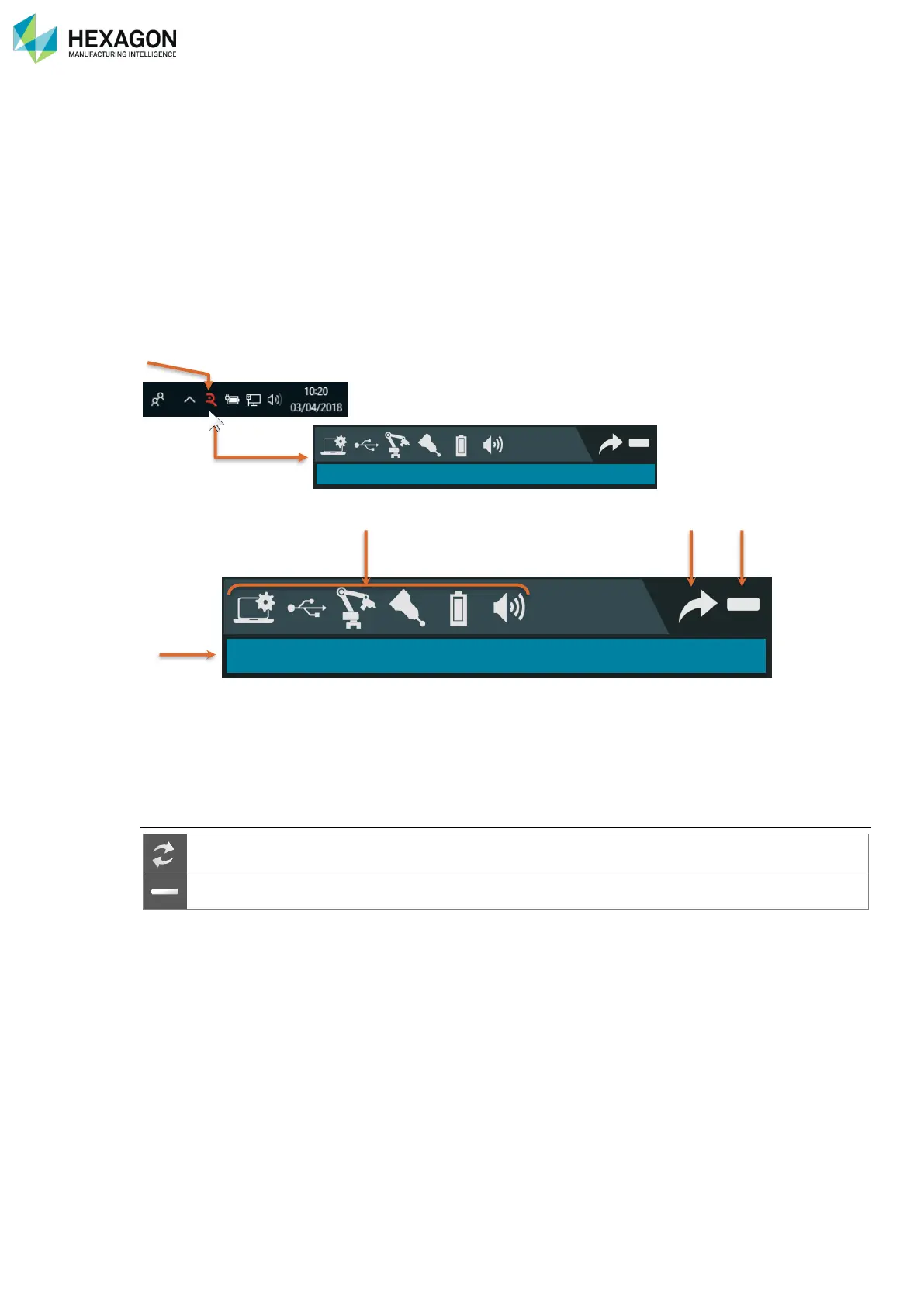
An icon on the status bar at the bottom of the screen gives access to its interface.
At any moment, it is possible to access those functions, by clicking on RDS icon in the task bar on the right
bottom of the screen, the RDS Agent then appears.
a. System global status
b. System status and quick configuration
c. Access to RDS tools
d. Window control (see below).
Window control



 To Next Page