RDS Toolbox (arms only)
H000002007-RDS User Manual │Version 5.0.0 (2018-09-17) │111
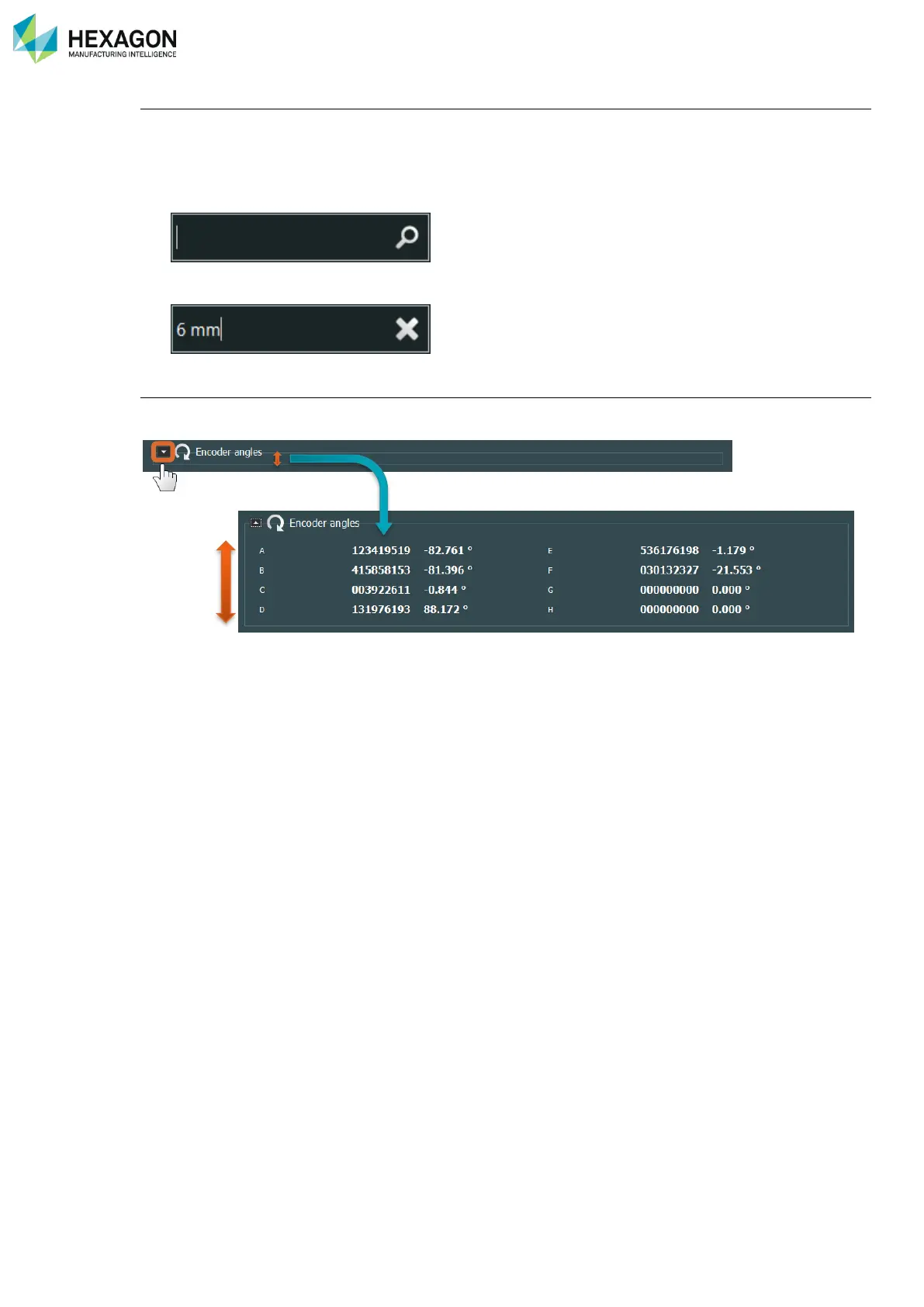
Search (Ctrl + F)
As numbers of software, a quick search function can be used with the shortcut Ctrl + F. Even if no “Search”
area is visible, Ctrl + F will provide a search function by keyword.
Any time the filter symbol is present, the search function can be activated:
1. On the keyboard press Ctrl + F: a search area appears
2. Enter the keyword: the list is automatically reduced.
Groups expand / reduce
In some panels, the information is grouped (ex: Arm status). In such case, it is possible to expand or hide
the content of a group by clicking on the arrow on the left.



 To Next Page