RDS Toolbox Vault – secured area
H000002007-RDS User Manual │Version 5.0.0 (2018-09-17) │120
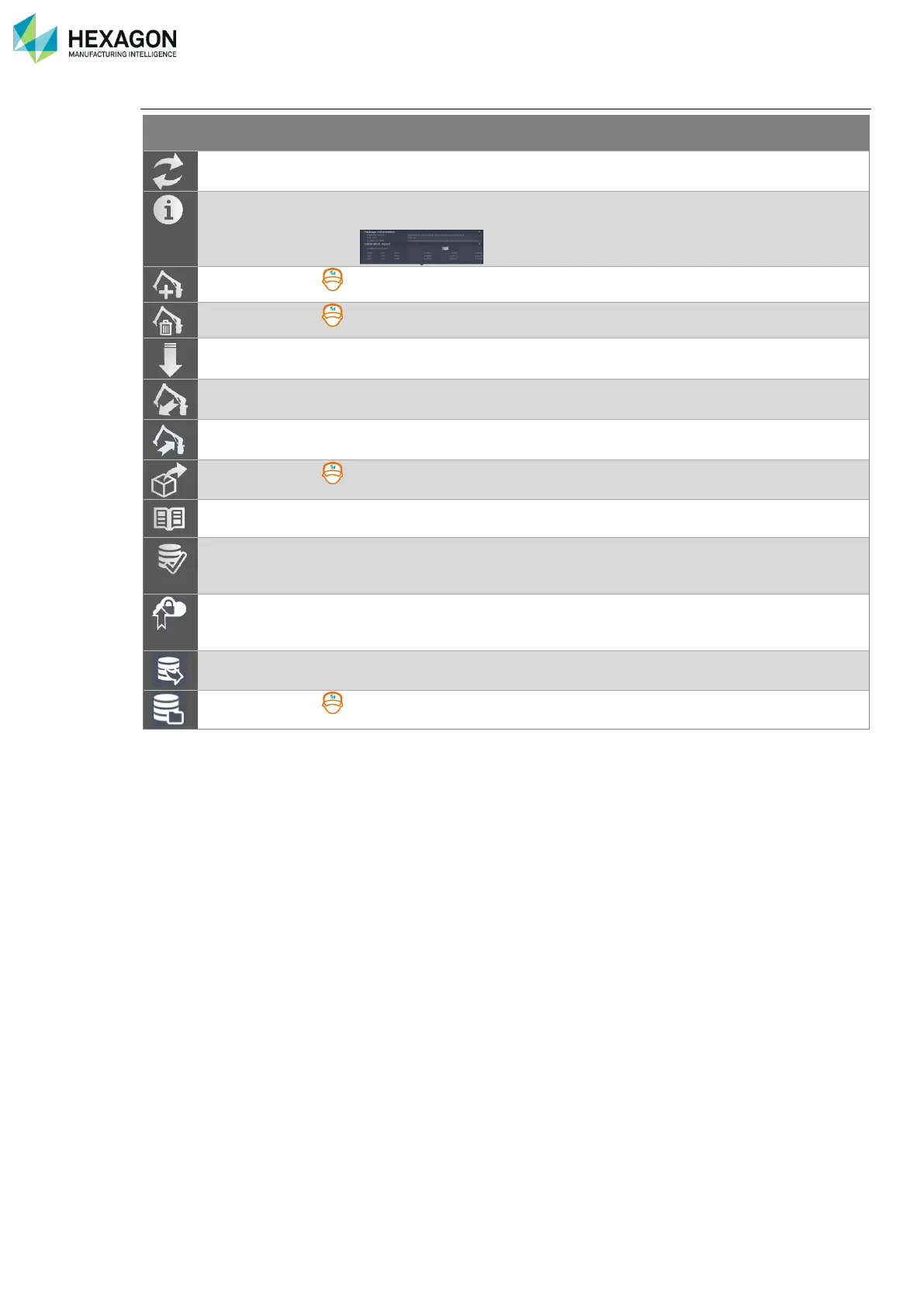
Buttons description
Refreshes the current list of packages for all the current arms
Gives details about the package ID and location (= right click on the
package line)
Used to remove manually the selected DISTANT arm from the list.
Download the selected package locally on the computer
Create a backup of the memory of the connected arm
Restore the memory of the arm with the selected package
Extract the content of the package into RDS Data Collector environment.
Opens the certification report
Switch RDS Toolbox in Database mode with the selected Dataset
package
Does a manual upload of the SMART dataset to the HEXAGON Server
(on the request of a Hexagon Manufacturing Intelligence technician)
Retrieve and compress the local SMART dataset and main Log files to a
zip file, which can be sent to a Service centre.
Opens a SMART dataset (from a direct SMD dataset file or from a zip file)



 To Next Page