RDS Agent
H000002007-RDS User Manual │Version 5.0.0 (2018-09-17) │28
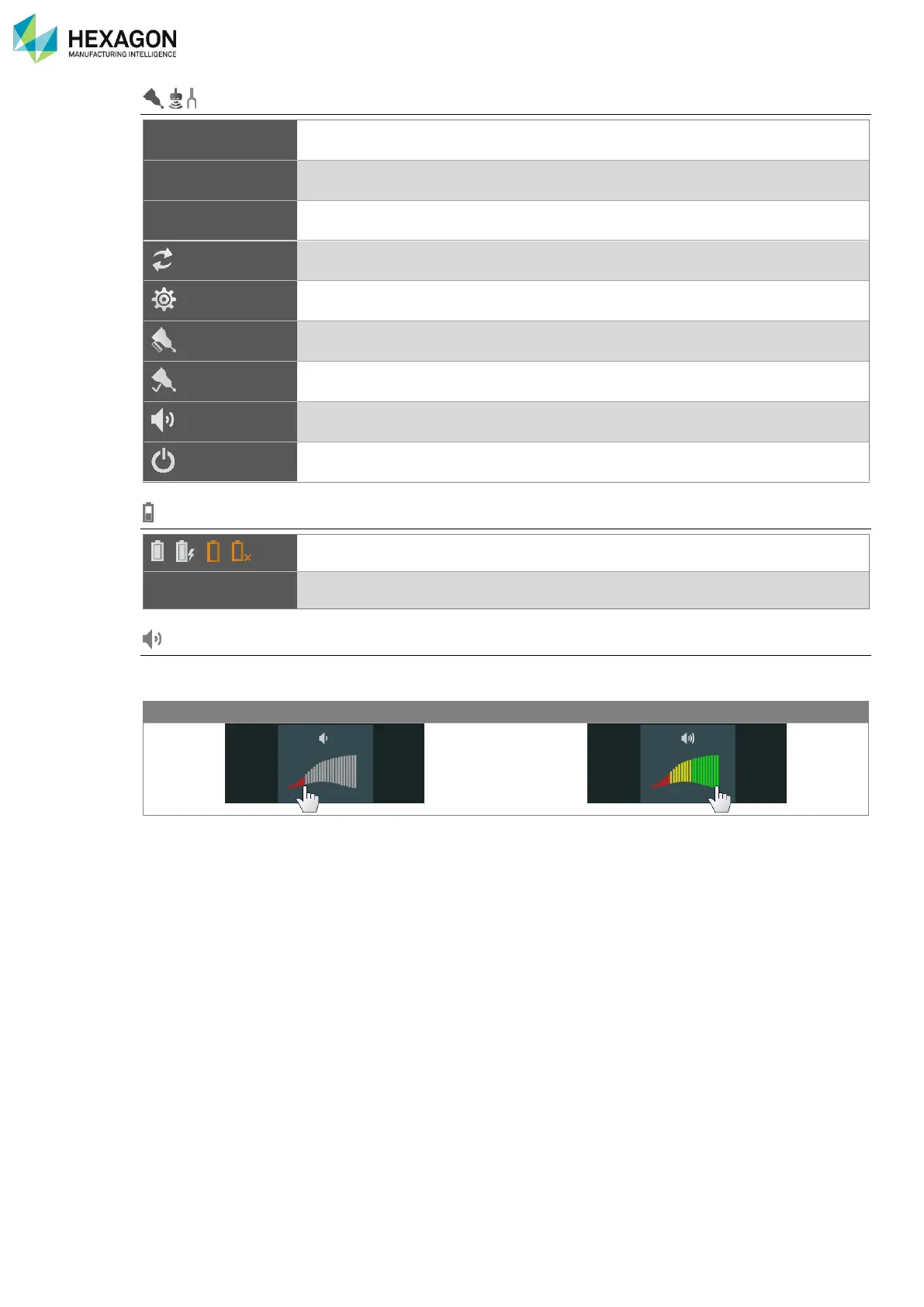
Sensor status (Probe / Scanner / NC Tube probe)
Shows the type of sensor (Contact probe / Scanner / NC Tube probe)
Shows the date, time and calculation result of last alignment (Alignment) of the
probe.
On RA8-7 axes only: change the probe / scanner selection
Shows more status information (in RDS Control Panel)
Runs the probe alignment process in RDS Data Collector
Runs the probe verification process in RDS Data Collector
Activate / deactivate the Depth sound guide for the scanners
Power off the HP-L-20.8 / CMS108 scanner
Battery status (OK, Low, No battery)
Sound level (Arms only)
To change the sound level of the arm or the headset, click on the desired.



 To Next Page