RDS Control Panel
H000002007-RDS User Manual │Version 5.0.0 (2018-09-17) │63
TJK probe adapter management:
For the arms on which the probe is threaded (no TKJ connection neither M27 Probe nut) such as 71xx
series arms, the probes don’t have the same repeatability as TKJ probes or M27 probes. Moreover, some
probes, are available only with TKJ or M27 connectors (such as NC Tube probes, Touch trigger Probes,
…) thus can’t be mounted directly on those arms.
To be able to use all TKJ connector advantages on a 71xx series arm, a TKJ adapter can be mounted.
Such adapter is normally designed to be let on the arm to be able to use repeatable probes (that avoid
realignment each time the probe is mounted) and to use NC Tube probes, Touch trigger probes, ….
Once the TKJ adapter is mounted, the arm can use probes as a standard 73xx or 75xx series arm.
The TKJ adapter is dedicated to definitely replace the threaded connector by a TKJ connector on the
71xx series arm. Thus, all the existing threaded probes should be replaced by TKJ probes.
However, if the adapter is dismounted (to mount again a threaded probe for ex.), each time the TKJ adapter
is mounted back on the arm (=screw = not repeatable), all probe Alignments should be invalidated, and all
probes realigned.
RDS automatically detect when the adapter has been dismounted and ask the question for full probes
realignment
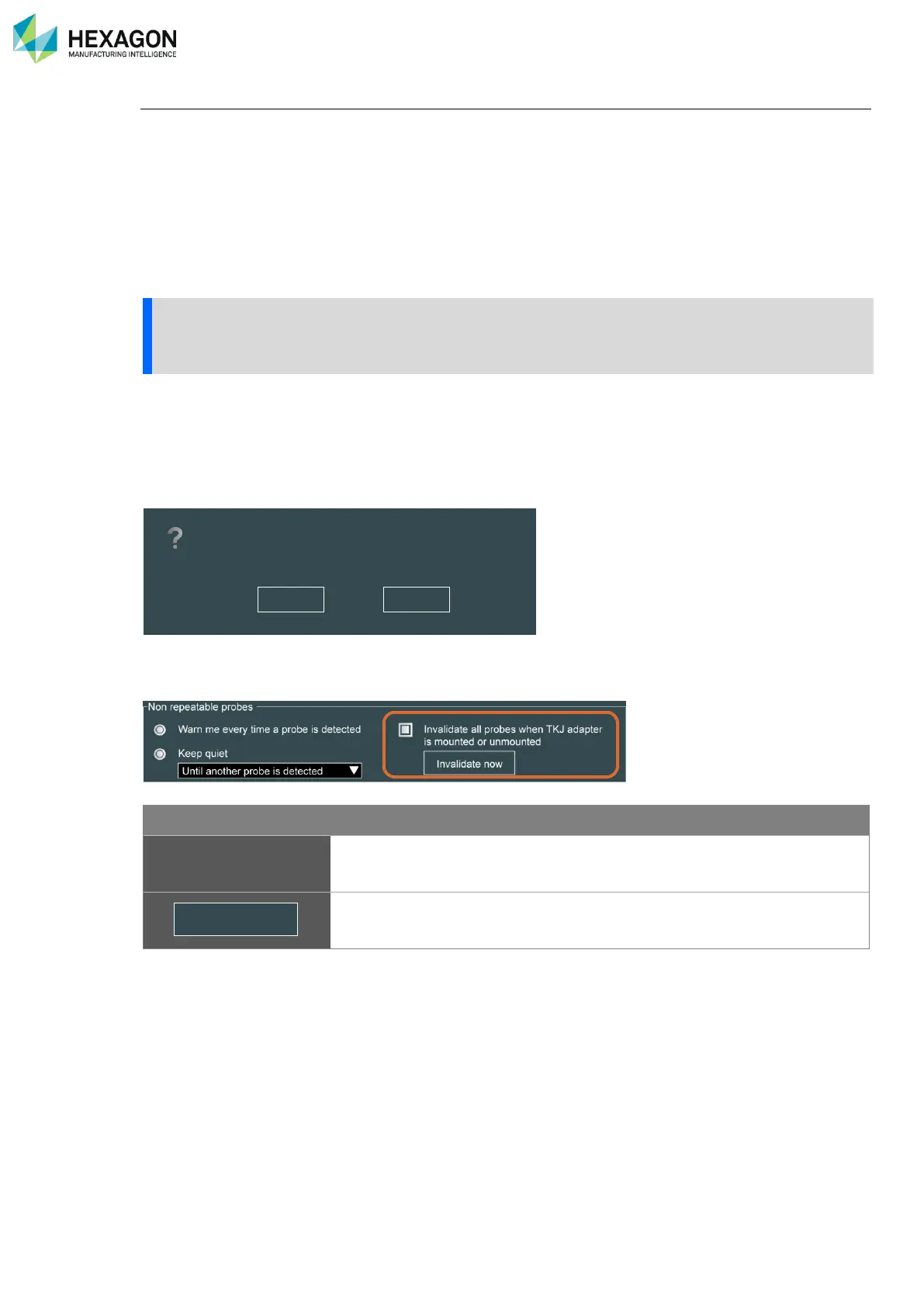
• For the TKJ adapter, specific parameters are automatically displayed in Control Panel probe tab:
Invalidate all probes
when TKJ adapter is
mounted or unmounted.
RDS recognizes when the TKJ adapter is dismounted from the arm and as
soon as it is mounted back on the arm, all the probe Alignments are
automatically invalidated.
In case the automatic invalidation was not active and the message to
invalidate was refused, this button gives the way to invalidate the probes
Alignment at any moment.
The TKJ adapter has been mounted.
You’ll have to recalibrate your probes before using them.
Press “Yes” to invalidate them now and then avoid accuracy issues.
No Yes



 To Next Page