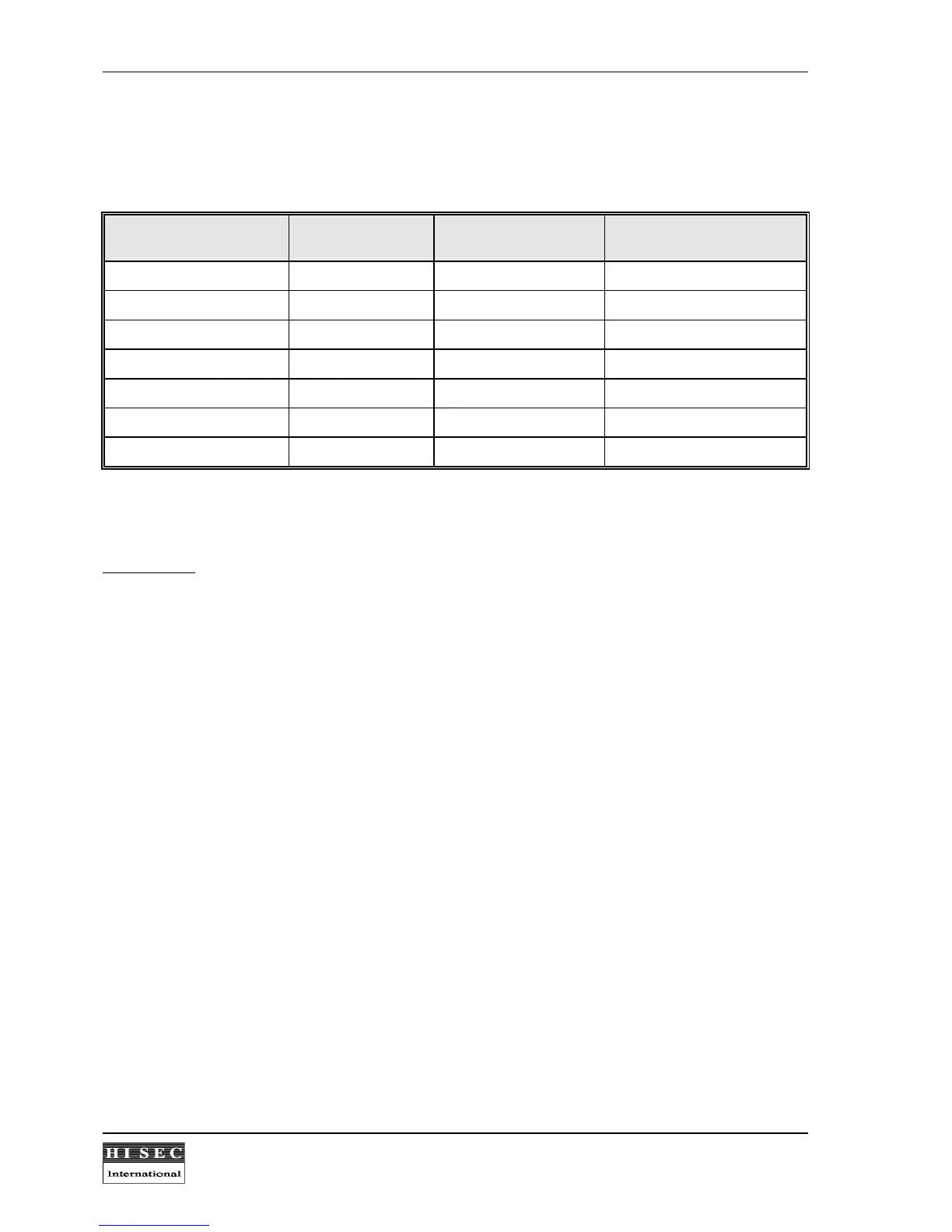
In the table below is shown the connections between the external wiegand reader 90T EWR-S and the controller
95T ERC or 90T RKP ERC (using the junction box 90T JB).
Function Cable from reader
90T EWR-S
Terminal no. in
95T ERC
Flat-cable from controller
90T RKP ERC
5 Volt Gray 1 ( 5V ) 1 (red or blue)
Data White 2 ( D0 ) 2
Clock Green 3 ( D1 ) 3
0 Volt Yellow 4 ( 0V ) 4
Card detect Not used Not used 5
Green lamp (door open) Blue 6 ( LED 2 ) 6
Red lamp (door closed) Pink 5 ( LED 1 ) 7
Important!!
The screen from the two cables must be connected together in the junction box.
Technical data
Stock number:
Wiegand reader head
....... ........ .......... .......... .......... ..........
90T EWR-S
Supply voltage
........ .......... .......... ........ .......... .......... .......... ..........
5V DC (from terminal)
Current consumption
......... .......... ........ .......... .......... .......... ..........
Max. 30 mA
Cable Length:
......... .......... .......... ........ .......... .......... .......... ..........
Max. 50 m shielded, twisted pair.
Temperature range
.......... .......... ........ .......... .......... .......... ..........
-40
0
C - +80
0
C
Humidity
....... .......... .......... .......... ........ .......... .......... .......... ..........
Unlimited, also condensing.
90T RKP / 95T ERC Terminal hardware interface
..... .......... ..........
Wiegand



 To Next Page