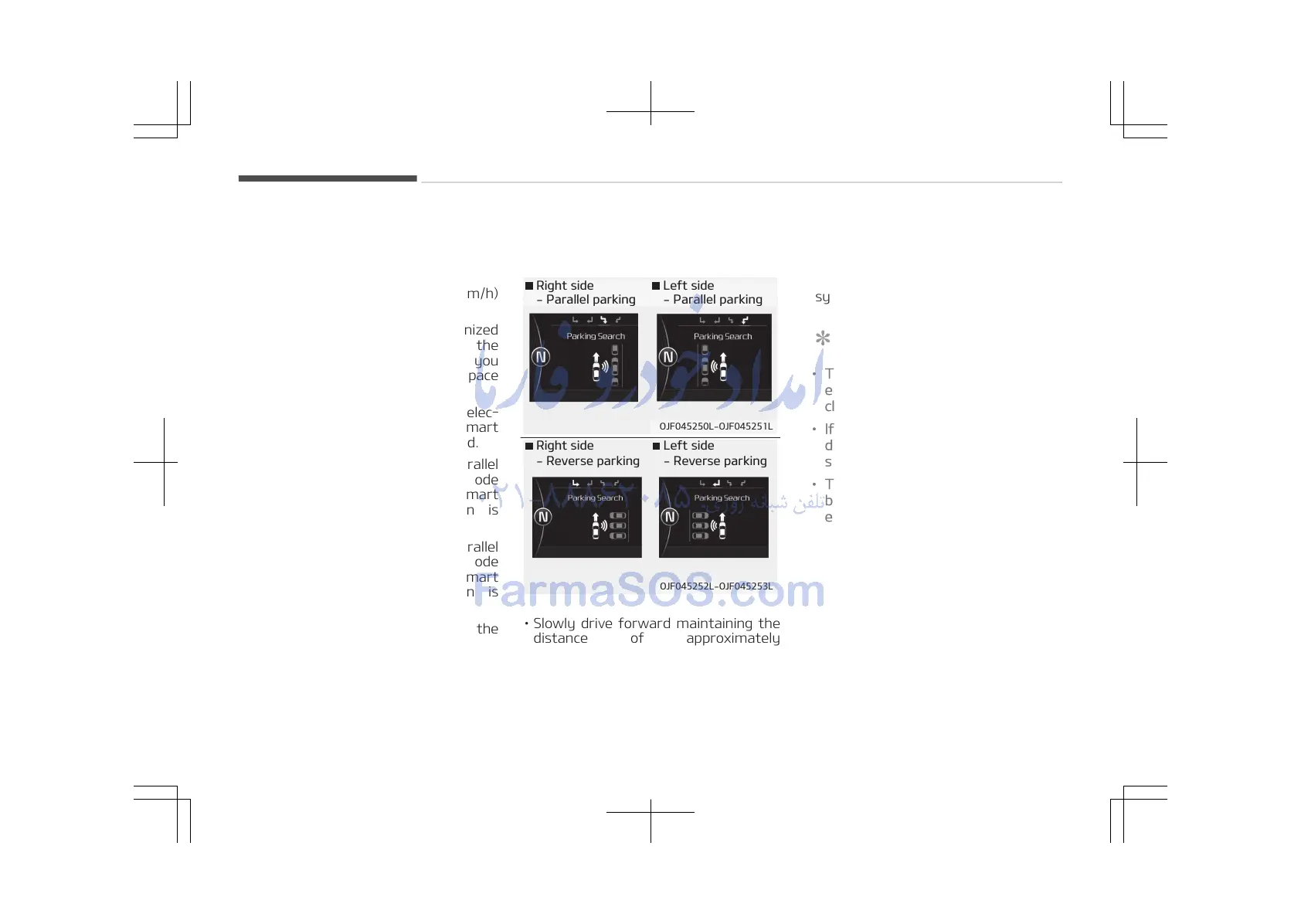
2. Select parking mode
• Select parallel mode or reverse mode
by pressing the Smart Parking Assist
System button with the shift lever in
D (Drive), N (Neutral, above 5 km/h)
and the brake pedal depressed.
• If the system already recognized
parking space before activating the
Smart Parking Assist System, you
can see Parking search or Space
found.
• The right side parallel mode is selec‐
ted automatically when the Smart
Parking Assist System is activated.
• The mode changes from parallel
mode (right → left) to reverse mode
(right → left) whenever the Smart
Parking Assist System button is
pressed. (for LHD)
• The mode changes from parallel
mode (left → right) to reverse mode
(left → right) whenever the Smart
Parking Assist System button is
pressed. (for RHD)
• If the button is pressed again, the
system will turn off.
3. Search for parking space
(optional)
• Slowly drive forward maintaining the
distance of approximately
50 cm~150 cm (19.6 in.~59.0 in.) with
the parked vehicles. The side sensors
will search for a parking space.
• If the vehicle speed is over 20 km/h, a
message will appear to notify you to
reduce speed.
• If vehicle speed is over 30 km/h, the
system will be cancelled.
NOTICE
• Turn on the hazard warning flash‐
er if it is crowded with other vehi‐
cles.
• If the parking lot is small, slowly
drive more nearer to the parking
space.
• The search for a parking space will
be completed only when there is
enough space for the vehicle to
move to park.
Features of your vehicle
4-112















 To Next Page