SCAN
Press the
button.
• Pressing and holding the button: The
broadcast frequency increases and
previews each broadcast for 5 sec‐
onds each. After scanning all fre‐
quencies, returns and plays the cur‐
rent broadcast frequency.
Selecting through manual search
Turn the
TUNE knob left/right to ad‐
just the frequency.
Traffic Announcement (TA)
Shortly pressing the
button: Set
[On/Off] TA (Traffic Announcement)
mode.
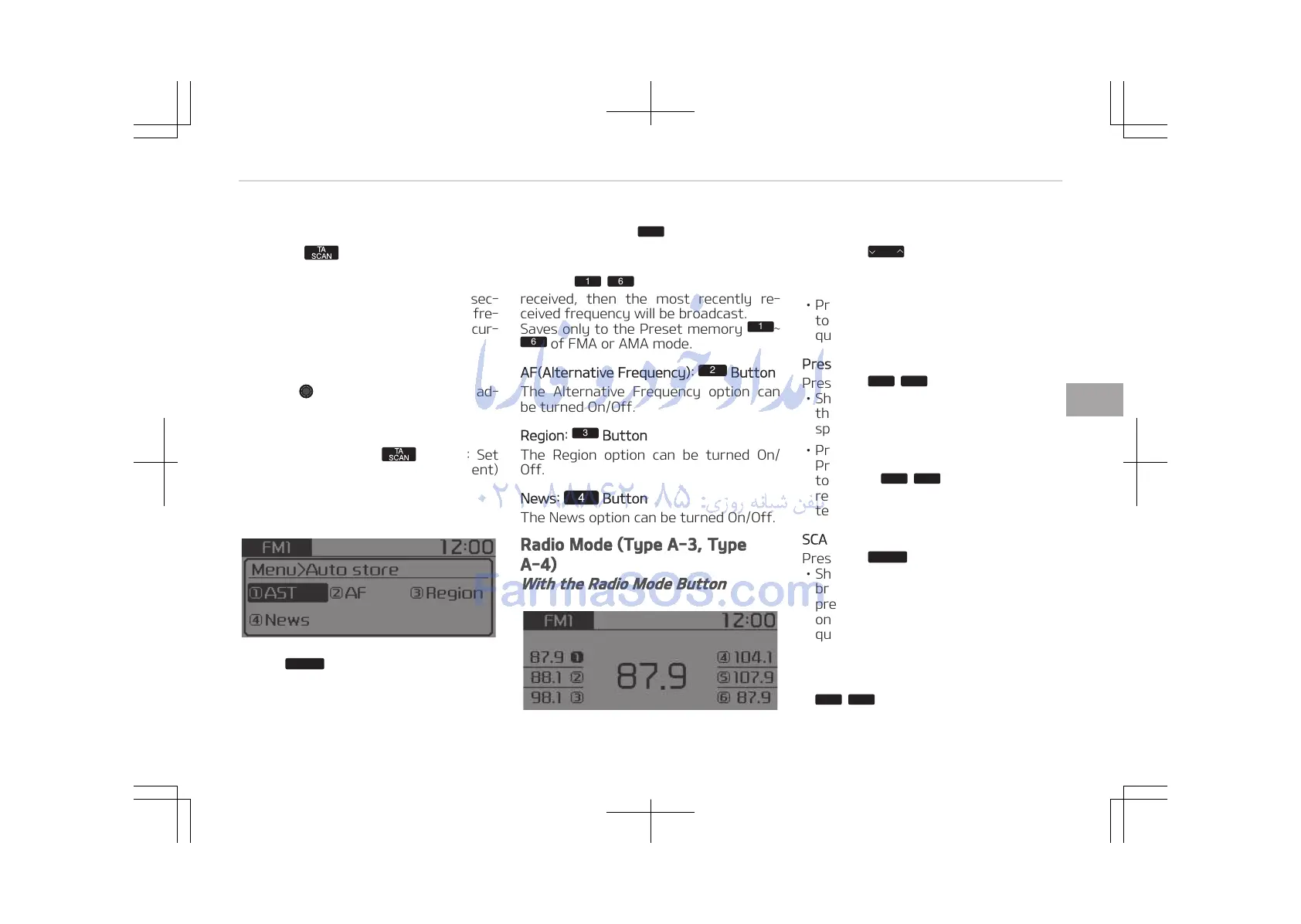
MENU: Radio
Within
button are the AST (Auto
Store) and Info functions.
AST (Auto Store):
Button
Select AST (Auto Store) to save fre‐
quencies with superior reception to
presets
. If no frequencies are
received, then the most recently re‐
ceived frequency will be broadcast.
Saves only to the Preset memory
of FMA or AMA mode.
AF(Alternative Frequency):
Button
The Alternative Frequency option can
be turned On/Off.
Region:
Button
The Region option can be turned On/
Off.
News: Button
The News option can be turned On/Off.
Radio Mode (Type A-3, Type
A-4)
With the Radio Mode Button
SEEK
Press the
button
• Shortly pressing the button: Changes
the frequency.
• Pressing and holding the button: Au‐
tomatically searches for the next fre‐
quency.
Preset SEEK
Press the
button
• Shortly pressing the button: Plays
the frequency saved in the corre‐
sponding button.
• Pressing and holding the button:
Pressing and holding the desired but‐
ton from
will save the cur‐
rently playing broadcast to the selec‐
ted button and sound a BEEP.
SCAN
Press the
button
• Shortly pressing the button: The
broadcast frequency increases and
previews each broadcast for 5 sec‐
onds each. After scanning all fre‐
quencies, returns and plays the cur‐
rent broadcast frequency.
• Pressing and holding the button: Pre‐
views the broadcasts saved in Preset
for 5 seconds each.
5-23
5
Audio system















 To Next Page