Searching iPod
®
category is
but‐
ton pressed, move to parent category.
MENU: AUX
• Type A-1, Type A-2
• Type A-3, Type A-4
AUX is used to play external MEDIA cur‐
rently connected with the AUX termi‐
nal.
AUX mode will automatically start
when an external device is connected
with the AUX terminal.
If an external device is connected, you
can also press the
button to
change to AUX mode.
AUX mode cannot be started unless
there is an external device connected to
the AUX terminal.
NOTICE
n
Using the AUX
Fully insert the AUX cable into the
AUX terminal for use.
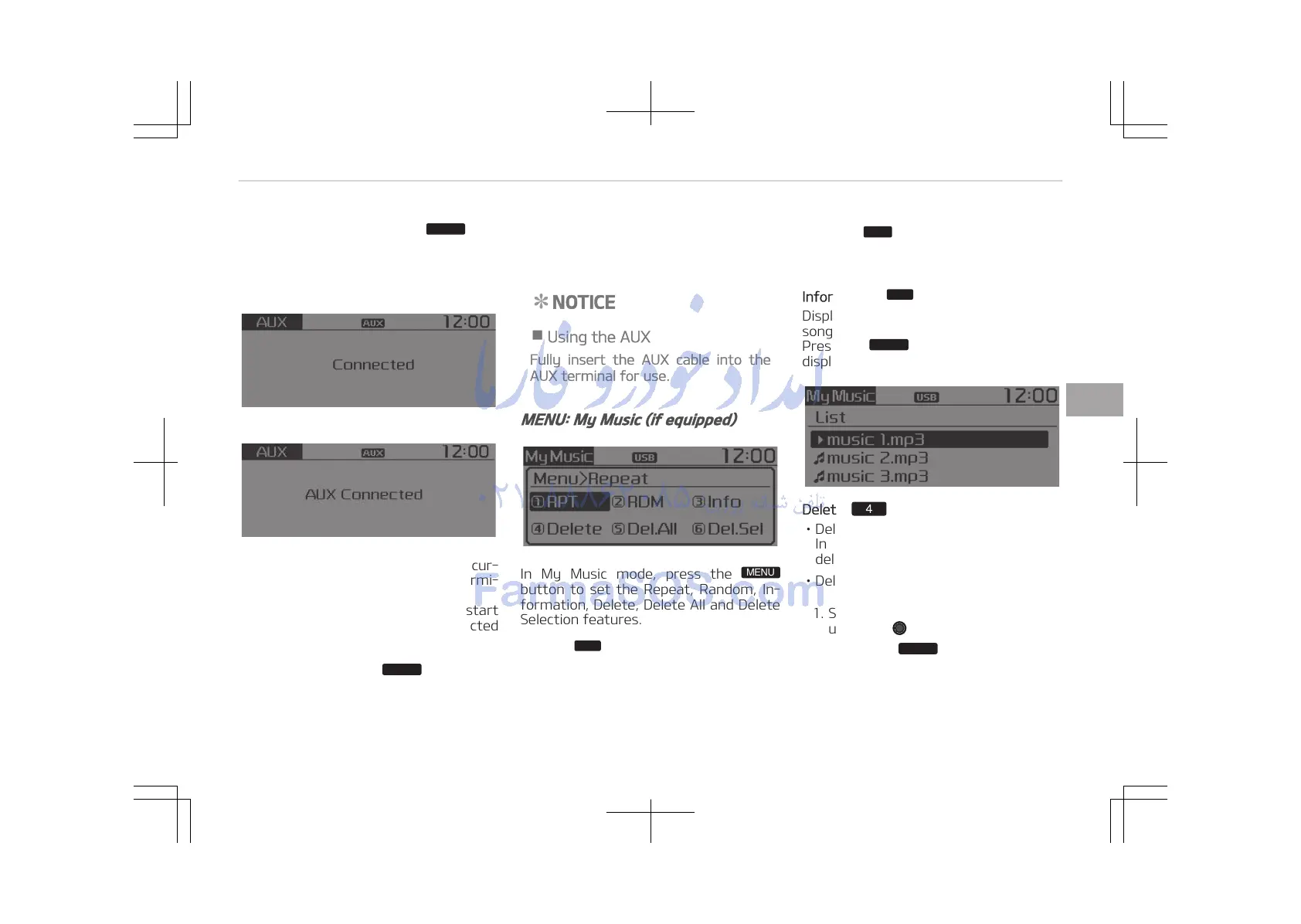
MENU: My Music (if equipped)
In My Music mode, press the
button to set the Repeat, Random, In‐
formation, Delete, Delete All and Delete
Selection features.
Repeat:
Button
Repeats the currently playing song.
Press RPT again to turn repeat off.
Random:
Button
Plays all songs in random order.
Press RDM again to turn random off.
Information:
Button
Displays information of the current
song.
Press the
button to turn off info
display.
Delete: Button
• Deletes currently playing file
In the play screen, pressing delete will
delete the currently playing song.
• Deletes file from list
1. Select the file you wish to delete by
using the
TUNE knob.
2. Press the
button and select
the delete menu to delete the se‐
lected file.
5-27
5
Audio system















 To Next Page