button and select the delete menu.
NOTICE
n
Using the My Music
• Even if memory is available, a
maximum of 6,000 songs can be
stored.
• The same song can be copied up
to 1,000 times.
• Memory info can be checked in the
System menu of Setup.
MENU: Bluetooth
®
Wireless
Technology Audio (if equipped)
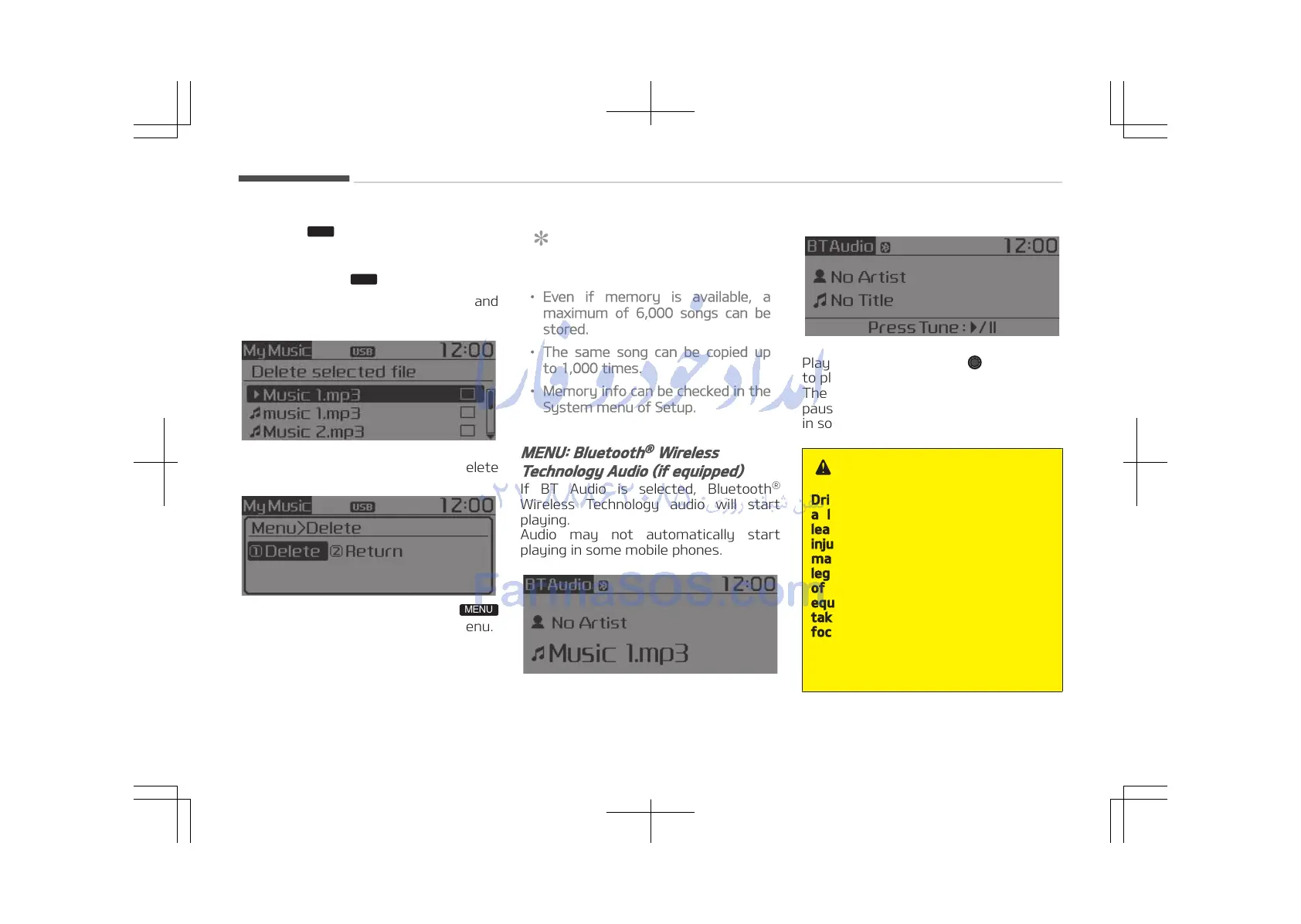
If BT Audio is selected, Bluetooth
®
Wireless Technology audio will start
playing.
Audio may not automatically start
playing in some mobile phones.
• For Colombia model
Play / Pause: Press the TUNE knob
to play and pause the current song.
The previous song / next song / play /
pause functions may not be supported
in some mobile phones.
WARNING
Driving while distracted can result in
a loss of vehicle control that may
lead to an accident, severe personal
injury, and death. The driver’s pri‐
mary responsibility is in the safe and
legal operation of a vehicle, and use
of any handheld devices, other
equipment, or vehicle systems which
take the driver’s eyes, attention and
focus away from the safe operation
of a vehicle or which are not permis‐
sible by law should never be used
during operation of the vehicle.
Audio system
5-28















 To Next Page