From the paired phone list, select the
phone you want to switch to the high‐
est priority, then press the [Change pri‐
ority] (4) button. The selected device
will be changed to the highest priority.
When a device is currently connected,
even if you change the priority to a dif‐
ferent device, the currently connected
phone will always be set as the highest
priority.
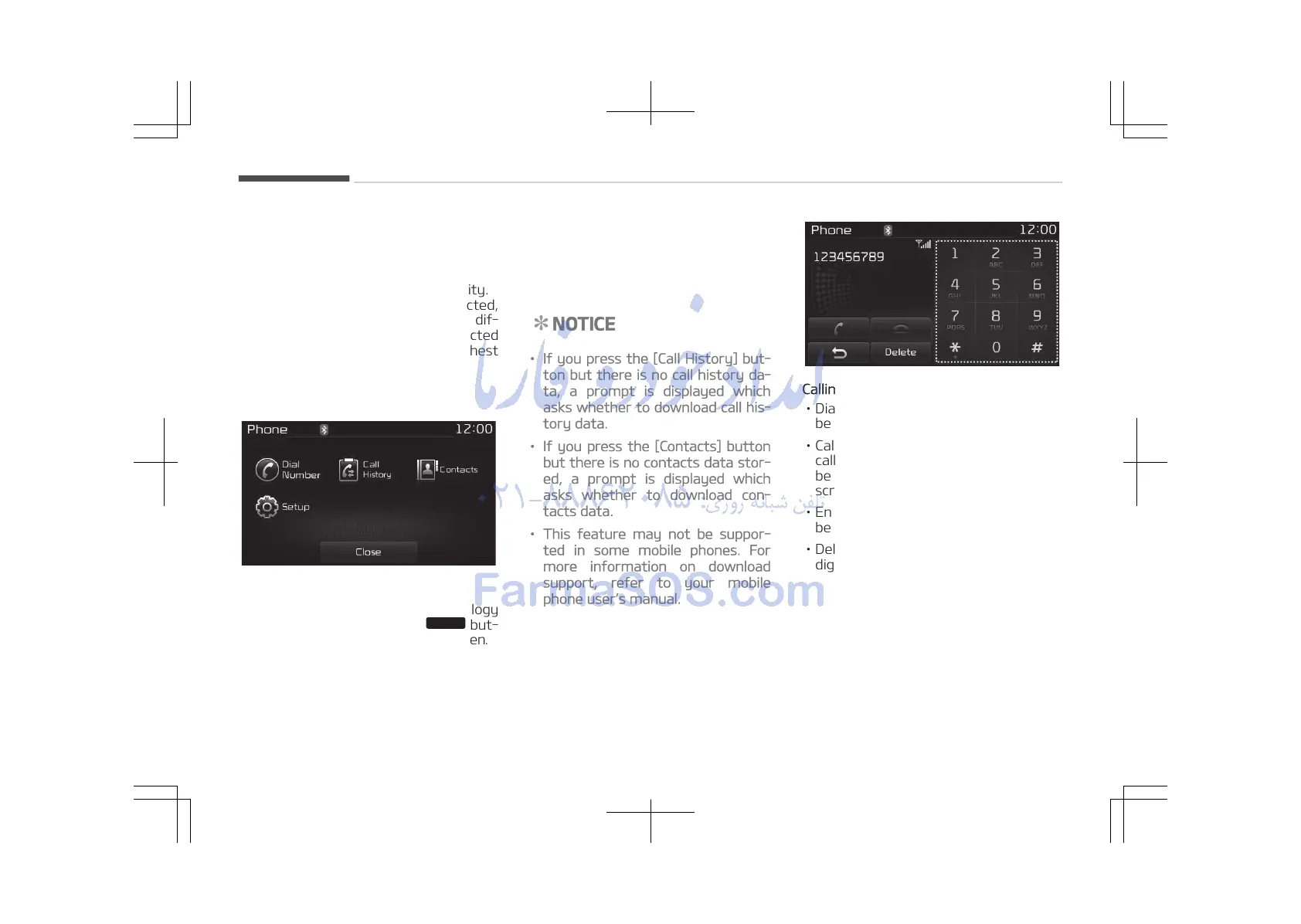
Phone Menu Screen
Phone Menus
With a Bluetooth
®
Wireless Technology
device connected, press the
but‐
ton to display the Phone menu screen.
• Dial Number: Displays the dial screen
where numbers can be dialed to
make calls.
• Call History: Displays the call history
list screen.
• Contacts: Displays the Contacts list
screen.
• Setup: Displays Phone related set‐
tings.
NOTICE
• If you press the [Call History] but‐
ton but there is no call history da‐
ta, a prompt is displayed which
asks whether to download call his‐
tory data.
• If you press the [Contacts] button
but there is no contacts data stor‐
ed, a prompt is displayed which
asks whether to download con‐
tacts data.
• This feature may not be suppor‐
ted in some mobile phones. For
more information on download
support, refer to your mobile
phone users manual.
Calling by Dialing a Number
• Dial Pad: Used to enter phone num‐
ber.
• Call: If a number has been entered,
calls the number If no number has
been entered, switches to call history
screen.
• End: Deletes the entered phone num‐
ber.
• Delete: Deletes entered numbers one
digit at a time.
Audio system
5-92















 To Next Page