(Continued)
•
Generally, most Bluetooth
®
Wire‐
less Technology devices will auto‐
matically connect once pairing is
complete. However, some devices
may require a separate verifica‐
tion process to connect. Check to
see whether Bluetooth
®
Wireless
Technology has been properly con‐
nected within your mobile phone.
•
List of paired Bluetooth
®
Wireless
Technology devices can be viewed
at
button Select
[Phone] Select [Paired Phone List]
• Connected Phone: Device that is cur‐
rently connected.
• Paired Phone: Device that is paired
but not connected.
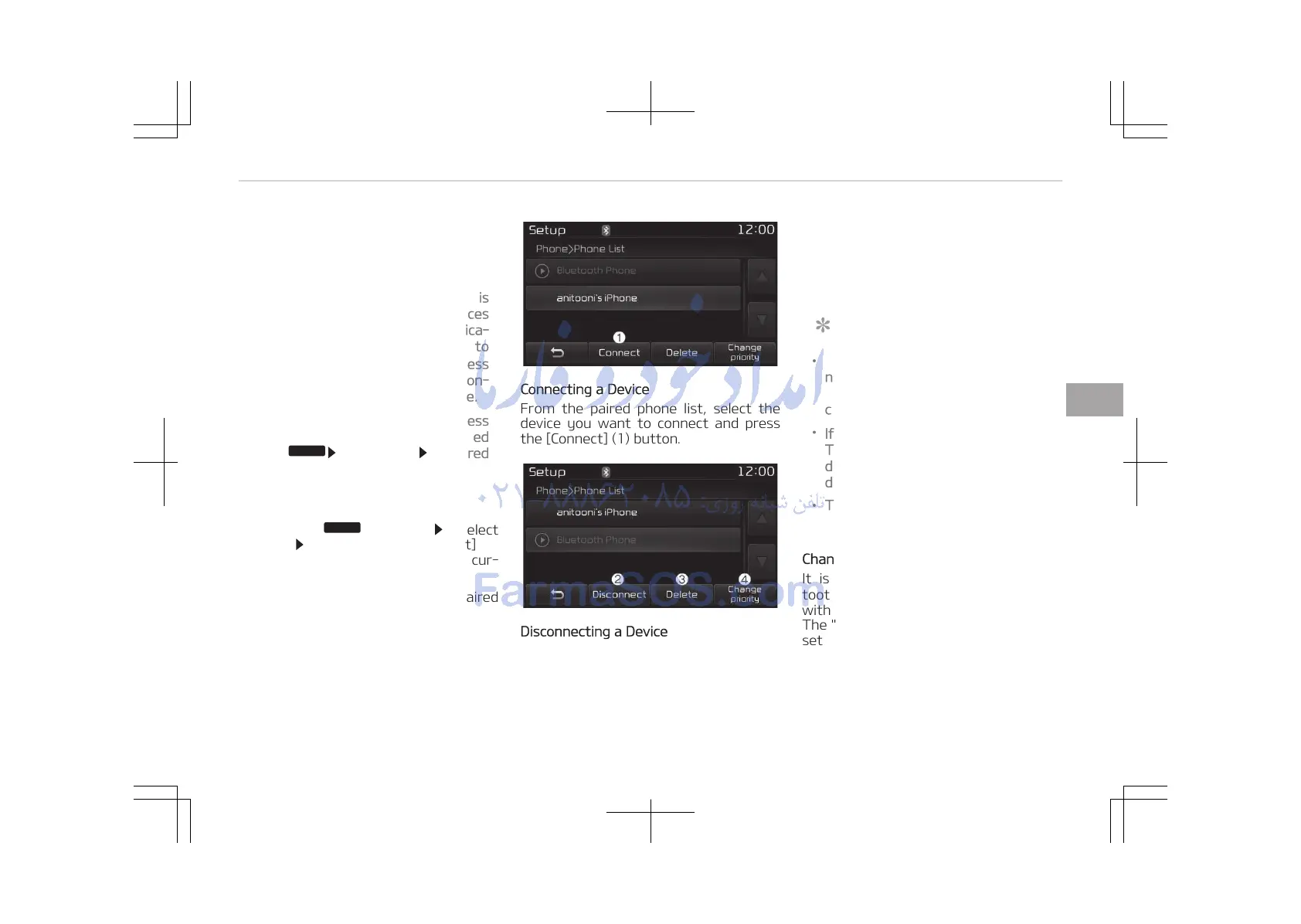
Connecting a Device
From the paired phone list, select the
device you want to connect and press
the [Connect] (1) button.
Disconnecting a Device
From the paired phone list, select the
currently connected device and press
the [Disconnect] (2) button.
Deleting a Device
From the paired phone list, select the
device you want to delete and press
the [Delete] (3) button.
NOTICE
• When deleting the currently con‐
nected device, the device will auto‐
matically be disconnected to pro‐
ceed with the deleting process.
•
If a paired Bluetooth
®
Wireless
Technology device is deleted, the
devices call history and contacts
data will also be deleted.
• To re-use a deleted device, you
must pair the device again.
Changing Priority
It is possible to pair up to five Blue‐
tooth
®
Wireless Technology devices
with the car audio system.
The "Change Priority" feature is used to
set the connection priority of paired
phones. However, the most recently
connected phone will always be set as
the highest priority.
5-91
5
Audio system















 To Next Page