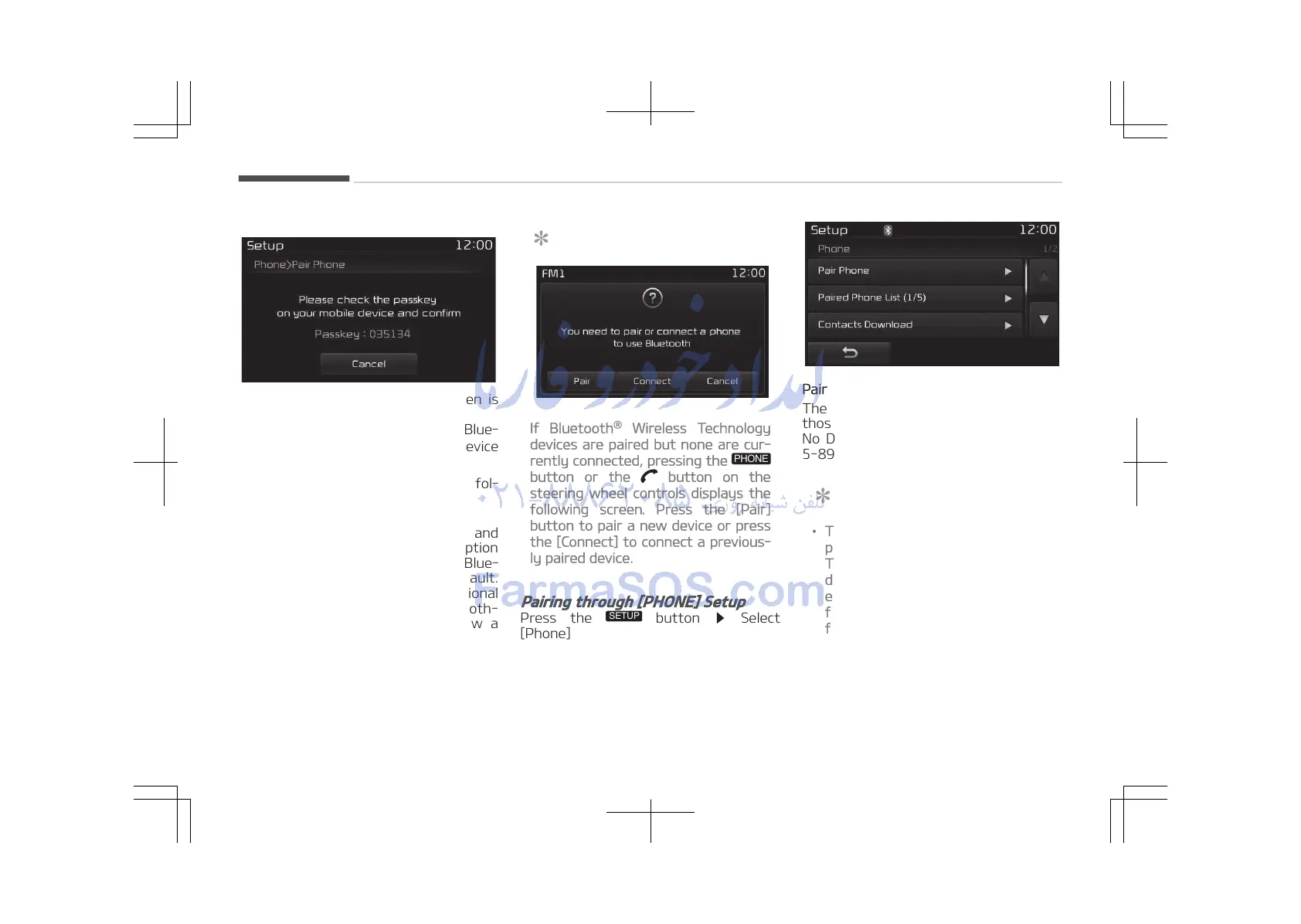
[SSP supported device]
4. After a few moments, a screen is
displayed 6 digits passkey.
Check the passkey on your Blue‐
tooth
®
Wireless Technology device
and confirm.
5. Once pairing is complete, the fol‐
lowing screen is displayed.
Some phones (i.e., iPhone
®
, Android and
Blackberry phones) may offer an option
to allow acceptance of all future Blue‐
tooth connection requests by default.
Visit http://www.kia.com for additional
information on pairing your Bluetooth-
enabled mobile phone, and to view a
phone compatibility list.
NOTICE
If Bluetooth
®
Wireless Technology
devices are paired but none are cur‐
rently connected, pressing the
button or the button on the
steering wheel controls displays the
following screen. Press the [Pair]
button to pair a new device or press
the [Connect] to connect a previous‐
ly paired device.
Pairing through [PHONE] Setup
Press the
button Select
[Phone]
Pair phone
The following steps are the same as
those described in the section When
No Devices have been Paired on page
5-89.
NOTICE
• The waiting period during phone
pairing will last for one minute.
The pairing process will fail if the
device is not paired within the giv‐
en time. If the pairing process
fails, you must start the process
from the beginning.
(Continued)
Audio system
5-90















 To Next Page