Outgoing Volume
Use the [-], [+] buttons to adjust the
outgoing volume level.
Turning Bluetooth
®
System Off
Once Bluetooth
®
Wireless Technology is
turned off, Bluetooth
®
Wireless Tech‐
nology related features will not be sup‐
ported within the audio system.
To turn Bluetooth
®
Wireless Technology
back on, go to
button Select [Sys‐
tem] Select [Memory Information]
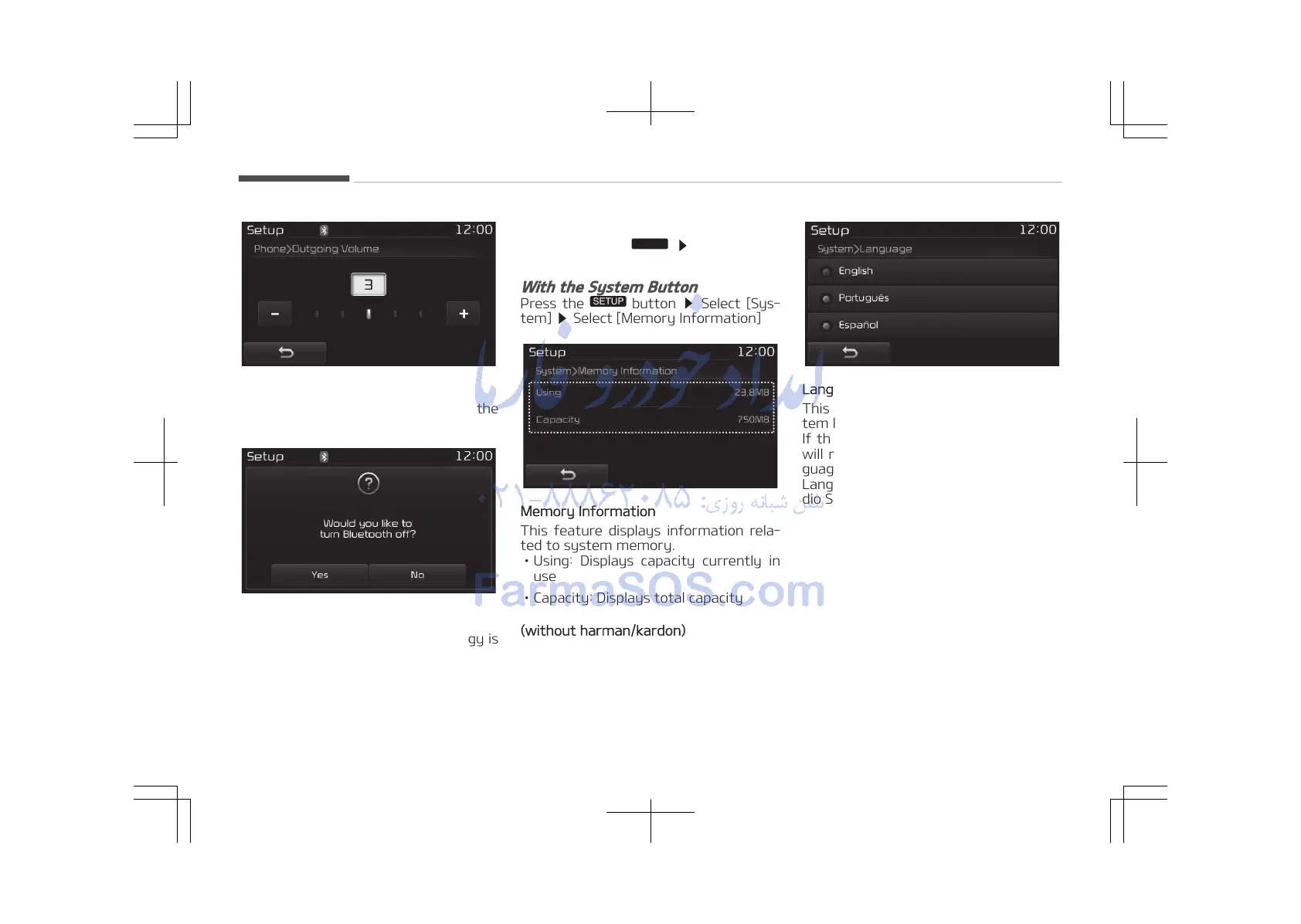
Memory Information
This feature displays information rela‐
ted to system memory.
• Using: Displays capacity currently in
use
• Capacity: Displays total capacity
(without harman/kardon)
Language
This feature is used to change the sys‐
tem language.
If the language is changed, the system
will restart and apply the selected lan‐
guage.
Language Setting is depend on the Au‐
dio System.
Audio system
5-118















 To Next Page