button to display the
Setup screen.
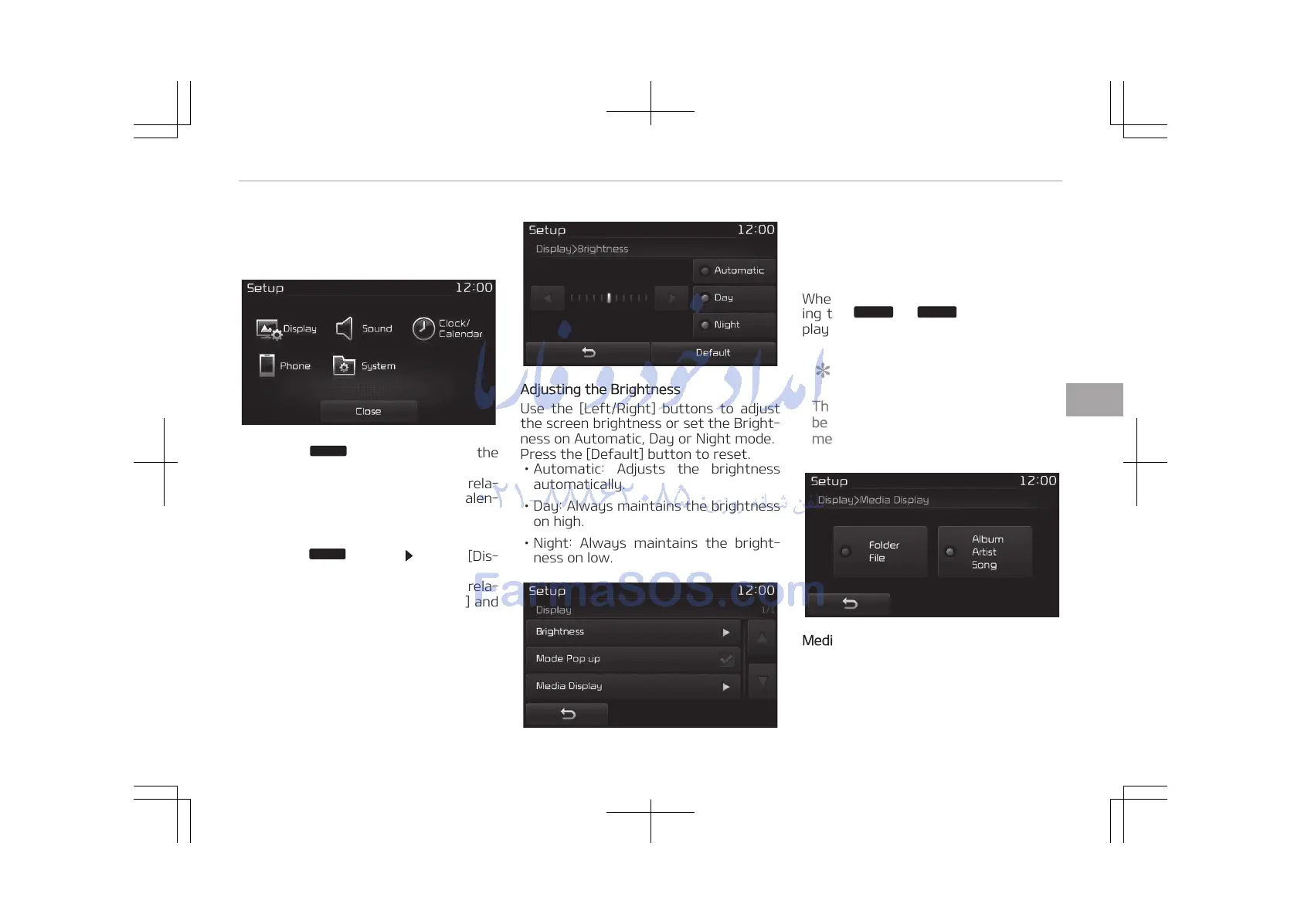
You can select and control options rela‐
ted to [Display], [Sound], [Clock/Calen‐
dar], [Phone] and [System].
With the Display Button
Press the
button Select [Dis‐
play]
You can select and control options rela‐
ted to [Brightness], [Mode Pop-up] and
[Media Display].
Adjusting the Brightness
Use the [Left/Right] buttons to adjust
the screen brightness or set the Bright‐
ness on Automatic, Day or Night mode.
Press the [Default] button to reset.
• Automatic: Adjusts the brightness
automatically.
• Day: Always maintains the brightness
on high.
• Night: Always maintains the bright‐
ness on low.
Mode Pop up
This feature is used to display the Pop-
up Mode screen when entering radio
and media modes.
When this feature is turned on, press‐
ing the
button will dis‐
play the Mode Pop up screen.
NOTICE
The media Mode Pop up screen can
be displayed only when two or more
media modes have been connected.
Media Display
This feature is used to change the in‐
formation displayed within USB and
MP3 CD modes.
• Folder File: Displays file name and
folder name.
5-119
5
Audio system















 To Next Page