button Select
[Sound]
You can select and control options rela‐
ted to [Sound Setting], [Quantum Logic
Surround], [Speed Dependent Vol.] and
[Touch Screen Beep].
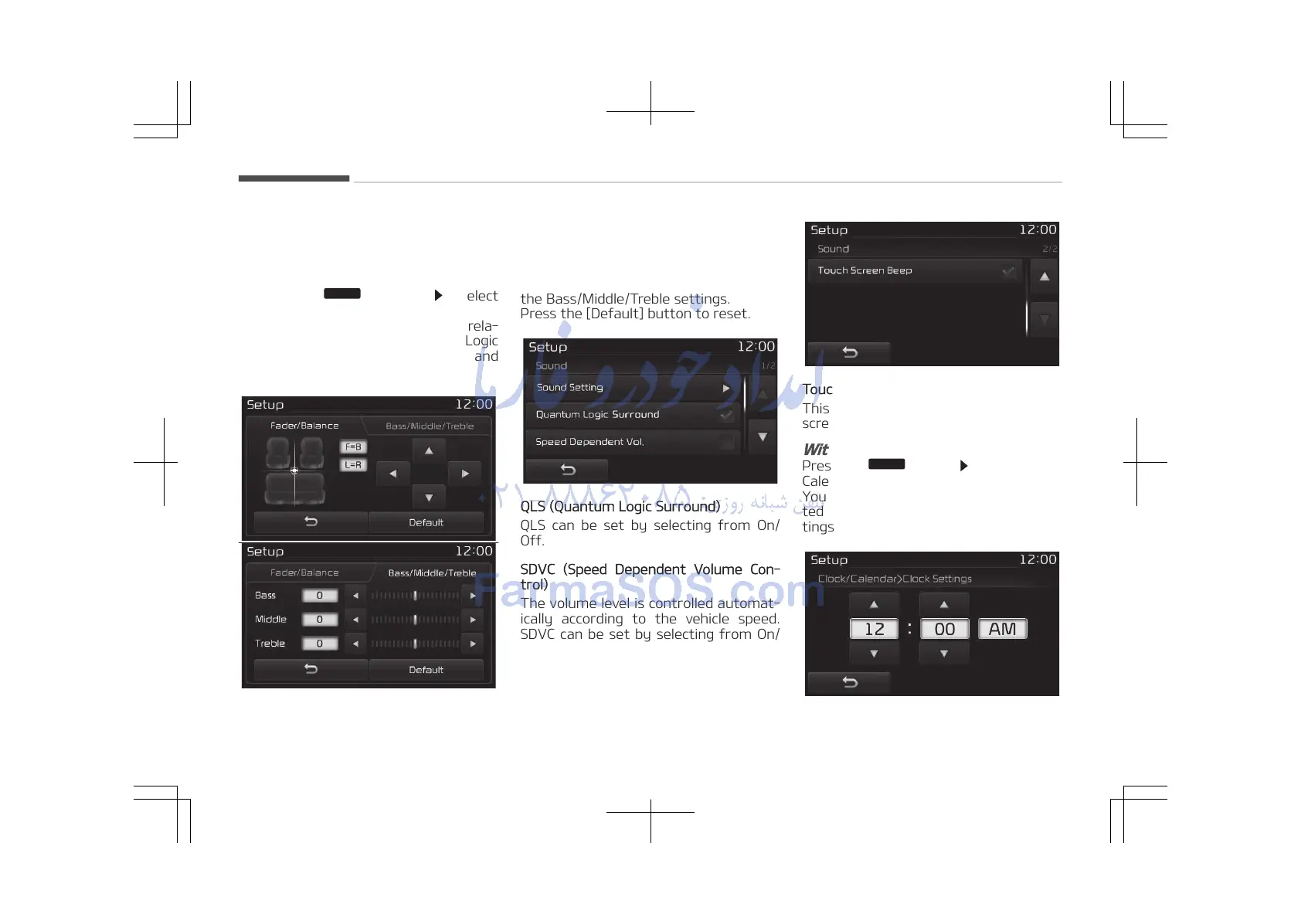
Sound Setting
Use the [Up/Down/Left/Right] buttons
to adjust the Fader/Balance settings.
Use the [Left/Right] buttons to adjust
the Bass/Middle/Treble settings.
Press the [Default] button to reset.
QLS (Quantum Logic Surround)
QLS can be set by selecting from On/
Off.
SDVC (Speed Dependent Volume Con‐
trol)
The volume level is controlled automat‐
ically according to the vehicle speed.
SDVC can be set by selecting from On/
Off.
Touch Screen Beep
This feature is used to turn the touch
screen beep on/off.
With the Clock/Calendar Button
Press the
button Select [Clock/
Calendar]
You can select and control options rela‐
ted to [Clock Settings], [Calendar Set‐
tings] and [Time Format].
Audio system
5-120















 To Next Page