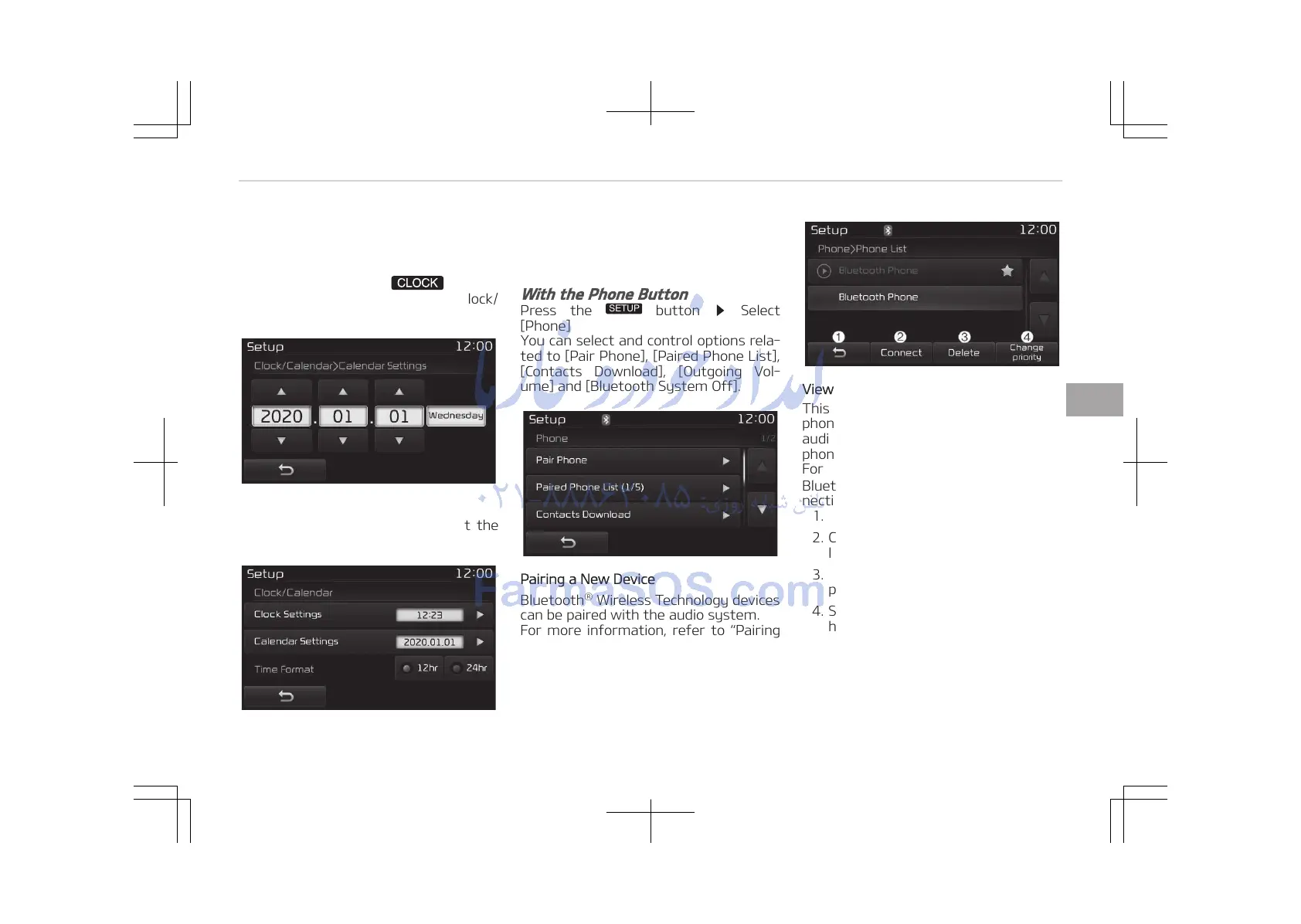
Clock Settings
Use the [Up/Down] buttons to set the
Hour, Minutes and AM/PM setting.
Press and hold the
button
(over 0.8 seconds) to display the Clock/
Calendar screen.
Calendar Settings
Use the [Up/Down] buttons to set the
Day, Month and Year setting.
Time Format
This feature is used to change the clock
format between 12hr or 24hr.
With the Phone Button
Press the
button Select
[Phone]
You can select and control options rela‐
ted to [Pair Phone], [Paired Phone List],
[Contacts Download], [Outgoing Vol‐
ume] and [Bluetooth System Off].
Pairing a New Device
Bluetooth
®
Wireless Technology devices
can be paired with the audio system.
For more information, refer to Pairing
through Phone Setup on page 5-95.
Viewing Paired Phone List
This feature is used to view mobile
phones that have been paired with the
audio system. Upon selecting a paired
phone, the setup menu is displayed.
For more information, refer to Setting
Bluetooth
®
Wireless Technology Con‐
nection on page 5-96.
1. Moves to the previous screen.
2. Connect/disconnects currently se‐
lected phone.
3. Deletes the currently selected
phone.
4. Sets currently selected phone to
highest connection priority.
5-121
5
Audio system















 To Next Page