NOTICE
n
Before Downloading Contacts
• To learn more about whether your
mobile phone supports contacts
downloads, refer to your mobile
phone users manual.
• The contacts for only the connec‐
ted phone can be downloaded.
Downloading Contacts
As the contacts are downloaded from
the mobile phone, downloading con‐
tacts number is displayed.
• Up to 1,000 contacts entries can be
copied into car contacts.
• Up to 1,000 contacts entries can be
saved for each paired device.
• Upon downloading contacts data,
previously saved contacts data will be
deleted. However, contacts entries
saved to other paired phones are not
deleted.
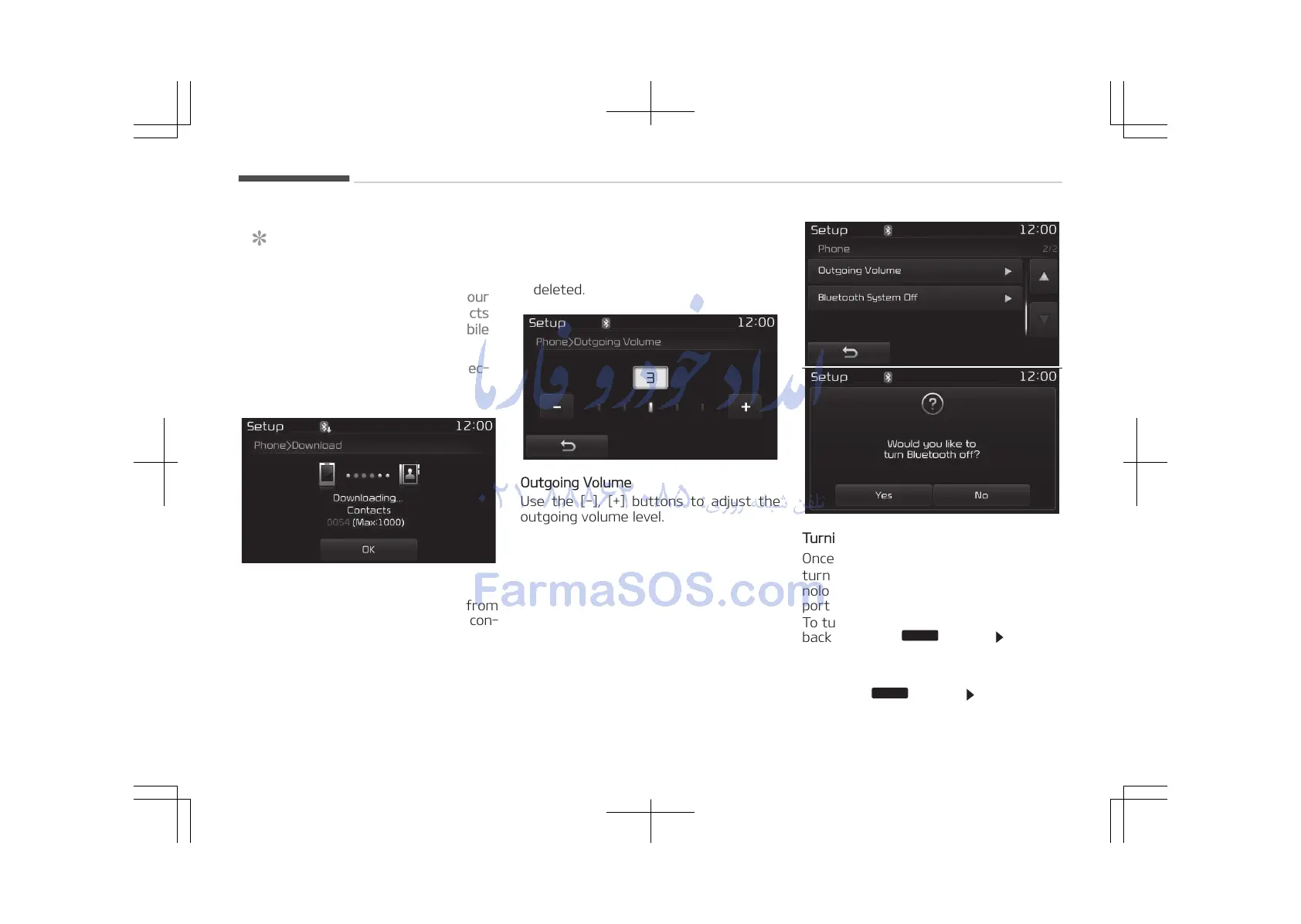
Outgoing Volume
Use the [-], [+] buttons to adjust the
outgoing volume level.
Turning Bluetooth
®
System Off
Once Bluetooth
®
Wireless Technology is
turned off, Bluetooth
®
Wireless Tech‐
nology related features will not be sup‐
ported within the audio system.
To turn Bluetooth
®
Wireless Technology
back on, go to















 To Next Page