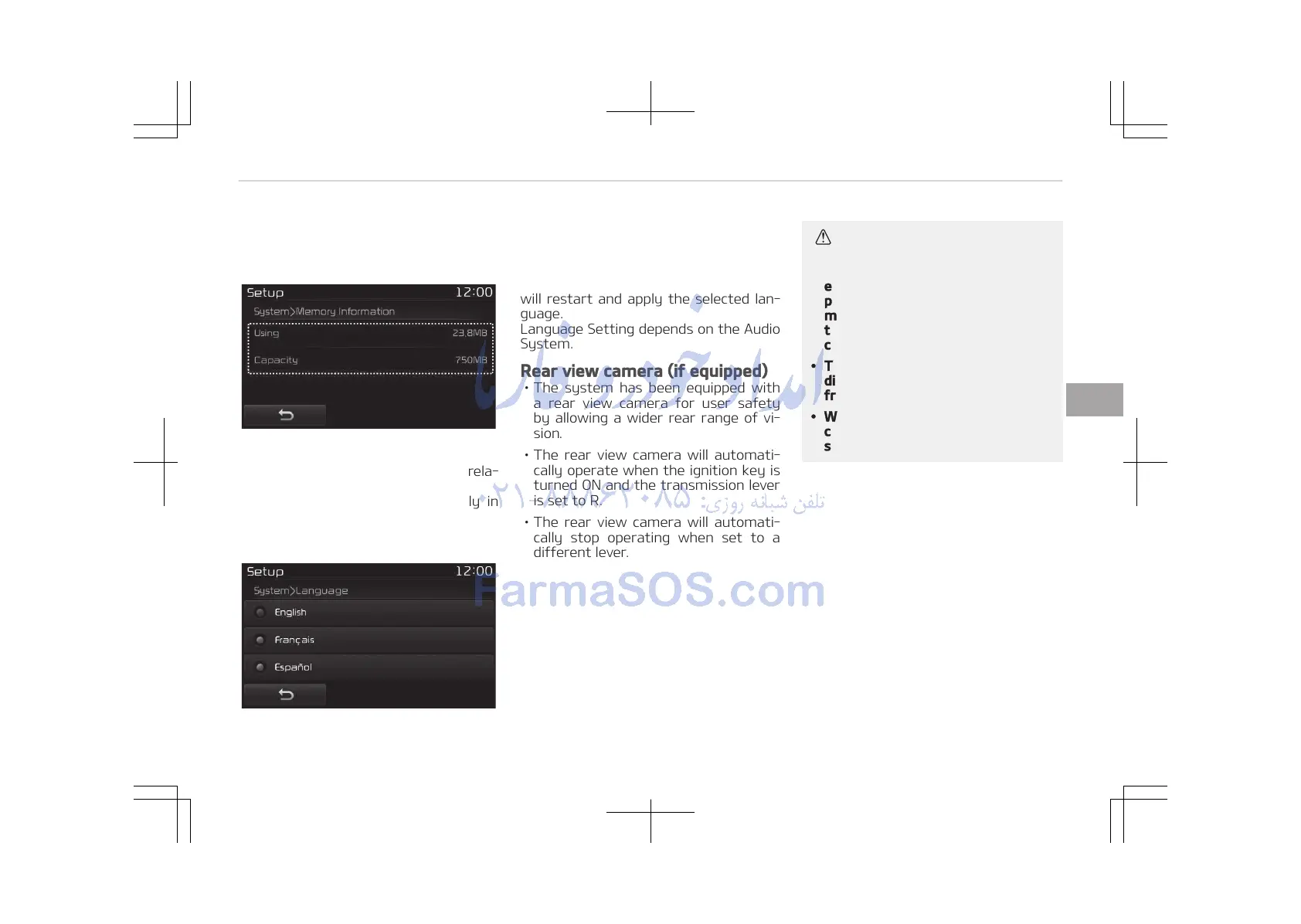
You can select and control options rela‐
ted to [Memory Information] and [Lan‐
guage].
Memory Information
This feature displays information rela‐
ted to system memory.
• Using: Displays capacity currently in
use
• Capacity: Displays total capacity
Language
This feature is used to change the sys‐
tem language.
If the language is changed, the system
will restart and apply the selected lan‐
guage.
Language Setting depends on the Audio
System.
Rear view camera (if equipped)
• The system has been equipped with
a rear view camera for user safety
by allowing a wider rear range of vi‐
sion.
• The rear view camera will automati‐
cally operate when the ignition key is
turned ON and the transmission lever
is set to R.
• The rear view camera will automati‐
cally stop operating when set to a
different lever.
CAUTION
• The Rear View Camera has been
equipped with an optical lens to
provide a wider range of vision and
may appear different from the ac‐
tual distance. For safety, directly
check the rear and left/right sides.
• The color of the parking guidelines
displayed in the picture may differ
from the actual screen.
• When booted up, blinking may oc‐
cur when you switch to a UI
screen.
5-123
5
Audio system















 To Next Page