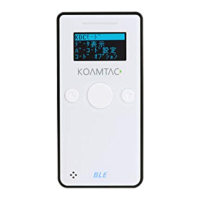
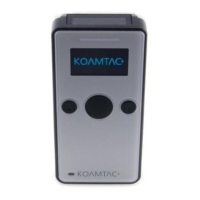
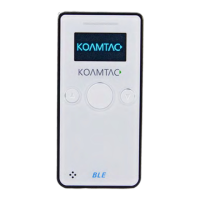
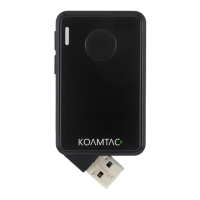
KDC User Manual BLUETOOTH
105
3.9 Reset Feature (100/200/250/300) or
Power-on/off (KDC20/30/270/280/350/400/470/500)
The Reset feature enables the user to restart the KDC100/200/250/300 if necessary, without
losing any stored barcode data or option settings. To reset the KDC, follow the below steps.
1. Press the DOWN and SCAN buttons simultaneously for 5 seconds.
2. When the LEDs illuminate orange, release the buttons.
3. The KDC initial screen, KoamTac Data Collector KDC, displays when reset is complete.
The KDC stores collected data into flash memory and will not lose data nor the KDC
settings during the reset process.
If you are using the KDC20/30/270/280/350/470, you may turn the power on and off by pressing
the DOWN and SCAN button simultaneously for 5 seconds. When the LED light is green, you
may release the buttons and the power will be on. When you turn off the
KDC20/30/270/280/350/470, you will hear a beep sound after pressing the DOWN and SCAN
buttons simultaneously.
If you are using the KDC400 (except KDC470/475) you may turn the power on and off by sliding
the power switch.
If you are using the KDC500, you can turn the power on and off by pressing the left and right
SCAN buttons simultaneously for 5 seconds. When the display shows KOAMTAC logo, you may
release the buttons and the power will be on. When you turn off the KDC500, you will see the
display shows blank after pressing the left and right SCAN buttons simultaneously.


 To Next Page