EasyManua.ls Logo

KoamTac KDC20 - 5 Wifi (KDC350), NFC (KDC350;470;475), UHF (KDC470;475), Serial;Otg (KDC470;475); KDC350 Wifi; Wifi Config Menu

KoamTac KDC20
386 pages
Print Icon
To Next Page IconTo Next Page
To Previous Page IconTo Previous Page
Loading...
KDC User Manual SYNCHRONIZATION
129
5. WiFi (KDC350), NFC (KDC350/470/475),
UHF (KDC470/475), Serial/OTG
(KDC470/475)
5.1 KDC350 WiFi
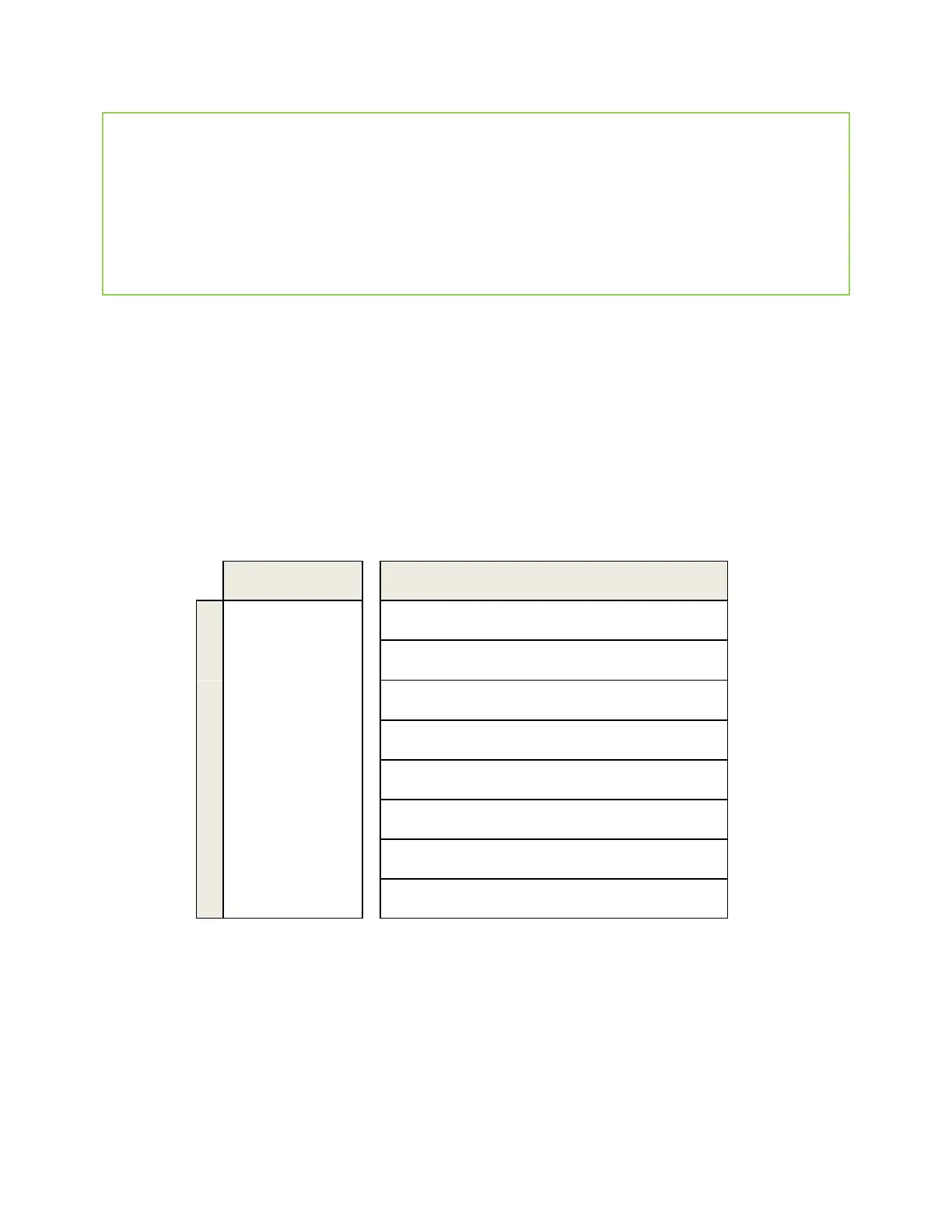
WiFi Config Menu
Screen
Comment
1
Power
Turn the Wi-Fi Module Power ON/OFF.
2
AP
Configure the AP
3
Server
Configure the server
4
Connect
Connect to the AP and server
5
Auto Connect
Enable/Disable auto reconnection
6
Send Stored
Enable/Disable sending stored data
7
Version
Shows WiFi module version and MAC address
8
Exit Menu
Return to previous menu
All configuration is stored in the KDC350

Table of Contents

Related product manuals