KDC User Manual SYNCHRONIZATION
153
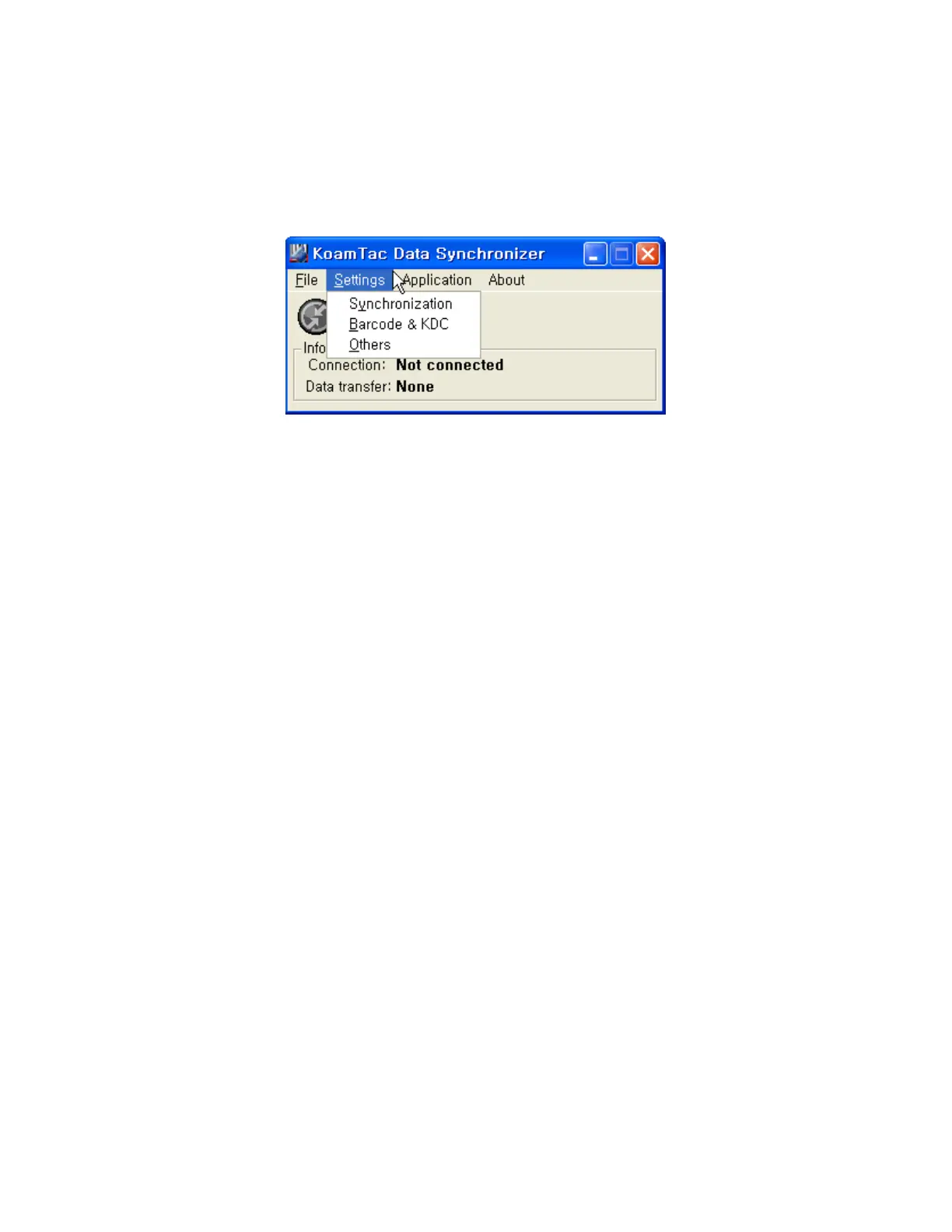
Settings Menu
⚫ Synchronization: Select Synchronize options.
⚫ Barcode & KDC: Select Barcode and KDC options.
⚫ Others: Select Auto Connection and/or Synchronization Confirmation options.
Application Menu(KDC500 doesn’t support Application)
⚫ Generation: Create user application or download predefined application.
⚫ DB Lookup: Enables users to download DB into KDC and display barcode description
field.
⚫ Master/Slave: The user defines a master barcode for comparison with one or more slave
barcodes.
⚫ Pick/BIN: The user defines Pick ID and the barcode symbology for comparison with a
defined Bin.
⚫ Inventory: Users may count inventories. Inventory description will be displayed if
inventory DB is downloaded into the KDC.



 To Next Page