181
Enter a predefined start quantity for each scanned barcode. The start quantity may
be defined from 1 to 128. Use the up or down side key to choose the desired
quantity.
⚫ Waiting to scan
Enter the number of seconds the KDC pauses before the user prompts display.
During this timeout period, the user may modify the quantity. If this field is set to
zero, the quantity field may not be adjusted. This field may be defined from “-1” to
“30” seconds. “-1” second enables infinite waiting of user quantity input.
⚫ Enable data filter
Check this box to enable the data filtering option. Data filtering enables the user to
predefine different aspects of the barcode data the user are collecting.
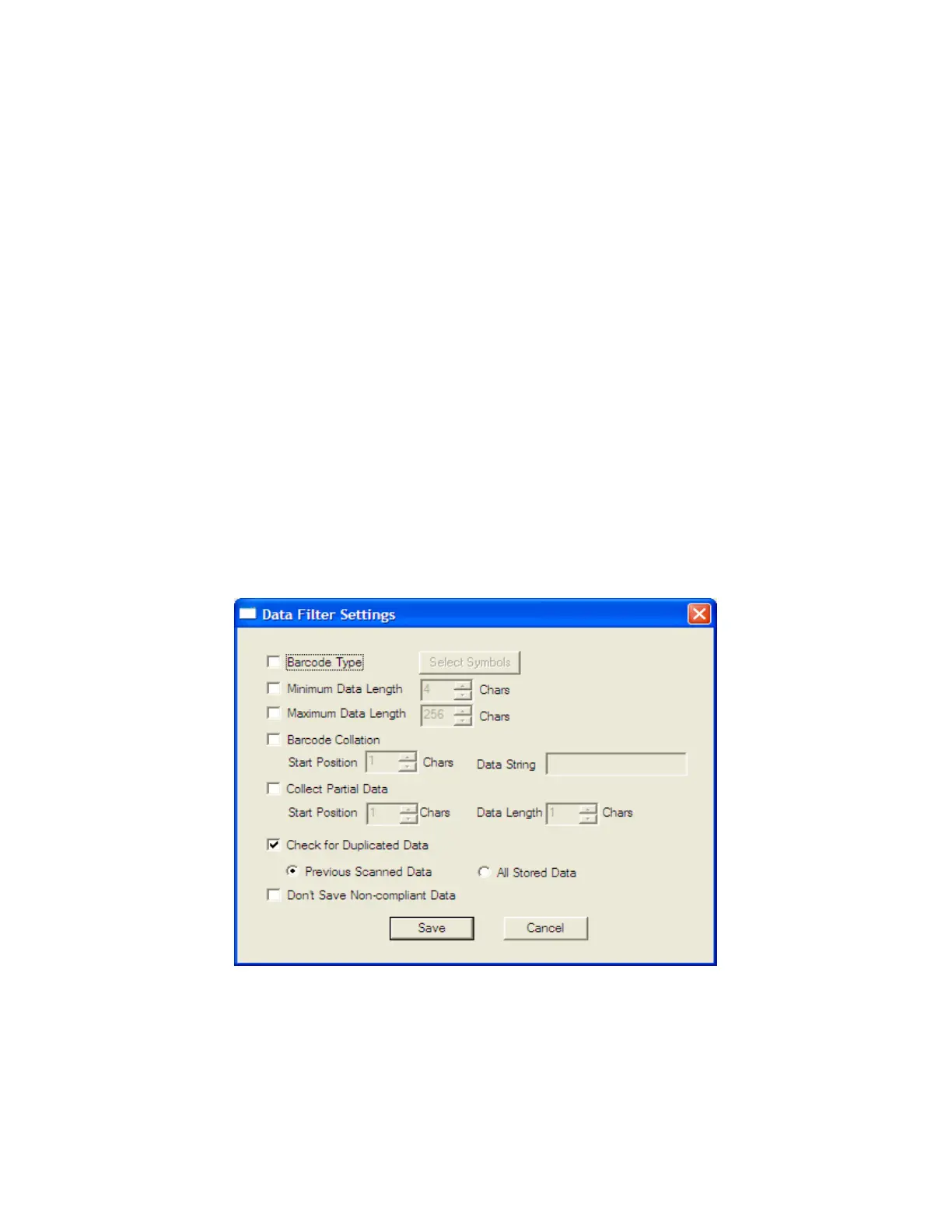
Data Filter Settings
When the user select Enable data filtering, the user must click on the Settings button to select
the Data filter setting. The options for the Data filter settings are the same for Step1, Step 2,
and Step 3.
⚫ Barcode Type
This field enables the user to select the type of barcodes the KDC will collect. When the
user clicks on the box, Select Symbols is enabled. A listing of the symbologies



 To Next Page