EasyManua.ls Logo

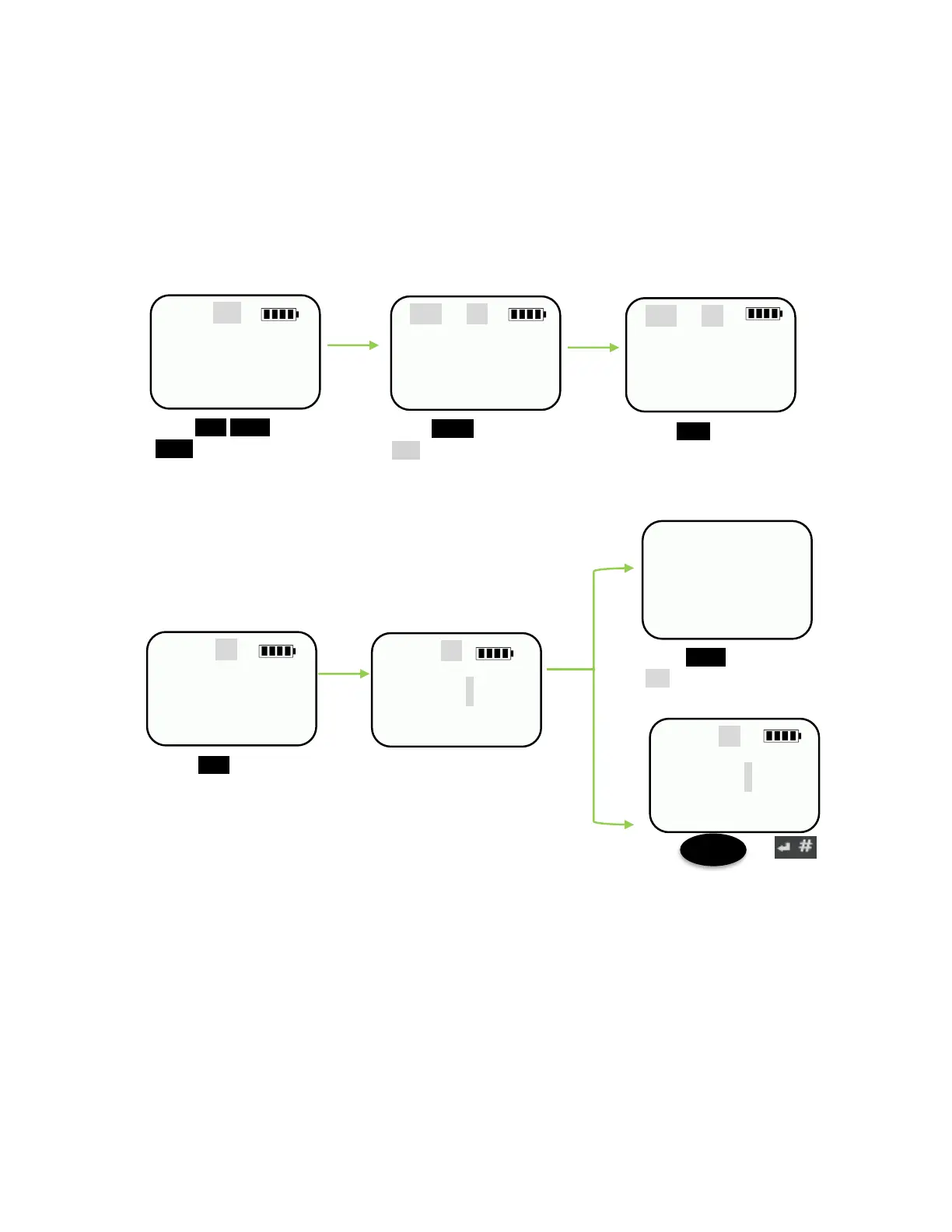
KoamTac KDC20 - Figure 3 - KDC350 Keypad Input; Input Data by Using a Keypad (KDC350)

KoamTac KDC20
386 pages
Print Icon
To Next Page IconTo Next Page
To Previous Page IconTo Previous Page
Loading...
koamtac
.com
KDC User Manual
INTRODUCTION
34
Num
123_
Shift Abc
123_
Shift Abc
123K
Abc
123K
Abc
123Koamtac
Do you want
To cancel ?
Yes No
Abc
123Koamtac
1.5 Input data by using a keypad (KDC350)
When the KDC350 shows a blank main screen, you may start pressing numbers or
characters of the barcode data that needs to be input.
See an example below: How to save the barcode data “123Koamtac”.
Cancel
Press the keys for
remaining letters.
Press 1@:/,2ABC and
3DEF on the keypad.
Press Mode to switch to
Abc mode.
Press 5JKL on the
keypad
Press Shift on the
keypad to change to
lower case mode.
Press Menu and select
Yes to cancel input.
Press or
button to save barcode data.
SCAN
Save
Figure 3 KDC350 Keypad Input

Table of Contents

Related product manuals