Pairing
First Option: Connect the KDC from a host (PC or Smart Device)
This method is recommended for first-time users or when the user is only connecting a few KDCs.
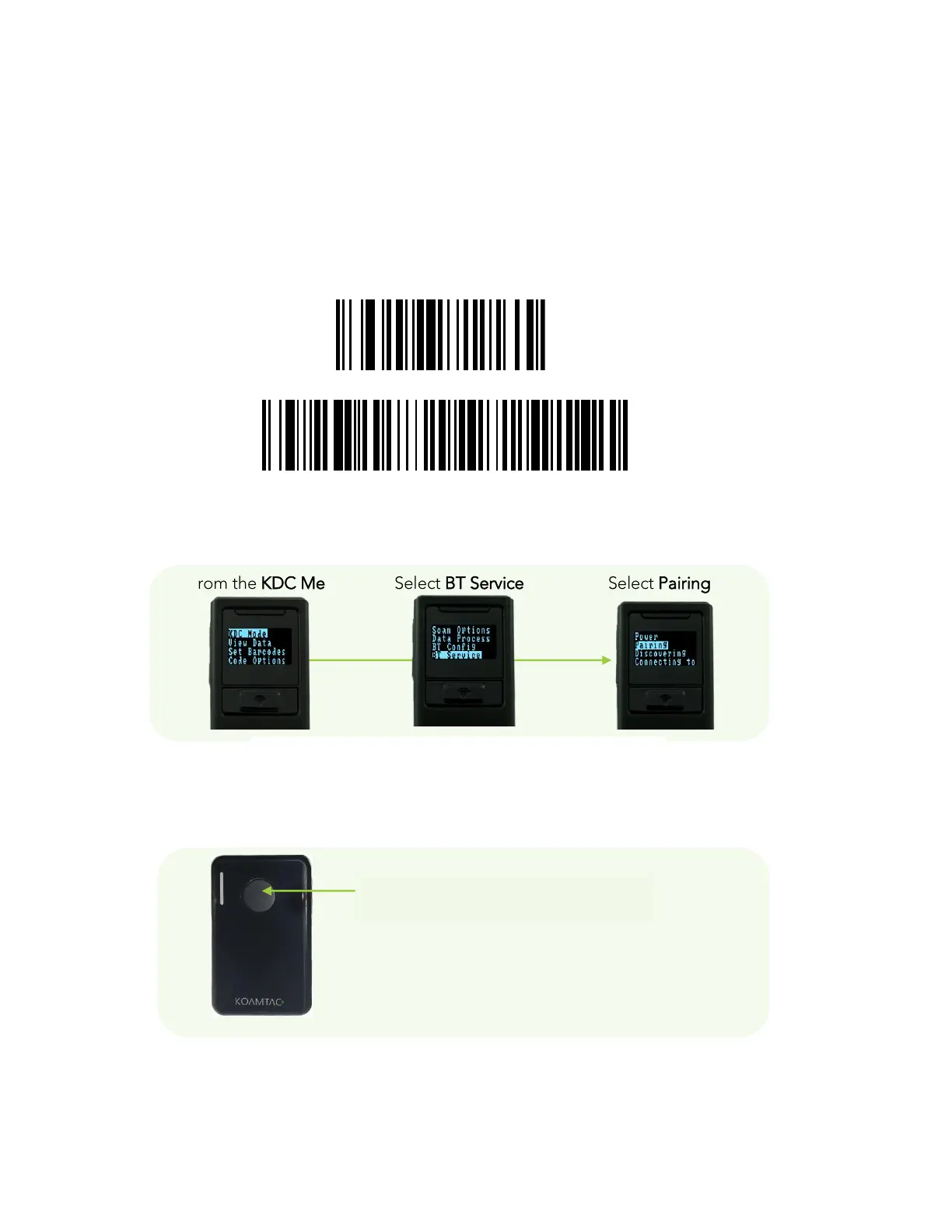
1. Put the KDC into Pairing mode
⚫ Select the correct pairing barcode and scan below for your KDC model, or
KDC 20/100/200/250/270L/270D/350L/410/411/415/470L/470D/500L (1D)
KDC30/300/270C/350C/420/421/425/470C/500C (2D)
Pairing Special Barcode
⚫ Select Pairing from the KDC menu.
From the KDC Menu Select BT Service Select Pairing
⚫ Press the Scan button for five seconds in order to enter into Pairing mode.



 To Next Page