KDC User Manual SYNCHRONIZATION
164
6.4 Other Settings
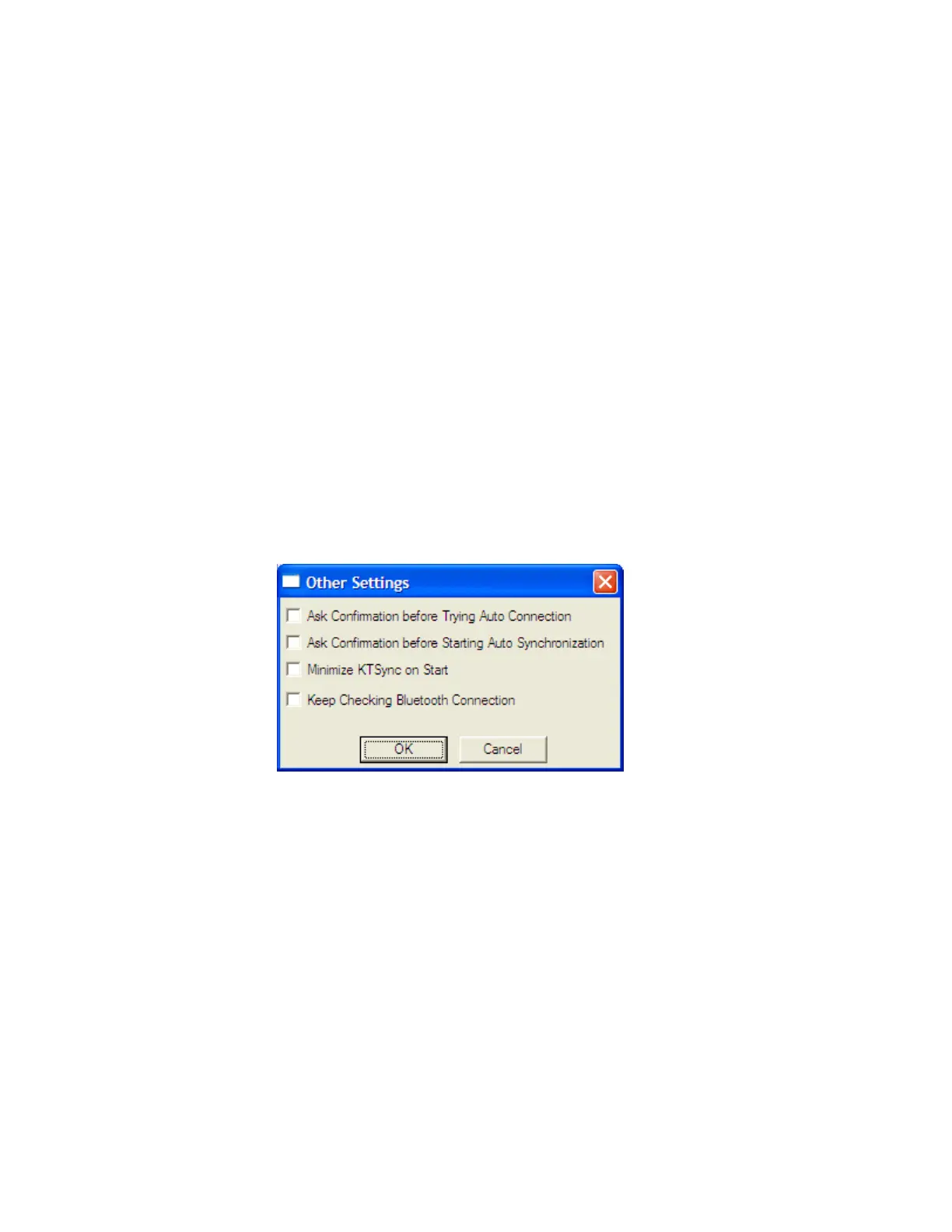
Other options under the Settings menu allow the user to select four additional settings:
⚫ Ask Confirmation before Trying Auto Connection prevents unintentional launch of
KTSync.
⚫ Ask Confirmation before Starting Auto Synchronization prevents unintentional
synchronization of data.
⚫ Minimize KTSync on Start will minimize KTSync and send it to the tray upon
execution.
⚫ Keep Checking
Bluetooth
Connection Enables reconnection of KDC once
Bluetooth
signal is detected. This feature is useful when moving to or from
Bluetooth
host
device frequently. KTSync will automatically reconnect
Bluetooth
connection when
the user enter an effective
Bluetooth
network range.
(Not Available on KDC100)
To select any of these settings, click on the box to the left of the setting. A check mark () will
display next to the setting to indicate that it is selected.



 To Next Page