KDC User Manual SYNCHRONIZATION
147
5.3 KDC470/475 UHF
Operation Mode
KDC470/475 UHF reader is in Barcode reading mode upon booting the device. To read UHF
tag, it is required to change UHF tag read mode. By keep pressing UP button for 3 seconds,
the operation mode is toggled between Barcode read mode and UHF tag read mode.
Application also can select Barcode read mode or UHF tag read mode via SDK.
KDC470/475 generates 3 short beeps when changing to UHF tag read mode and 1 long and
1 short beeps when returning to Barcode read mode.
UHF Tag Read Mode
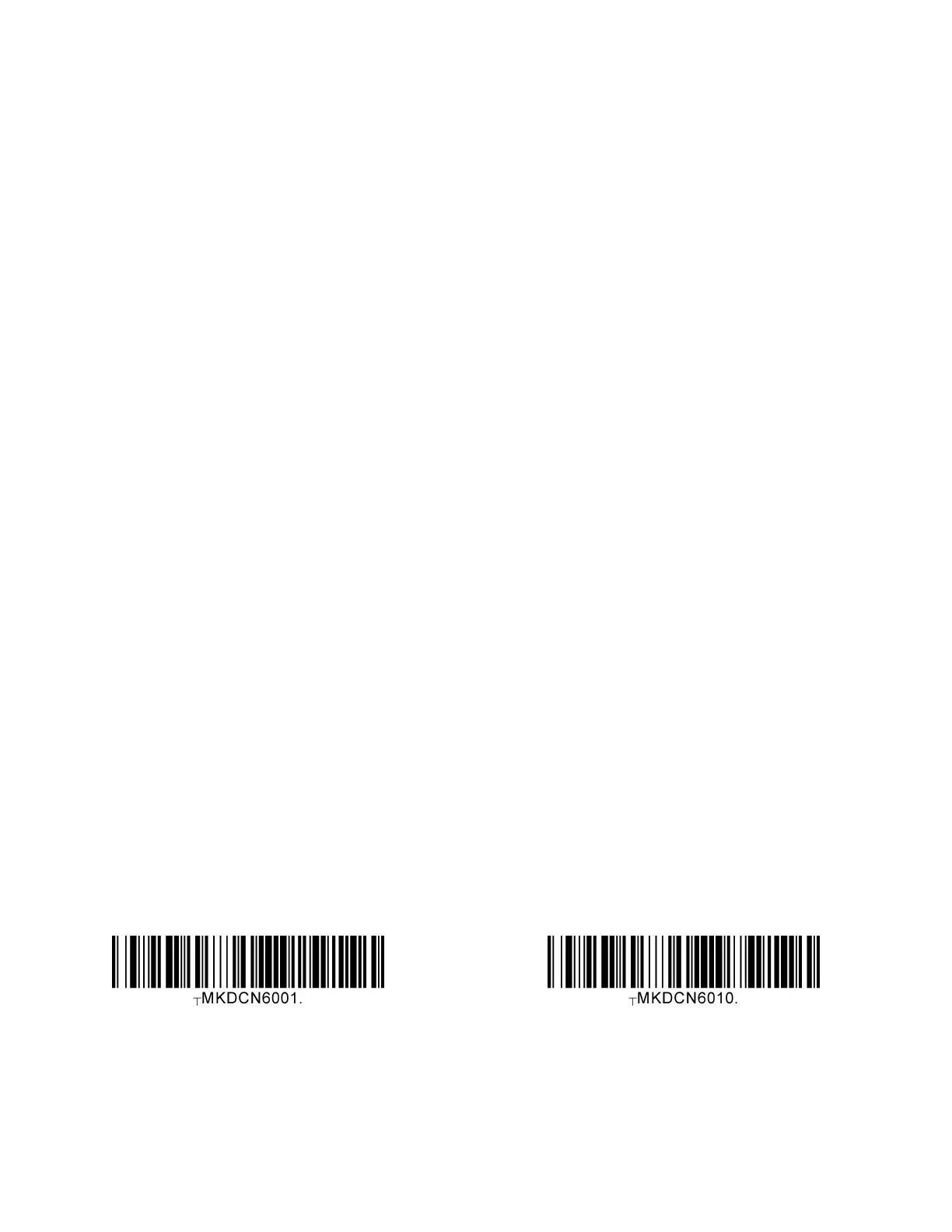
There are two UHF Tag read modes: Single tag reading and Multiple tag reading. UHF Tag
read mode can be changed by scanning barcode or toggle key. In the single tag reading
mode, KDC470/475 read s only one tag and stop reading additional tags. In the multiple
tags reading mode, KDC470/475 read tags until timeout reaches. Application can change
single tag read mode and multiple tag read mode via SDK.
UHF Special barcodes
Multiple Read UHF Single Read



 To Next Page