KDC User Manual
INTRODUCTION
33
1.4 Keypad Functionality for KDC500
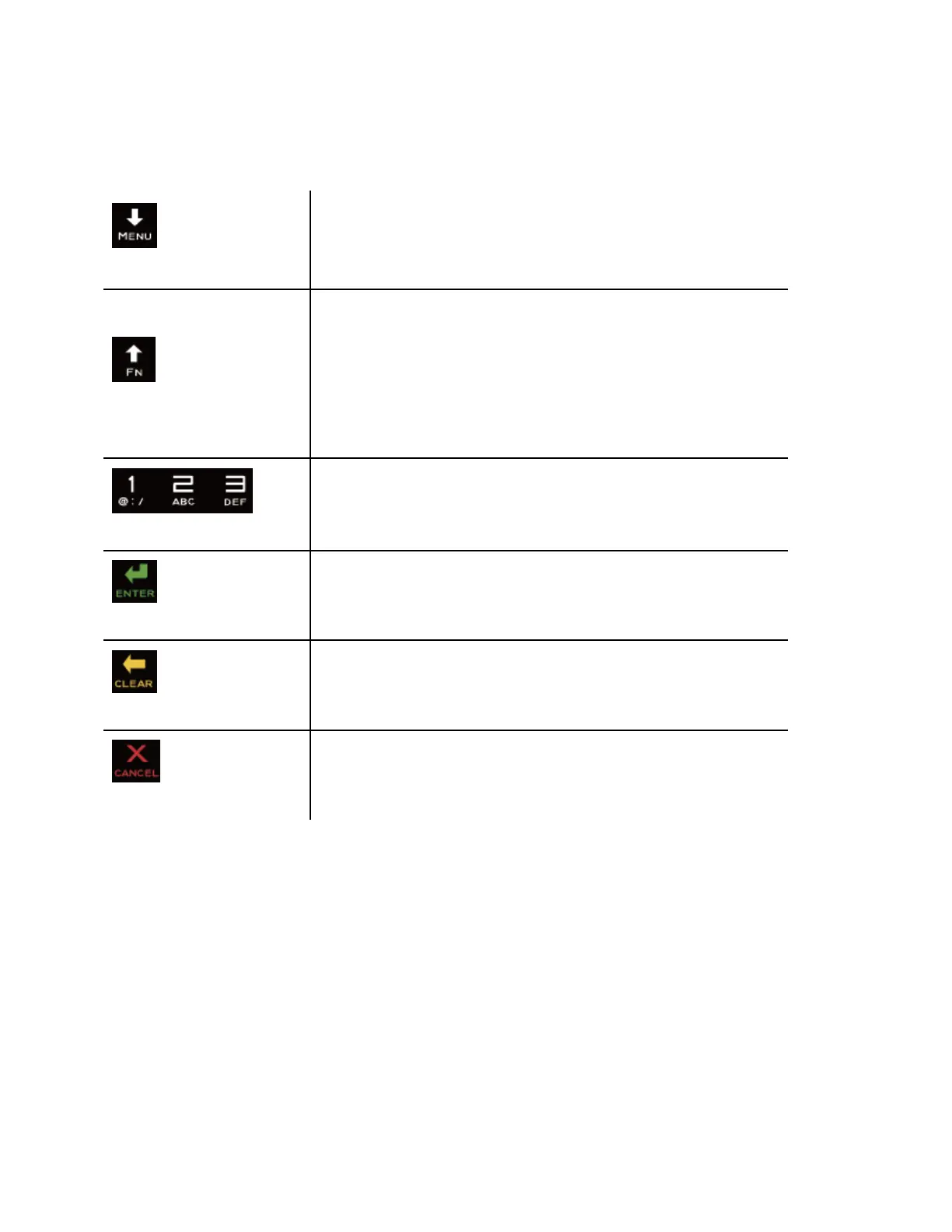
While in the KDC500 menu, press this button to scroll down
the selection bar. While on the main screen, press this
button for 5 seconds then the KDC500 will enter the KDC500
menu mode.
While in the KDC500 menu, press this button to scroll up the
selection bar. While on the main screen, press this button for
5 seconds then the KDC500 will enter the KDC500 BT
Service menu.
While the KDC500 waits for Alpha-Numeric key entry, this
button allows the user to switch between ABC and number
input mode.
Input numbers or characters
Press to finish data input.
Press to delete the last character or number input.
If cancel is pressed while menu is active it should return to
the parent menu directory



 To Next Page