KDC User Manual
INTRODUCTION
27
1.2 KDC Characteristics
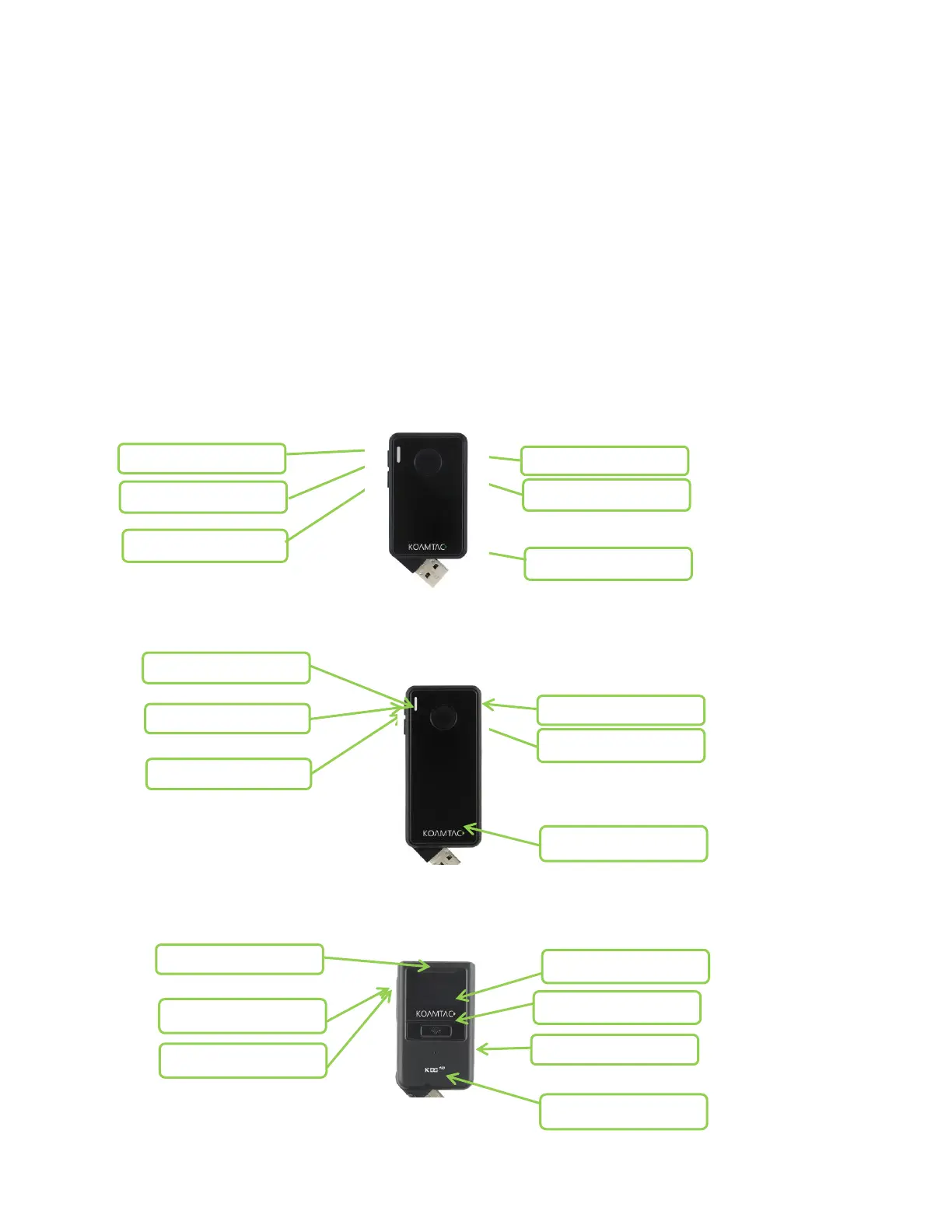
Before using the KDC, the user should become familiar with its physical characteristics. Refer to
the figures below. These figures indicate the placement of the SCAN, UP, DOWN and DELETE
buttons, OLED display, LED, and ports on the KDC.
Although KDC models consist of similar buttons and LEDs, each model has different
characteristics for its own purpose of use. The KDC20/30/100 includes a swing-out USB
connector and the KDC350/500 has a keypad.
KDC20/30 Barcode Reader and Data Collector
KDC100 Barcode Reader and Data Collector



 To Next Page