KDC User Manual BLUETOOTH
37
2. Installation
2.1 Bluetooth Pairing
The KDC may read and store barcode data independently, but it may also be used in
conjunction with a PC, PDA, or smart device.
In order to read barcode data with your KDC wirelessly, the user must first pair the KDC and
smart device via Bluetooth. If previously paired and no changes have been made in the smart
device’s Bluetooth settings, the smart device will always recognize the KDC that has previously
been paired. However, if changes have been made, the user may need to go through the pairing
process again. The user may also refer to Chapter 4. Bluetooth for more information about
Bluetooth pairing. Please refer Chapter 20 Appendix J for KDC280C.
Preparing for Pairing
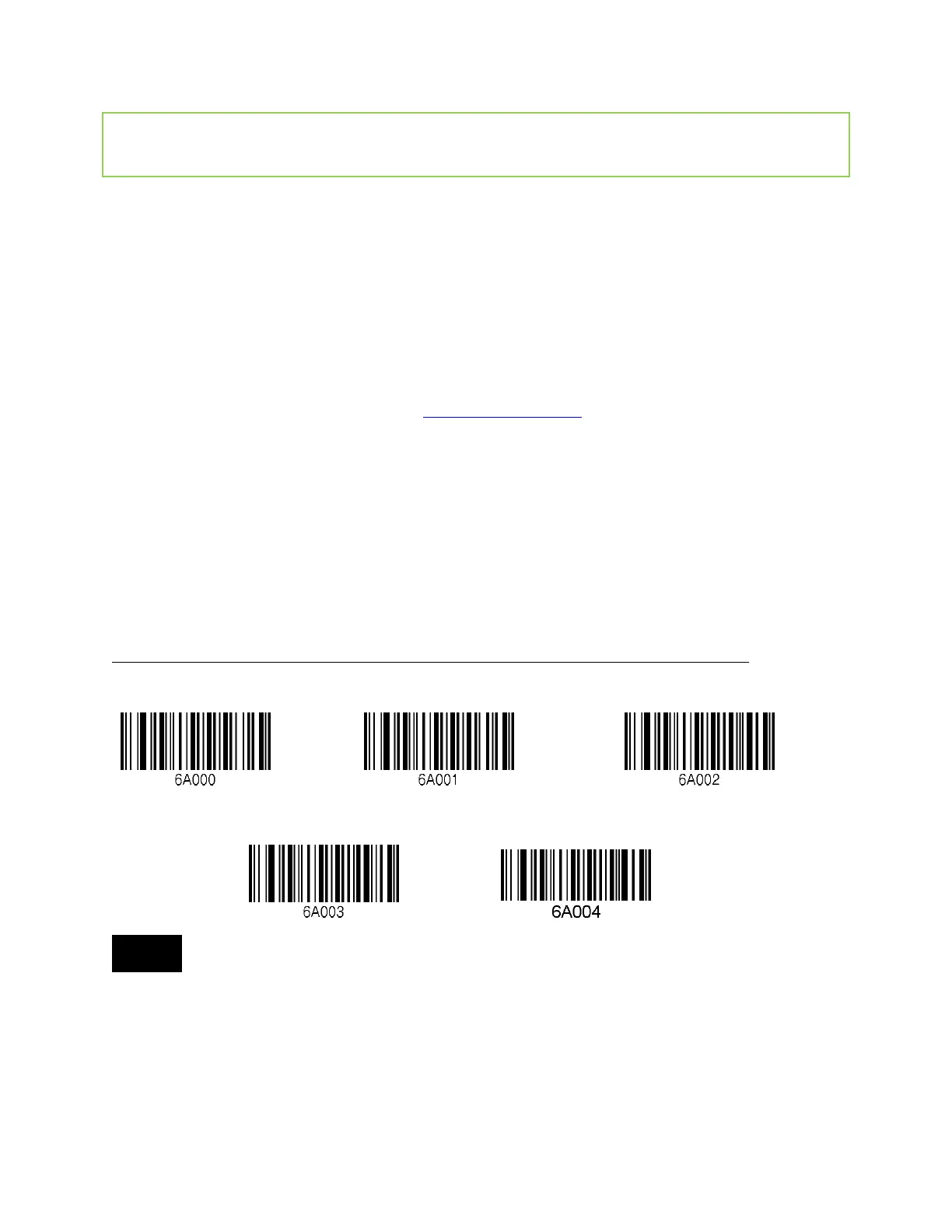
Select a Bluetooth profile. There are two ways to set up a Bluetooth profile. The user may
establish a Bluetooth profile manually (on the scanner) or by scanning a programming barcode
as shown below. (iOS and MFi are for Apple products and others are for Android products).
User needs to disable MFi mode (“i” models) in the system config model first to enable HID
mode.
KDC 20/100/200/250/270L/270D/350L/410/411/415/470L/470D/475L/475D/500L (1D)
Bluetooth Profile SPP Bluetooth Profile HID iOS Bluetooth Profile MFi
Bluetooth Profile SPP2.0 Bluetooth Profile HID normal
For PCI PTS compliance, KDC500L supports only Bluetooth Profile SPP and MFi.



 To Next Page