KDC User Manual SYNCHRONIZATION
124
There are three ways to put KDC280C-BLE in to a pairing mode.
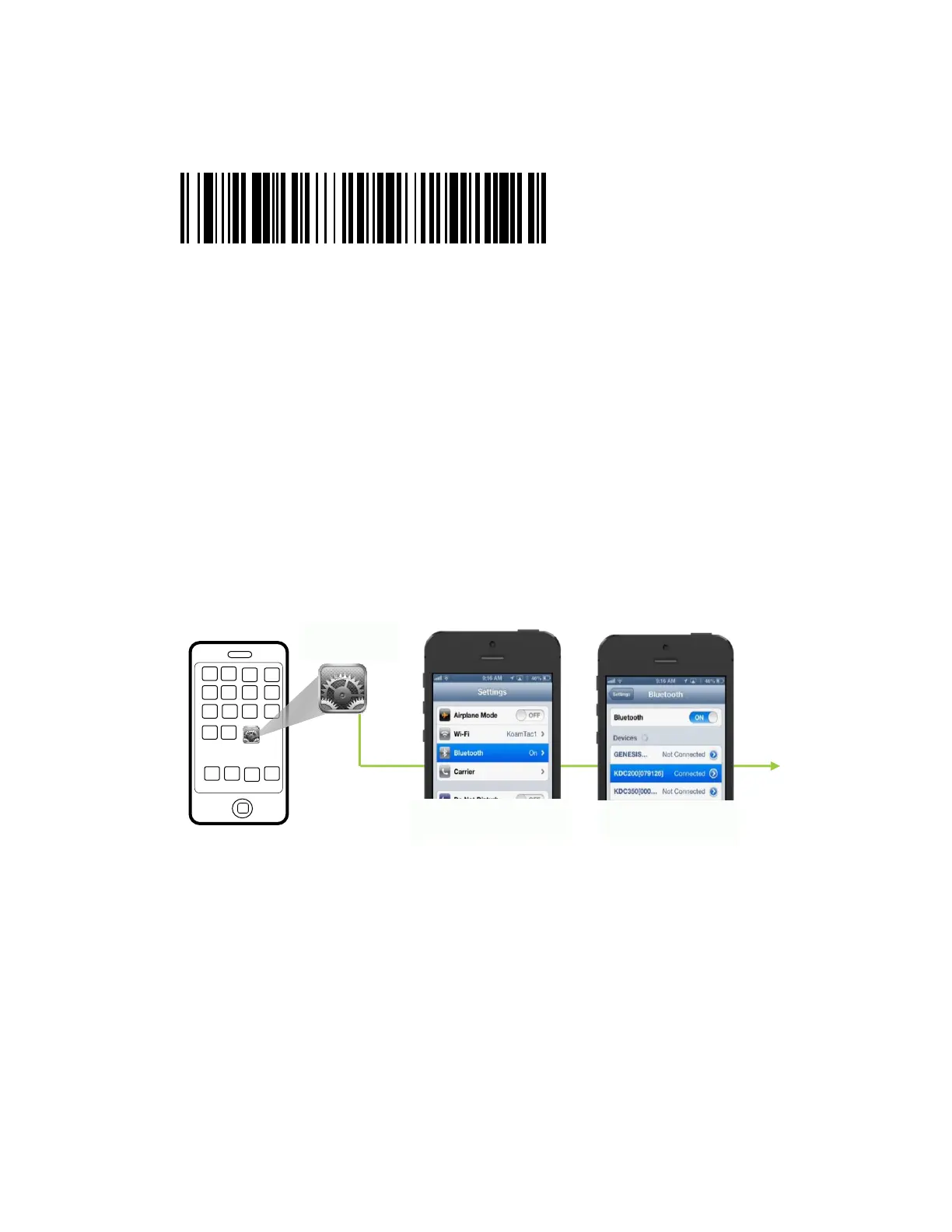
①. Scan below Pairing barcode
②. Select Pairing from KDC280C-BLE menu
i. Press Up & Down button at the same time
ii. Navigate to BT Service
iii. Select Pairing
③. Press the Scan button for five (5) seconds then it goes to a pairing mode
➢ Pairing completion from the host device
On the host device, go to Settings → Bluetooth, and select the KDC280[Serial Number] that
needs to be paired. The KDC and the host device will now communicate with each other.
➢ Connection of KDC280C-BLE and the host device
After it has been paired, open application and select a paired device, then it connects to the
KDC280C-BLE.



 To Next Page