KDC User Manual SYNCHRONIZATION
136
HTTP GET&POST
Step 1. Install Apache Server (XAMPP)
• Download the installer from http:www.apachefriends.org/en/xampp-windows.html
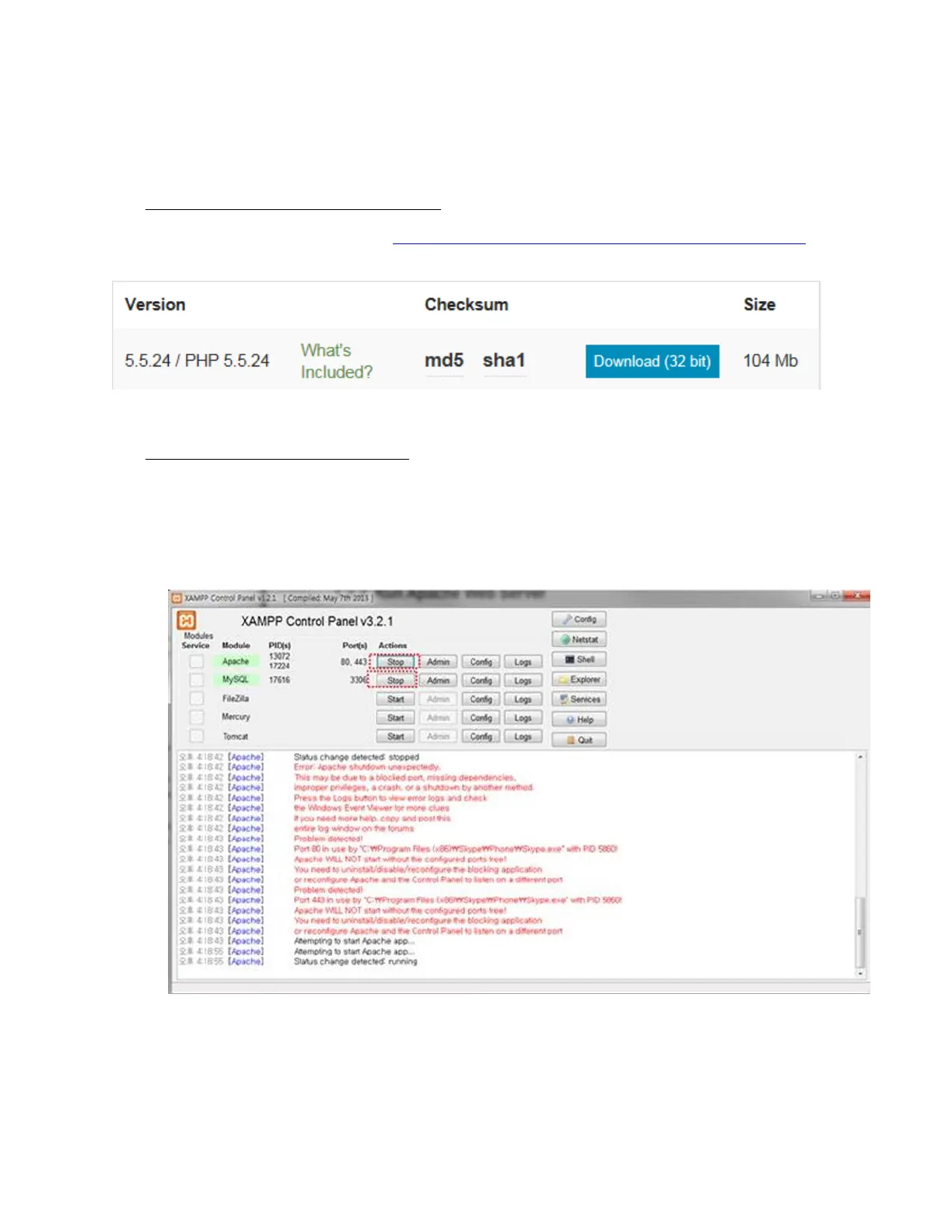
Step 2. Run XAMPP Control Panel
• Run the XAMPP Control Panel and make sure both Apache and MySQL can be
started as shown on the following screen. If it is unable to start, terminate all other
online programs, such as skype.



 To Next Page