KDC User Manual MULTIPLE SPECIAL BARCODES
375
18. Appendix H – Power management
When the KDC is not in use, it enters sleep mode. In this state, the KDC consumes very little
power to prolong battery life.
The KDC270/KDC280/470 supports an additional power management feature called
Hibernation mode. In this state, the KDC consumes even less power than when in sleep mode.
This is because Hibernation mode is essentially in the same state as the power off state. The
KDC will boot up faster from Hibernation mode in comparison to the power off state. This is
because in Hibernation mode, the KDC skips initialization.
Press and hold the SCAN button for more than 3 seconds to boot from Hibernation mode or
power off mode.
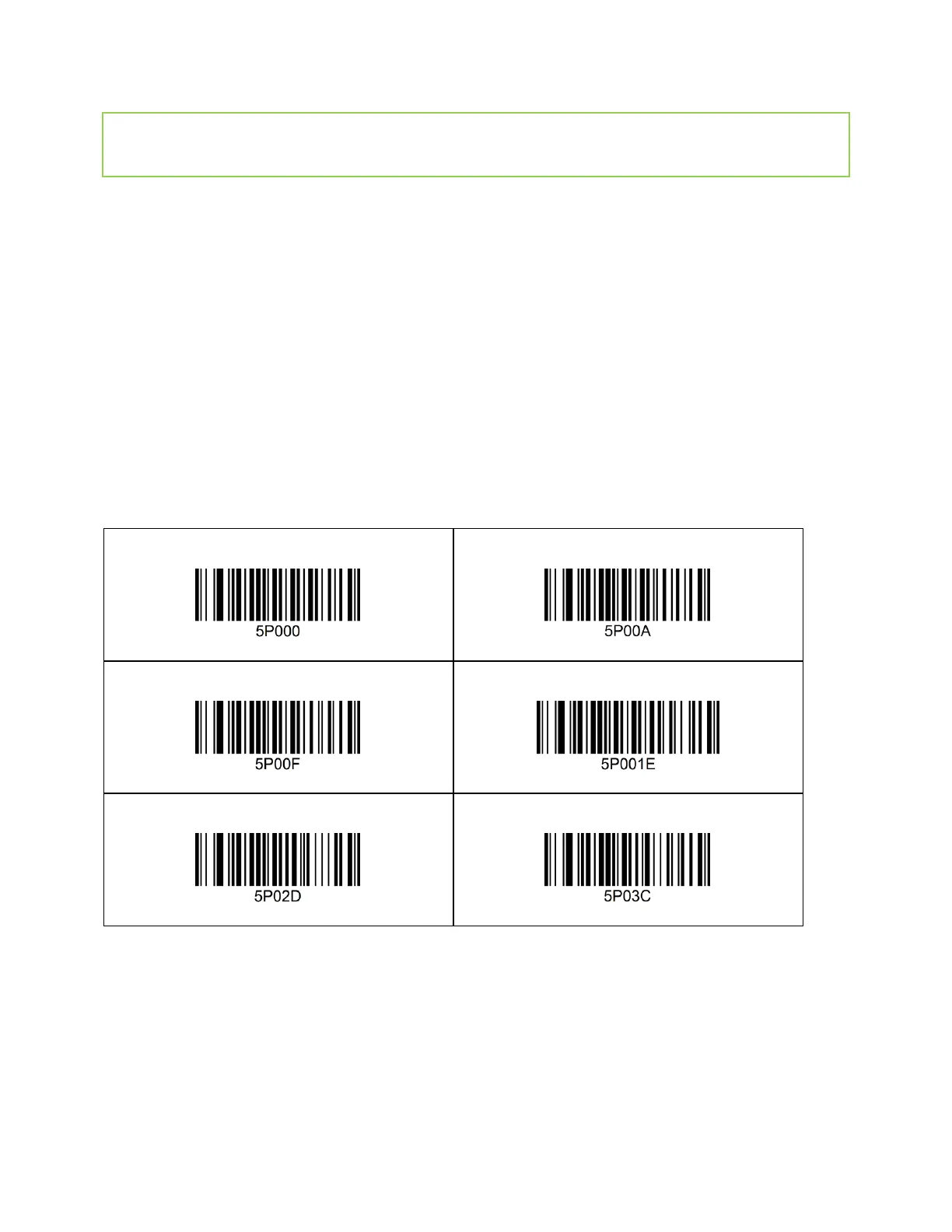
By default, the Hibernation mode is disabled. It can be enabled by scanning the barcodes
below with selected timeouts.
18.1 1D – KDC270L/270D/470L/470D



 To Next Page