KDC User Manual BLUETOOTH
38
KDC30/300/270C/350C/420/421/425/450/470C/500C (2D)
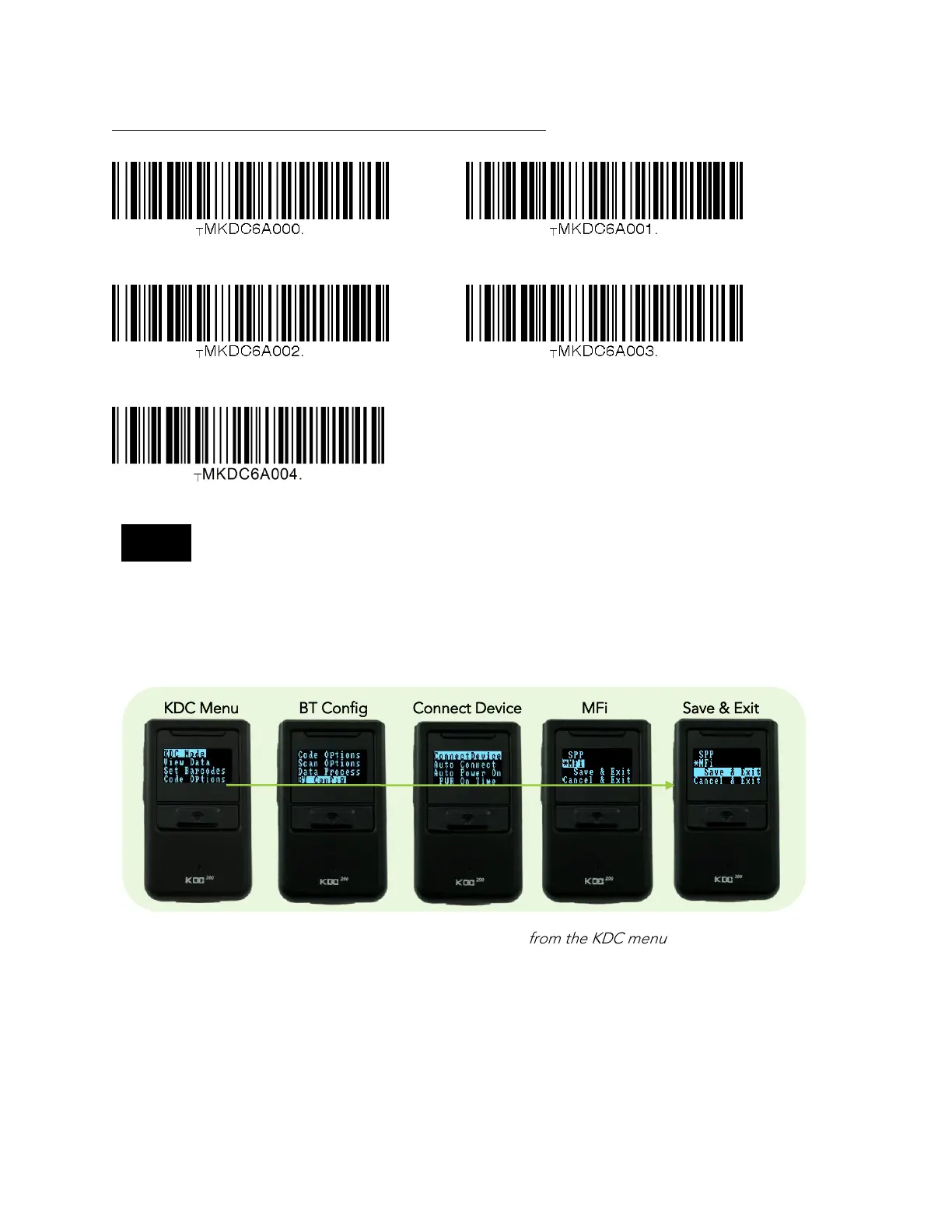
Bluetooth Profile SPP Bluetooth Profile HID iOS
Bluetooth Profile MFi Bluetooth Profile SPP2.0
Bluetooth Profile HID normal
For PCI PTS compliance, KDC500C supports only Bluetooth Profile SPP and MFi.
Some KDCs are equipped with an LCD screen (KDC100/200/250/270/280/300/350/500), the user
may select a Bluetooth profile from the ConnectDevice menu as shown below.
KDC Menu BT Config Connect Device MFi Save & Exit



 To Next Page