KDC User Manual MULTIPLE SPECIAL BARCODES
379
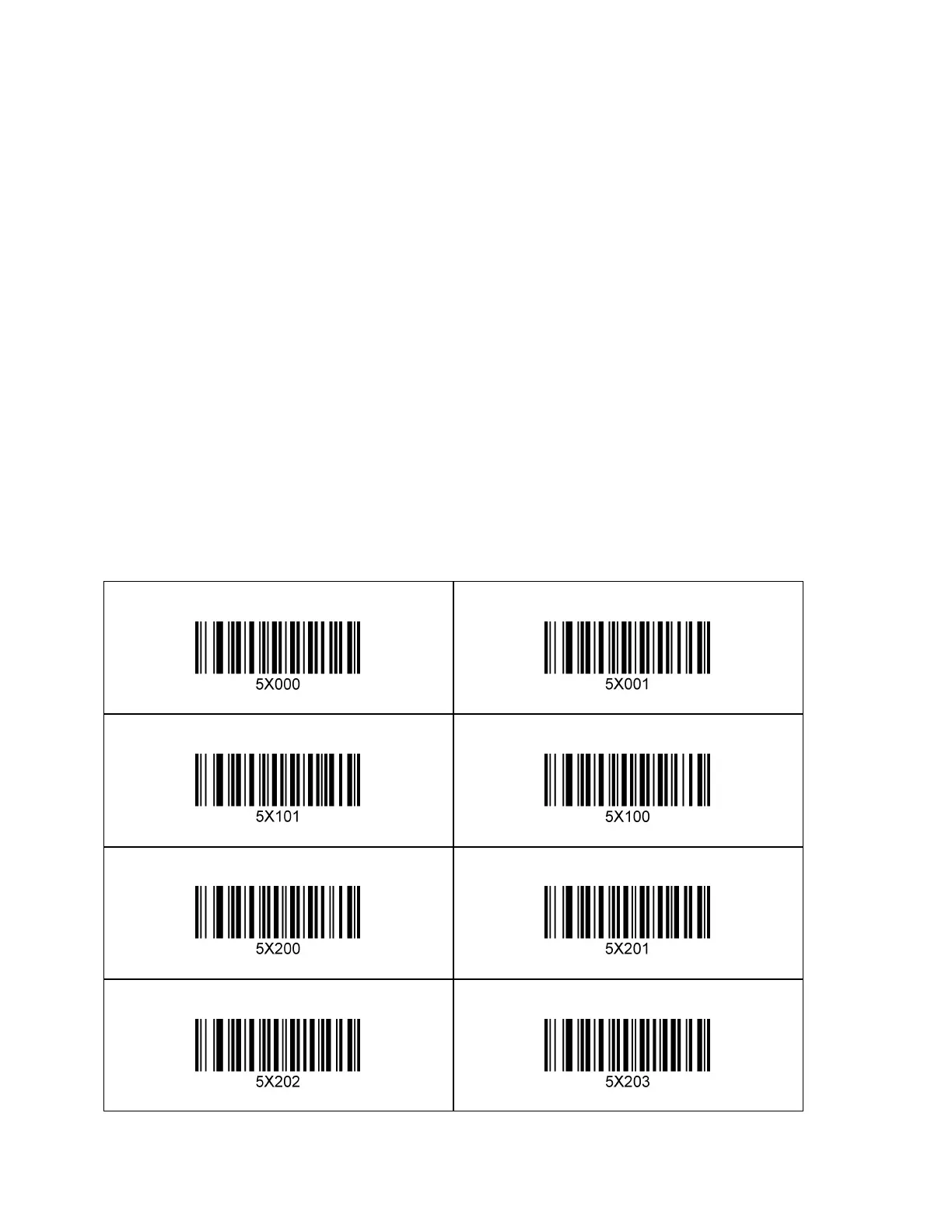
19.3 Configuring SCAN buttons
The KDC470/475 has two scan buttons (Main scan buttons) and provides an additional two scan
buttons (Case scan buttons) on certain smart device cases. By default, both main and case scan
buttons are enabled.
However, user can configure scans buttons as following
1. Enable/Disable main scan buttons. In this case, the Case scan buttons are only work.
2. Disable Case scan buttons and separate main LEFT and RIGHT scan buttons.
①. Enable only LEFT scan button
②. Enable only RIGHT scan button
③. Enable both LEFT and RIGHT scan button
1D – KDC470/475L/D



 To Next Page