KDC User Manual BLUETOOTH
44
2.2 KTSync Setup Wizard
Windows 7, 8 & 10
WARNING: DO NOT CONNECT KDC TO USB PORT PRIOR TO DRIVER INSTALLATION
1. Download KTSync from https://koamtac.com/downloads/applications/.
2. Extract the zip folder.
3. Run Setup.exe which will execute the KTSync Setup Wizard.
If the KTSync Setup Wizard locates an older version of KTSync on the computer, the
user will be prompted to remove the older program before installing the new version.
Select Remove KTSync then click Finish. When removal is complete, click Close. Go to
Step 2 to run KTSync Setup Wizard.
KTSync Setup Wizard
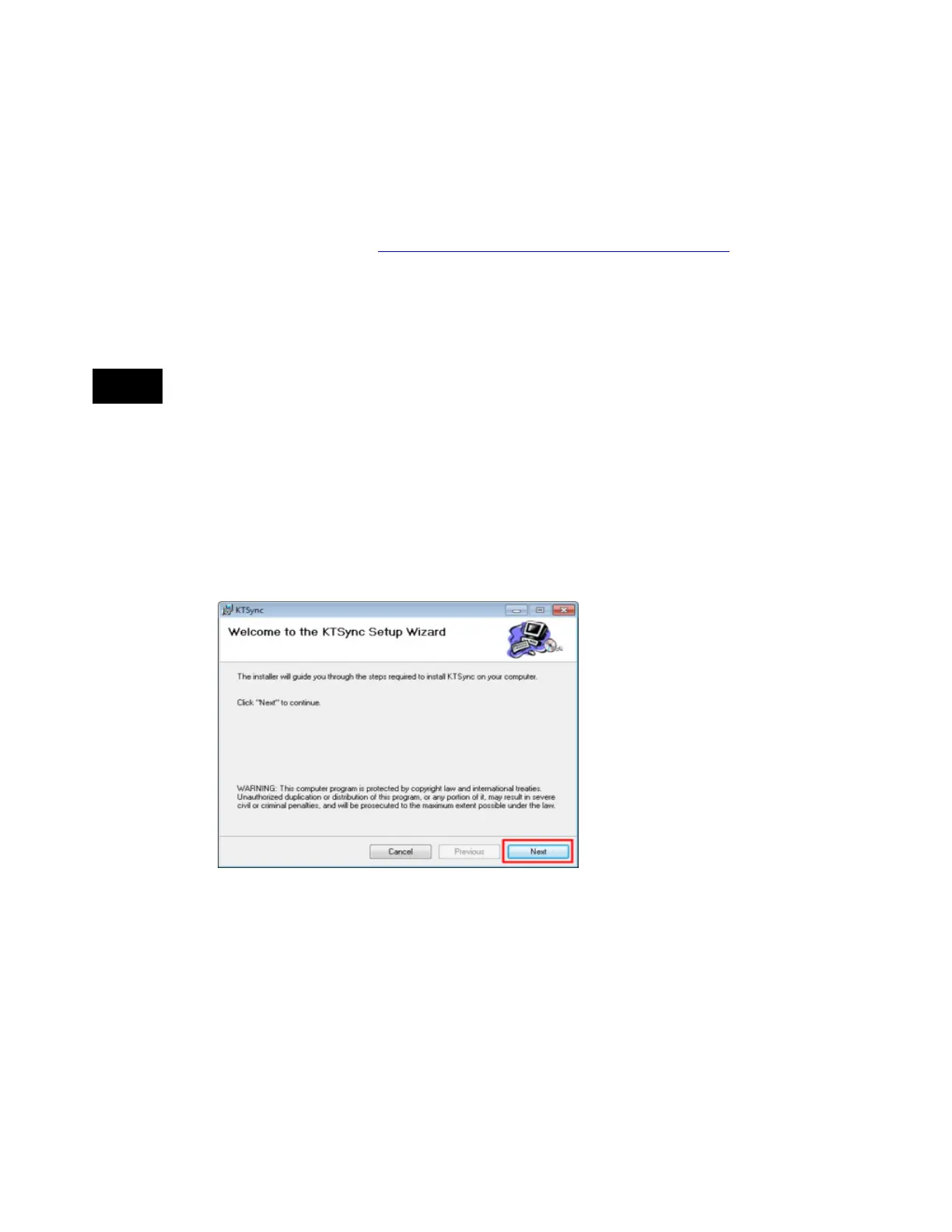
To install KTSync, follow the steps shown in the images below.
1. In the KTSync Setup Wizard window, click Next.



 To Next Page