KDC User Manual BLUETOOTH
46
Connect KDC to Computer
Using the USB cable included with the KDC or built-in swing out USB connector, follow the
directions below.
1. Connect KDC to PC.
2. Wait until the computer beeps and/or displays the message
Found
New Hardware.
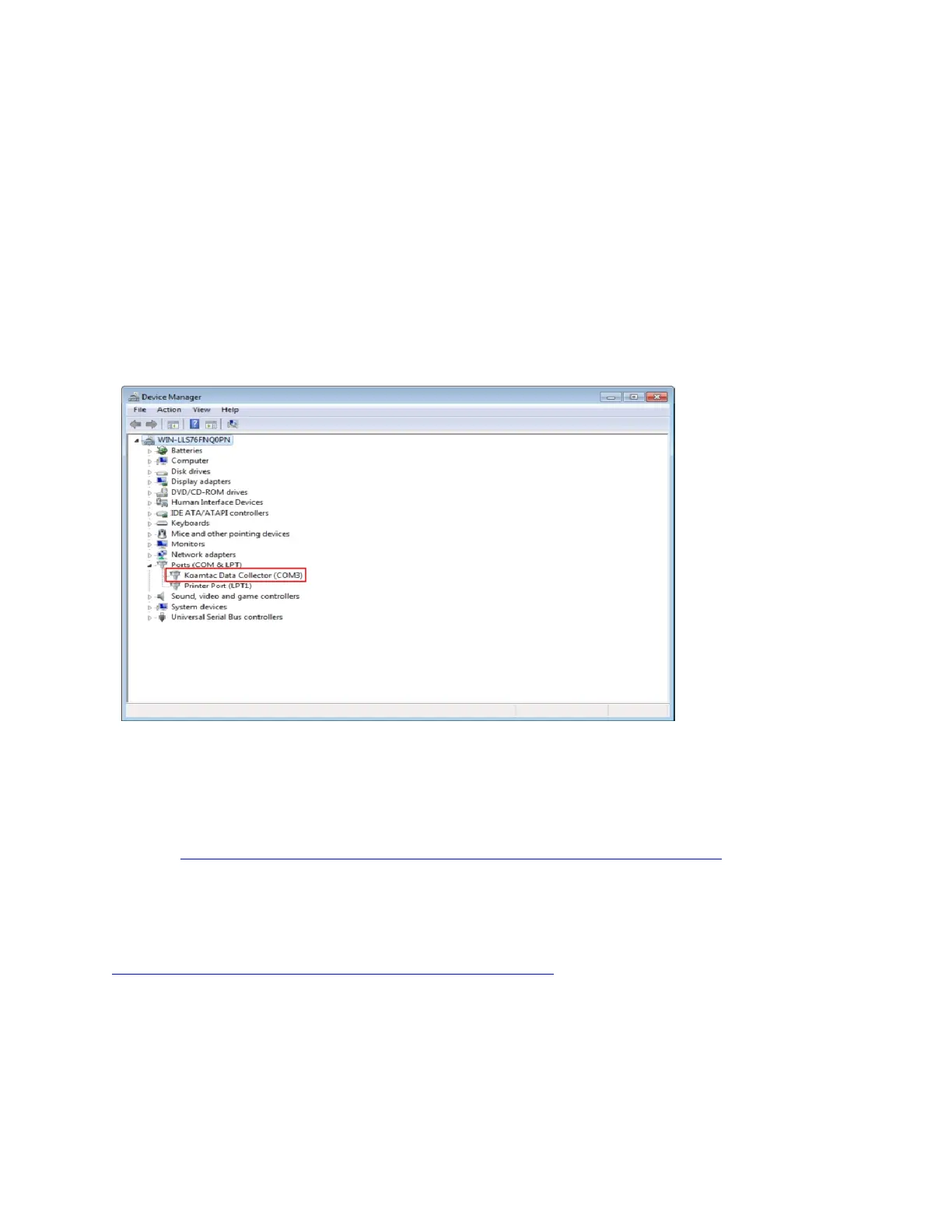
Verify COM Port Address
⚫ The installed COM Port may be verified in Device Manager.
Android
⚫ Download and install KTSync from the Android Play Store.
https://play.google.com/store/apps/details?id=com.koamtac.ktsync&hl
iPad/iPhone/iPod Touch
⚫ Download and install KTSync from the Apple App Store.
http://itunes.apple.com/us/app/ktsync/id372916602?mt=8



 To Next Page