KDC User Manual BLUETOOTH
57
•
This will verify the current firmware of the KDC as well as ensure
compatibility with the new firmware to be downloaded.
6.
Click ‘Step 3: Download New F/W’
•
Do NOT remove KDC during this process.
•
Once the ‘Firmware Updated Successfully’ notification appears, the KDC is safe to
remove.
7.
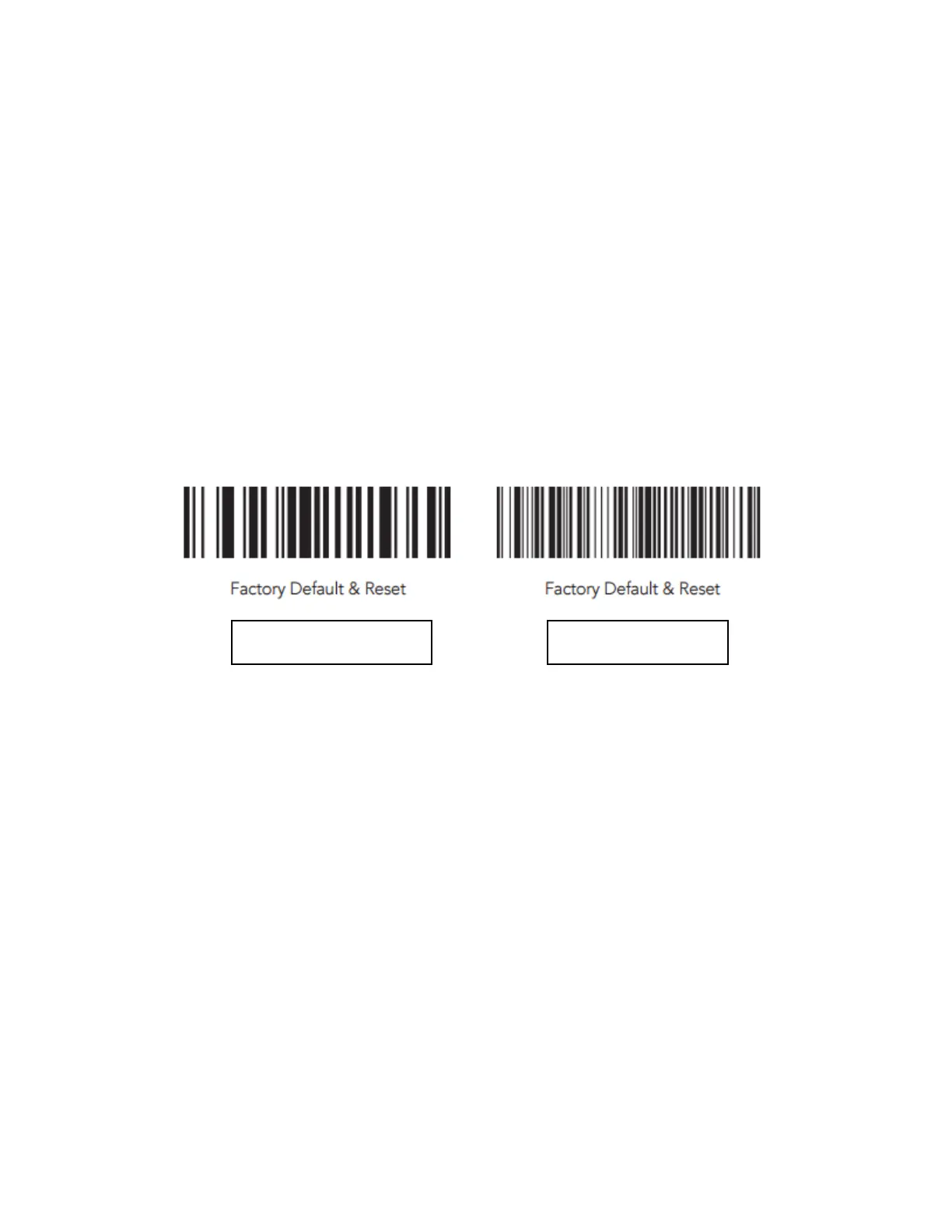
Factory Default the scanner
Firmware Version
• 2.85 firmware refers to scanners without memory for the application database.
• 2.86 firmware refers to scanners with memory for the application database.
• 3.0x firmware refers to scanners with 4 MB or 8 MB of external flash memory.
• 2.8x firmware cannot be upgraded to 3.0x firmware.



 To Next Page