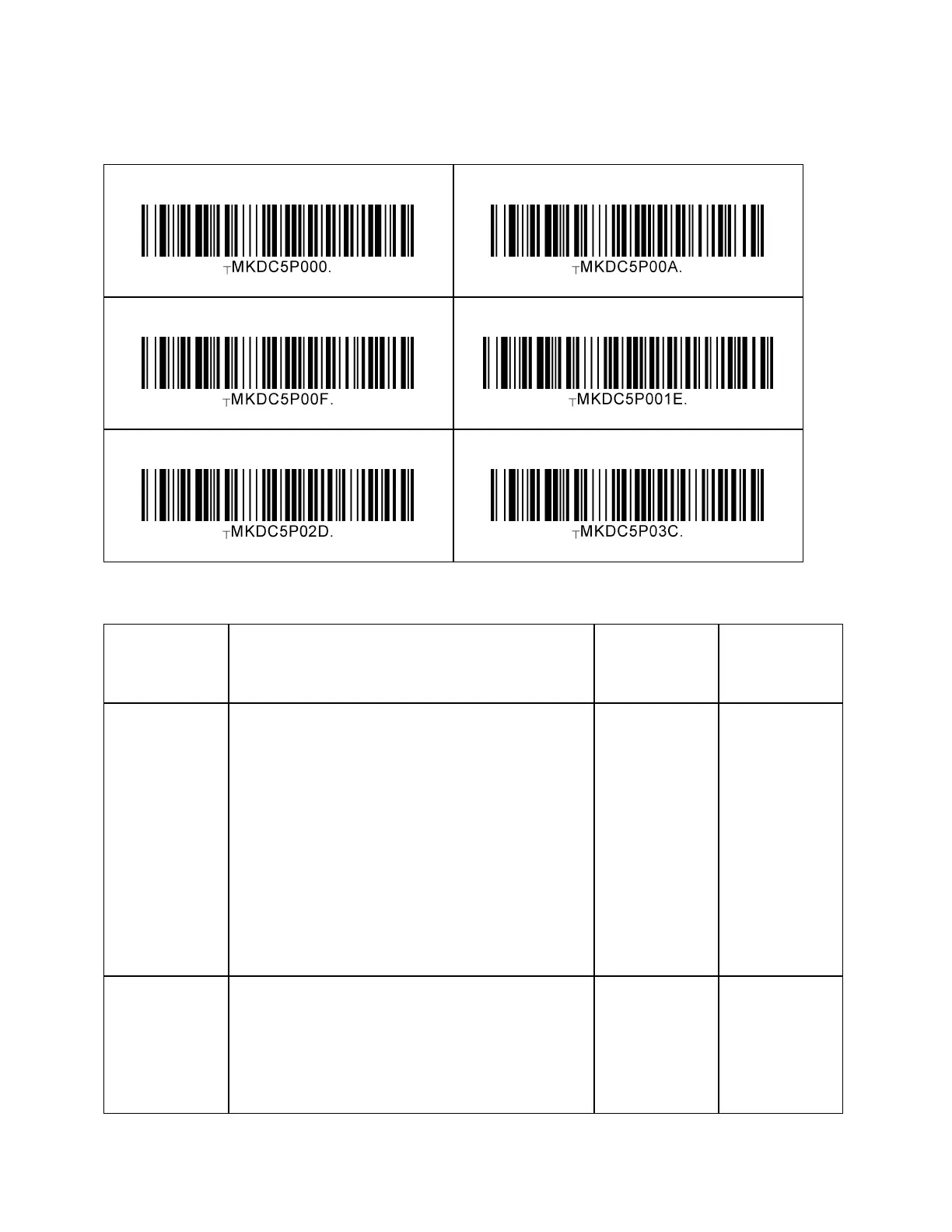
KDC User Manual MULTIPLE SPECIAL BARCODES
376
18.2 2D – KDC30OP/KDC270C/280C/470C
The following table shows the different power management modes of the KDC.
• KDC is not ready to use and all
components are off
• It takes about 30 – 60 seconds to boot up
before it can be used
• To power OFF the KDC, press and hold
the SCAN + DOWN buttons for more
than 3 seconds or Slide power switch off
(KDC400 only). Or press and hold the
both SCAN buttons for more than 3
seconds. (KDC500 only)
KDC20/30
KDC350
KDC400
KDC270
KDC280
KDC470/475
KDC500
• KDC is not ready to use and all
components are off.
• It takes 4 – 5 seconds to boot up before it
can be used
• KDC transits into a hibernation mode
from Power On or Sleep mode when the
timeout has occurred (10, 15, 30, 45 & 60



 To Next Page