KDC User Manual BLUETOOTH
82
KDC Mode Menu
The KDC Mode Menu has two options – Normal Mode and Application Mode.
Normal
This is the default mode that provides basic barcode scanning. In normal mode, barcode data
may be manipulated directly through the KDC or through KTSync during the synchronization
process.
Application
This mode enables the user to run the user application created by the Application Generation
Tool, as described in Chapter 6 Application Generation.
View Data Menu
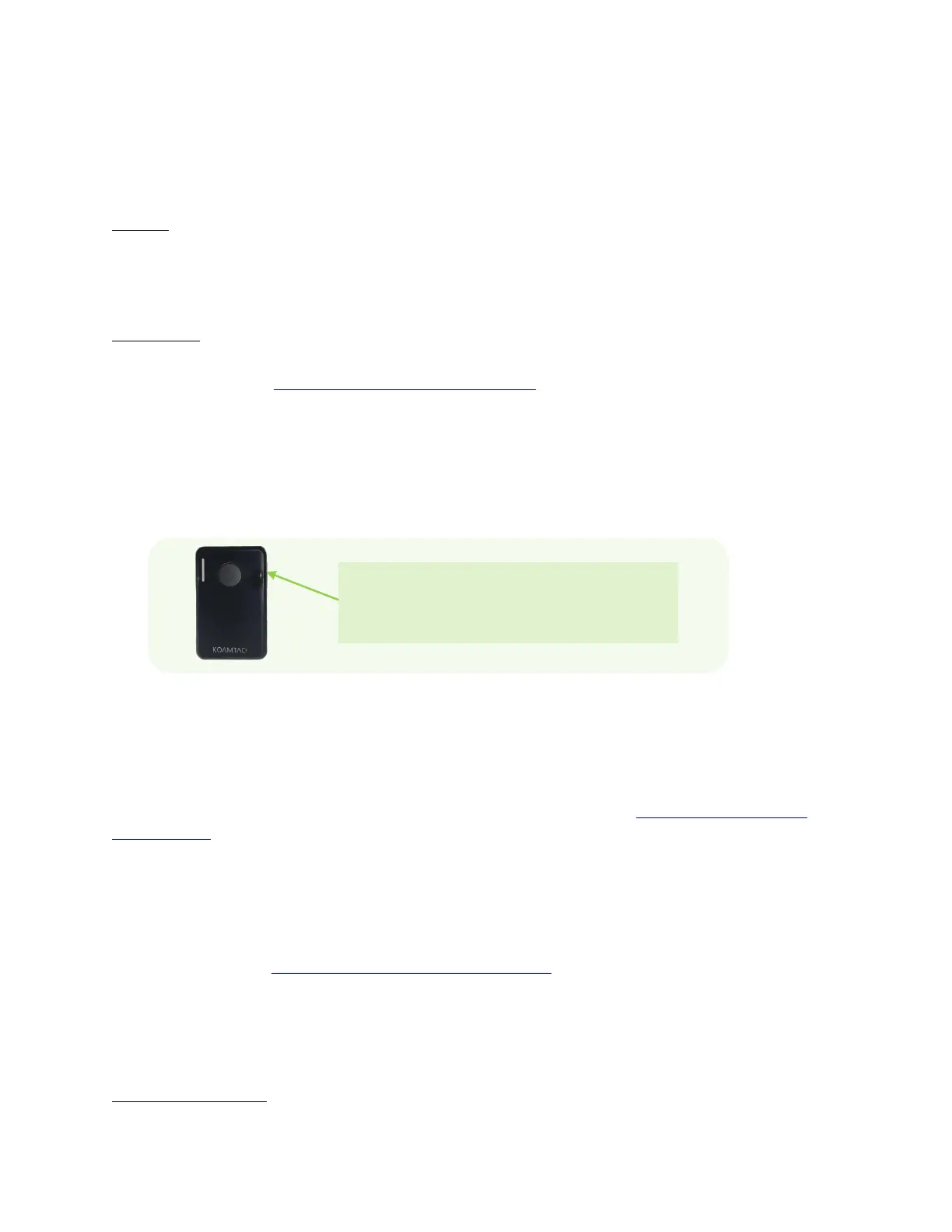
This menu option enables the user to view and/or delete barcodes stored in the KDC. In the
case of the KDC20/30, you may delete the last scanned barcode by pressing the DELETE button
on the right side of the unit.
Set Barcodes Menu
This menu lists all the barcode symbologies supported by the KDC and enables the user to
select the barcode symbologies to be scanned. For maximum scan performance, you should
select only the symbologies that you will be scanning. Please refer to 10. Appendix A – 10.1
Symbologies for a detailed listing of symbologies supported by the KDC.
Code Options Menu
The KDC supports various Code Options, including Transmission of Start and Stop Characters,
Symbology Conversion, Verification of Optional Check Character, and Transmission of Check
Digit. Please refer to 10. Appendix A – 10.2 Code Options for a detailed explanation of each
option.
Scan Options Menu
Power(KDC500 only)



 To Next Page