KDC User Manual SYNCHRONIZATION
131
How to test data transmission
➢ TPC
Step 1. Wi-Fi Module Power ON
• Turn on the Wi-Fi module’s power with “WIFI Config”→“Power”→“Enable”.
Step 2. Configure server information
• “WIFI Config” → “Server” → “IP Address” → “XXX.XXX.X.XX”
• “WIFI Config” → “Server” → “Port Number” → “XXXXX”.
• “WIFI Config” → “Server” → “Protocol” → “TCP”.
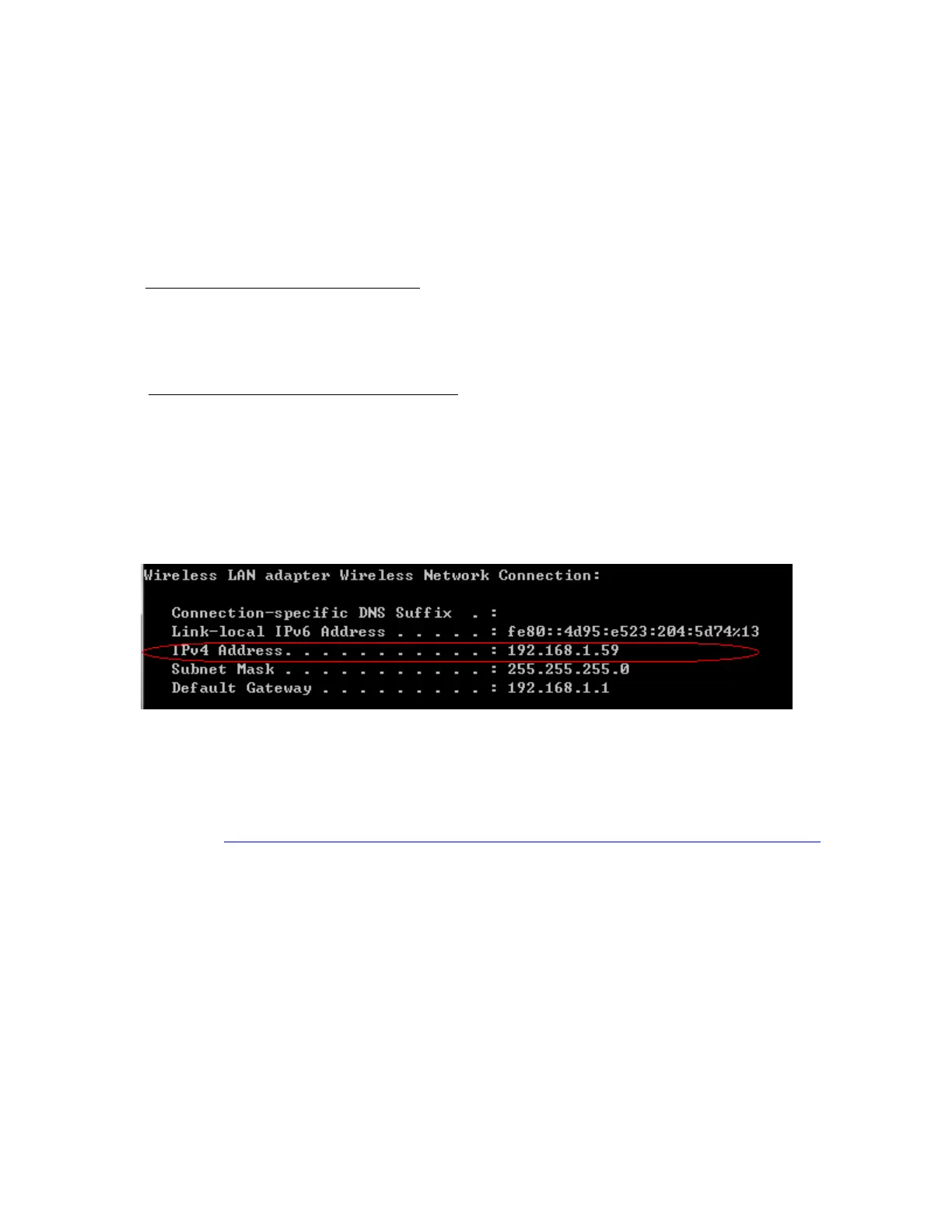
• Obtain the PC’s IP address by opening the command prompt in the
windows and searching “ipconfig”.
• The port address is defined in the following test application called “CommOp”.
o 30 day free trial can be downloaded from
http://www.serialporttool.com/download/CommOperator/CommOperator.zip



 To Next Page