KDC User Manual BLUETOOTH
52
3.2 Basics
Reading Barcodes
To read a barcode using the KDC, simply point the KDC at a barcode and press the scan button.
Be sure to point the scan engine window at the barcode, not at the user’s face, and make sure
to position the light beam on the barcode.
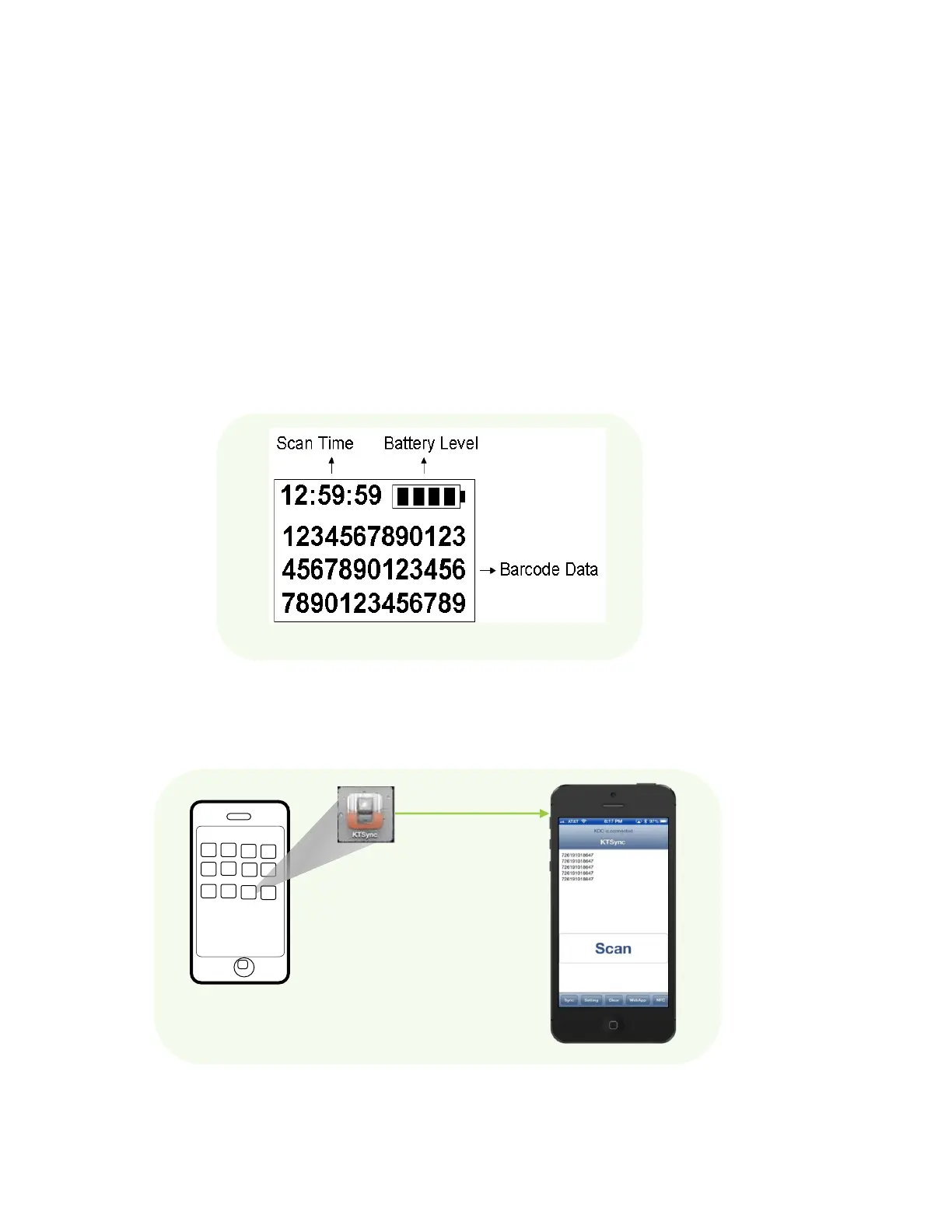
If a barcode has been successfully scanned, the user will hear one short beep and the LEDs will
illuminate green. The scanned barcode data will be displayed on the KDC screen, along with
the scan time and battery level.
Depending on the configuration of the KDC, other information
may also be displayed.
Figure 15 - Scanning barcodes using KTSync



 To Next Page