KDC User Manual SYNCHRONIZATION
135
Step 3. Connect to server
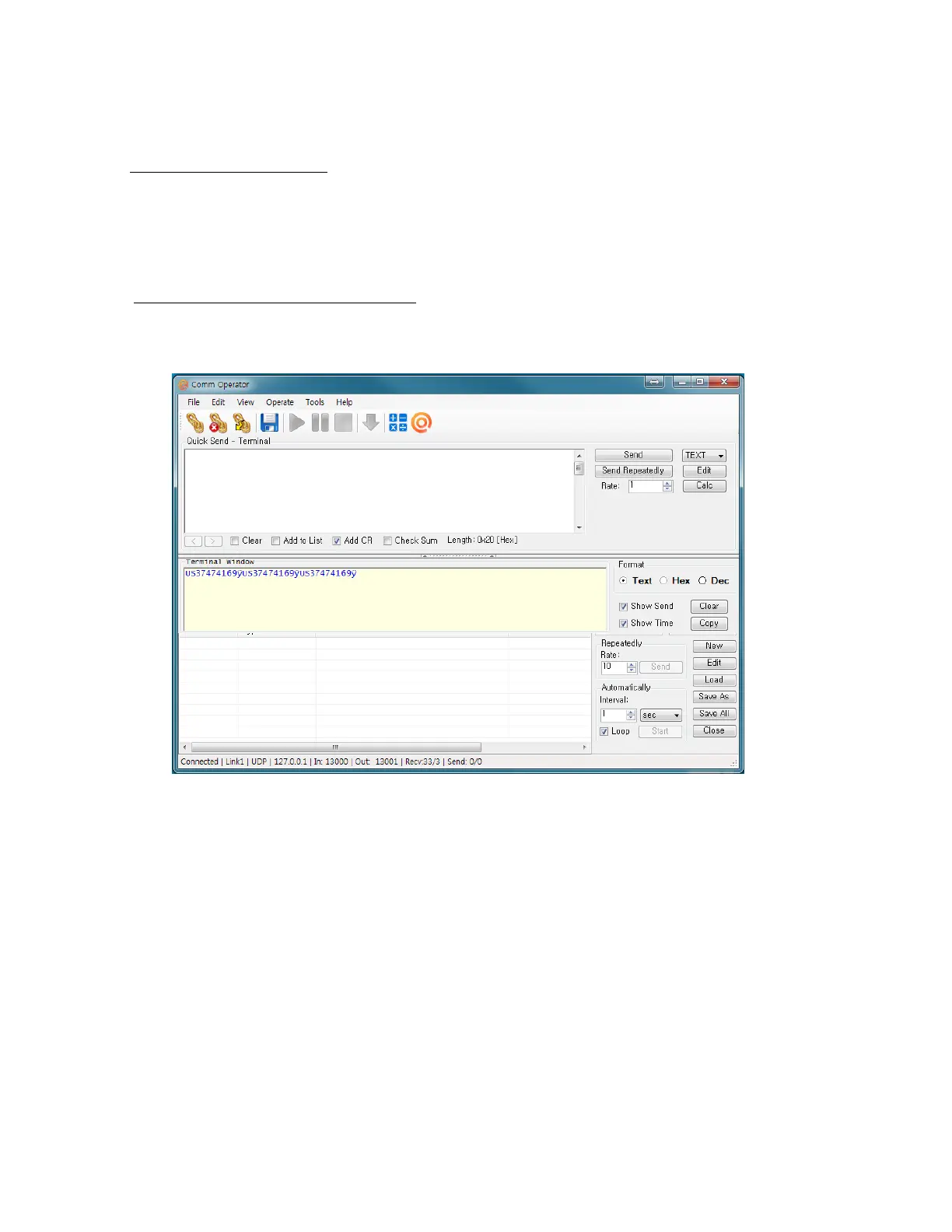
• Run the tester application “CommOp.exe” with UDP mode chosen.
• Connect the KDC to the server in “WIFI Config” → “Connect”.
Step 4. Send barcode data to server
• Scan barcode and the barcode will be displayed as following screen.



 To Next Page