KDC User Manual SYNCHRONIZATION
134
➢ UDP
Step 1. Wi-Fi Module Power ON
• Turn on the Wi-Fi power module with “WIFI Config” → “Power” → “Enable”.
Step 2. Configure server information
• “WIFI Config” → “Server” → “IP Address” → “XXX.XXX.X.XX”.
• “WIFI Config” → “Server” → “Port Number” → “13000”.
• “WIFI Config” → “Server” → “Protocol” → “UDP”.
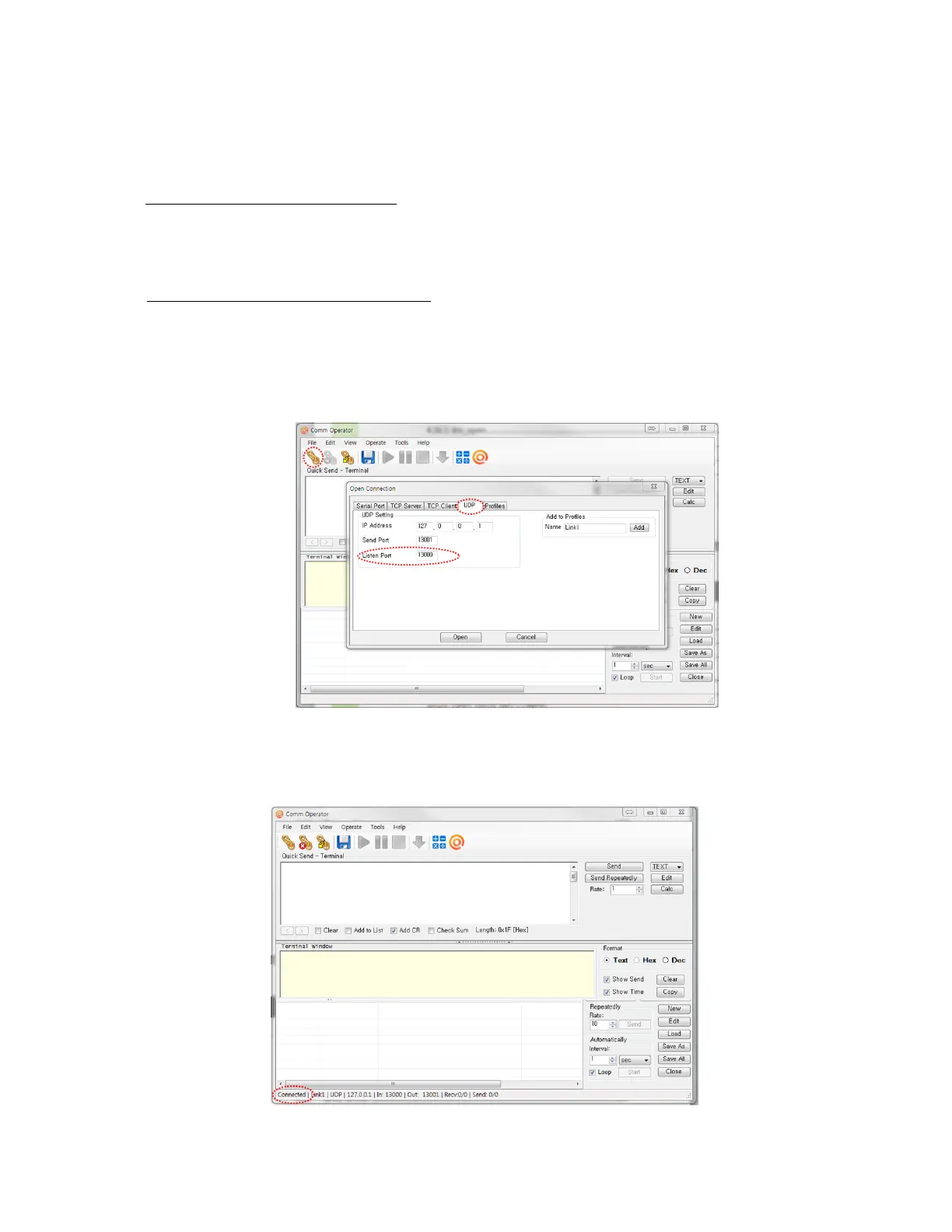
• The port address is defined in the test application as following



 To Next Page