KDC User Manual SYNCHRONIZATION
140
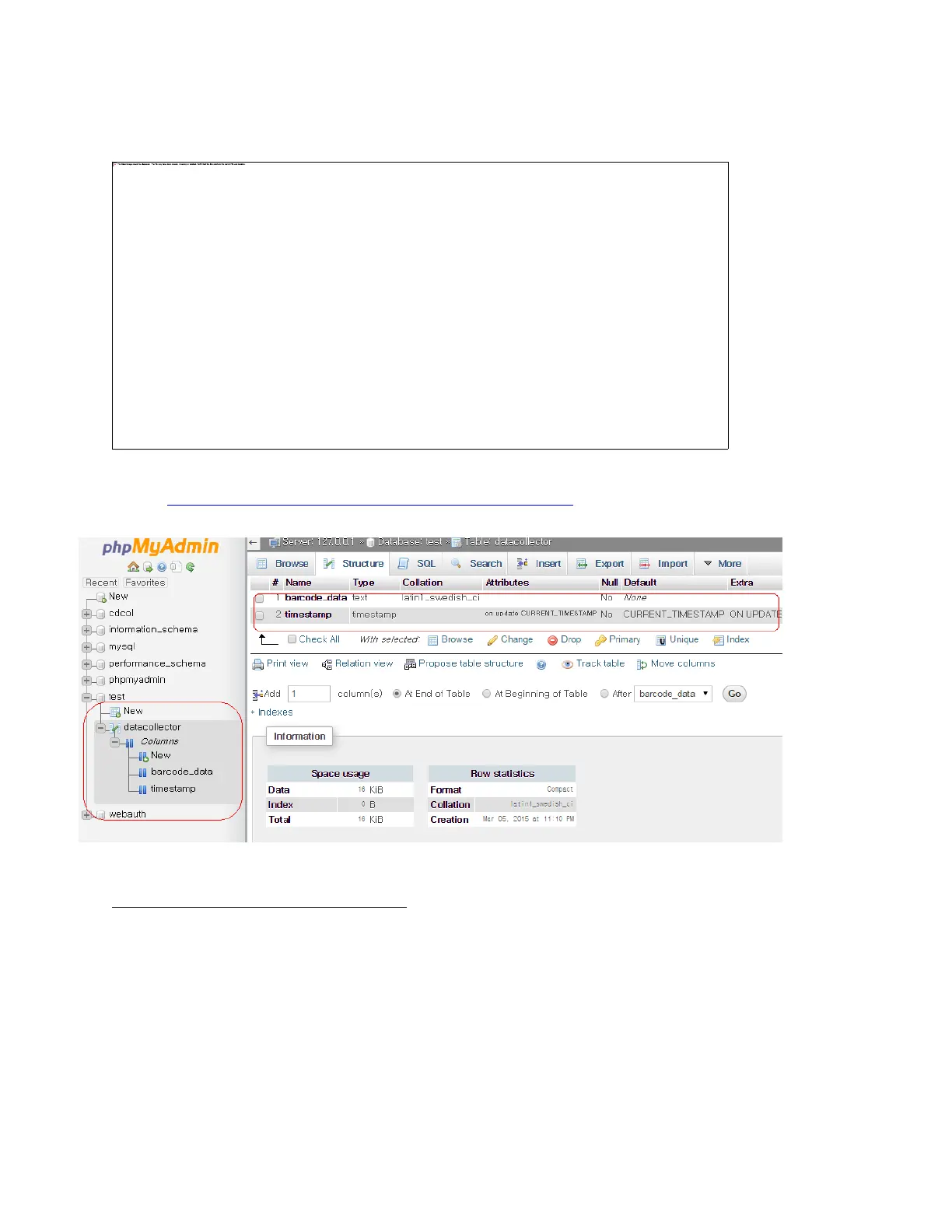
• Once Save is completed, the following screen will display.
• If everything is installed properly, the following screen will display while opening:
http://localhost/datacollector/CheckUpdateData.php.
Step 6. Send data from KDC to server
• Configure the KDC350 settings as follows:
IP Address: Server IP address
Port: 80(HTTP) if SSL is disabled, 443(HTTPS) if SSL is enabled.
Server page: /datacollector/InsertData.php?data=



 To Next Page