189
⚫ Comparing Barcode Length - Number of characters to be compared from 0 to 255
where 0 is all characters.
⚫ Display on KDC - Define database fields to be displayed on KDC. KDC may display
one to three fields. KDC will display one field in two or three lines, if same field is
specified in line entering option.
Formatting Database
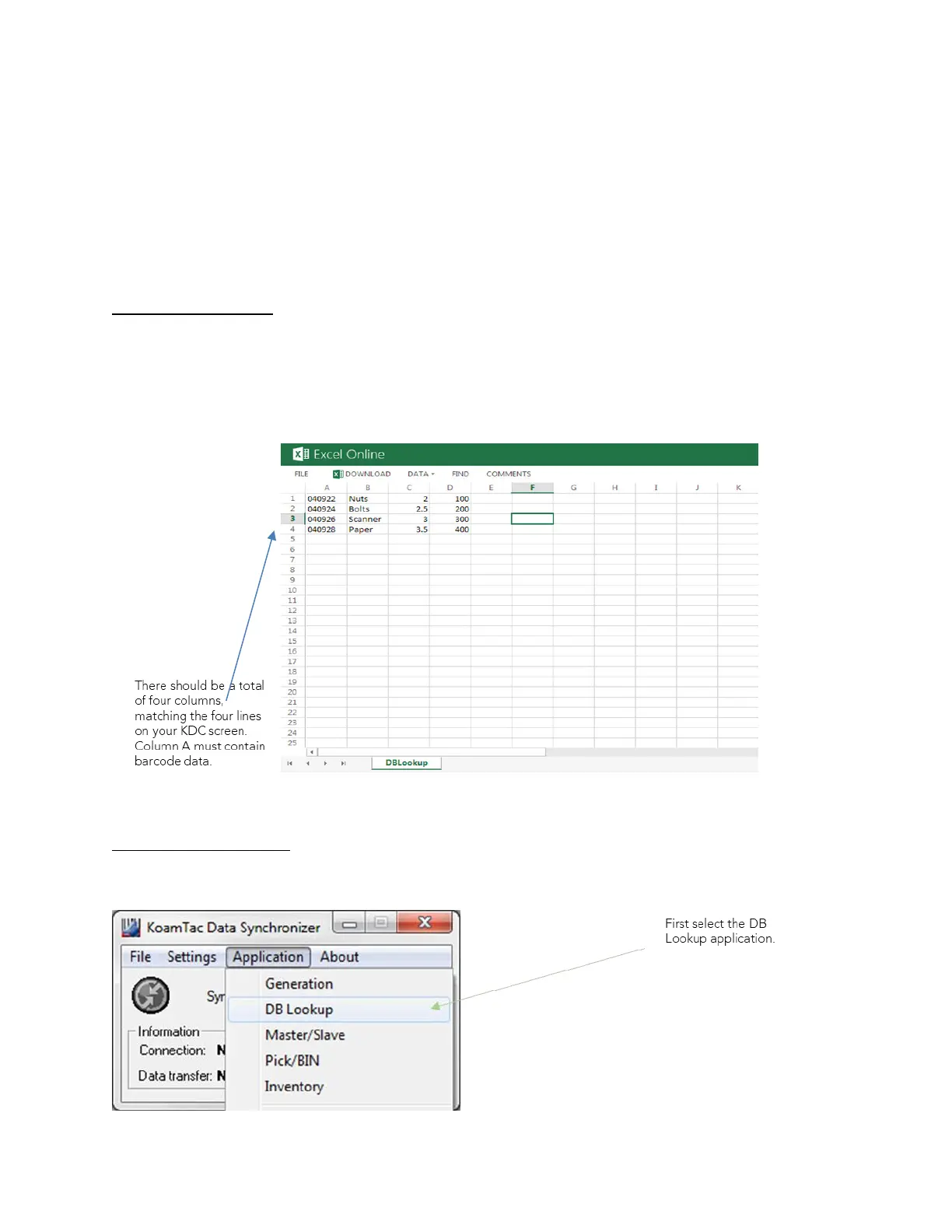
You must first create a database in order to use the DB Lookup Application. If you need to
create one, follow the steps below. We recommend using Microsoft Excel when creating a
database for formatting purposes. Copy & paste from Excel into a text document, such as,
Microsoft Word. Save the Word document as a .txt file.
Creating an application
Connect your KDC to your PC. Open KTSync>Application>DB Lookup



 To Next Page