FINAL GEAR RATIO SELECTION
For an 830E truck, the proper gear ratio has to be
selected.
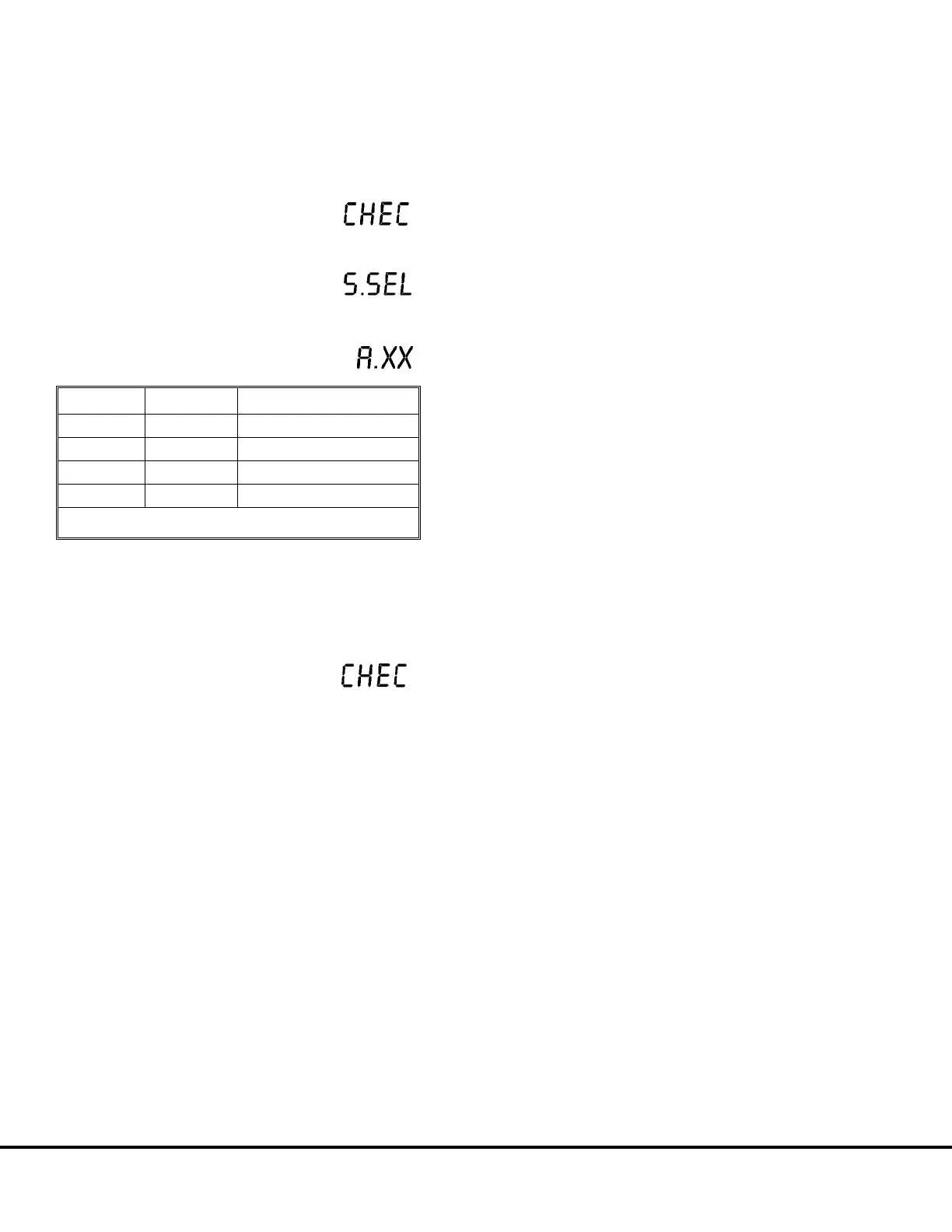
1. Press and hold the MODE and LIGHT/INC
switches until “CHEC” is displayed.
2. Press and hold the TOTAL/SFT and LIGHT/INC
switches until “S.SEL”
is displayed.
3. Press the CAL/CLR switch repeatedly
until “A.XX” is displayed, where
“XX” is one of the following:
“XX” Gear Ratio Remarks
00 31.875 Original
01 36.400 High Traction
02 28.125 Standard
03 26.625 High Speed
NOTE: The Payload Meter is originally set to “00".
4. Press the TOTAL/SFT switch and "XX" will flash.
5. Press theLIGHT/INC switch to select the desired
gear ratio.
6. Press the MODE switch
and "CHEC" will be displayed.
7. Press the MODE switch and the meter will return
to normal operation.
M20-24 Payload Meter II M20007 10/00



 To Next Page