DVR Settings
Selecting & Configuring Record Triggers
Flashback3 & Flashback HD User’s Guide
Page 102 L3 Mobile-Vision 6.23.2017
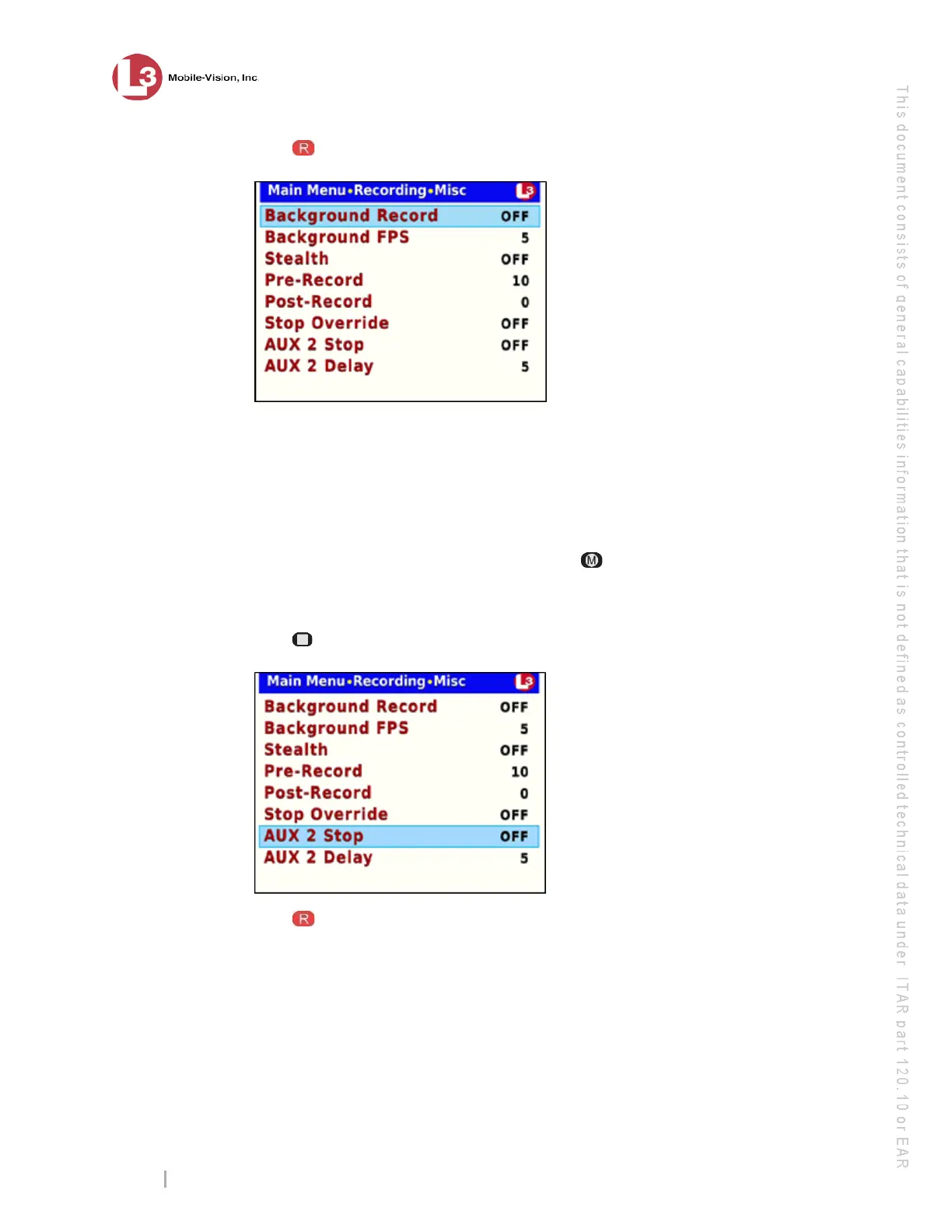
12 Press . The Misc screen displays.
13 If y
ou wish to turn off Aux 2 triggered recordings manually, proceed to the next step.
– OR –
If you wish to turn off Aux 2 triggered recordings automatically, skip to step 19.
14 E
xamine the value of the AUX 2 Stop field:
If the AUX 2 Stop field is set to OFF, press three times to save your changes
and exit this option. End of procedure.
If the AUX 2 Stop field is set to ON, proceed to the next step.
15 Press twice to advance to the AUX 2 Stop field.
16 P
ress to select the AUX 2 Stop field.



 To Next Page