DVR Settings
Viewing/Updating Firmware
Flashback3 & Flashback HD User’s Guide
Page 216 L3 Mobile-Vision 6.23.2017
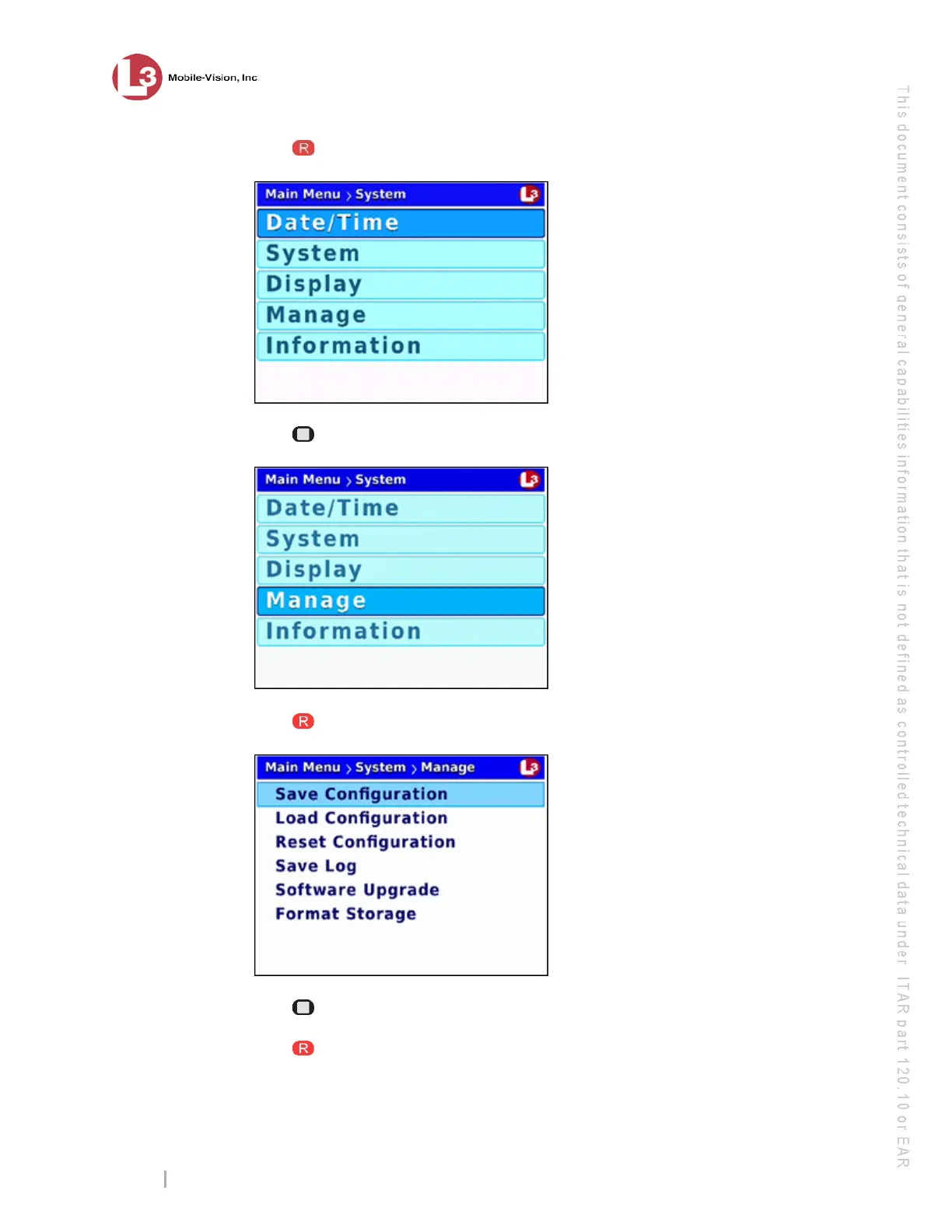
6 Press to select the System option. The System menu displays.
7 Press twice to advance to the Manage option.
8 Pr
ess to select the Manage option. The Manage screen displays.
9 Pr
ess twice to advance to the Software Upgrade option.
10 Press to select the Software Upgrade option. The system begins updating your
DVR. This process may take a minute or two. You will see the following status
message on your screen during the upload.



 To Next Page