DVR Settings
Viewing/Updating Firmware
Flashback3 & Flashback HD User’s Guide
L3 Mobile-Vision 6.23.2017 Page 217
On
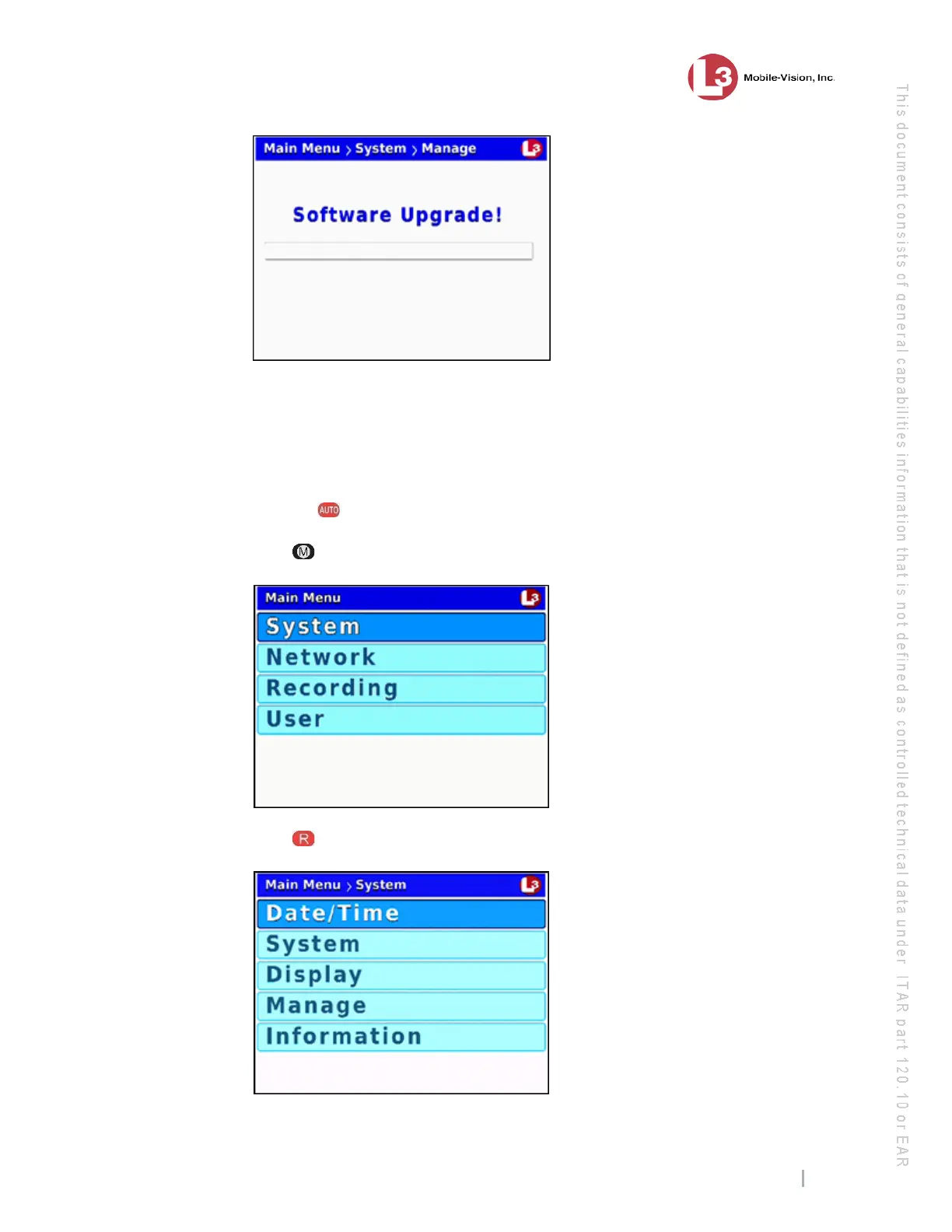
ce the process is complete, a confirmation message will display, then the DVR
will automatically reboot.
11 On
ce the reboot is complete and the USB drive has stopped blinking, you may
remove the USB drive from the DVR.
12 Pr
ess the button to turn Auto mode off.
13 Press . The Main Menu displays.
14 Press to select the System option. The System menu displays.



 To Next Page